Working with the EXFO Exchange Application
56 FIP-500
Establishing or Closing a Connection With a Smart Device Via the Bluetooth Technology
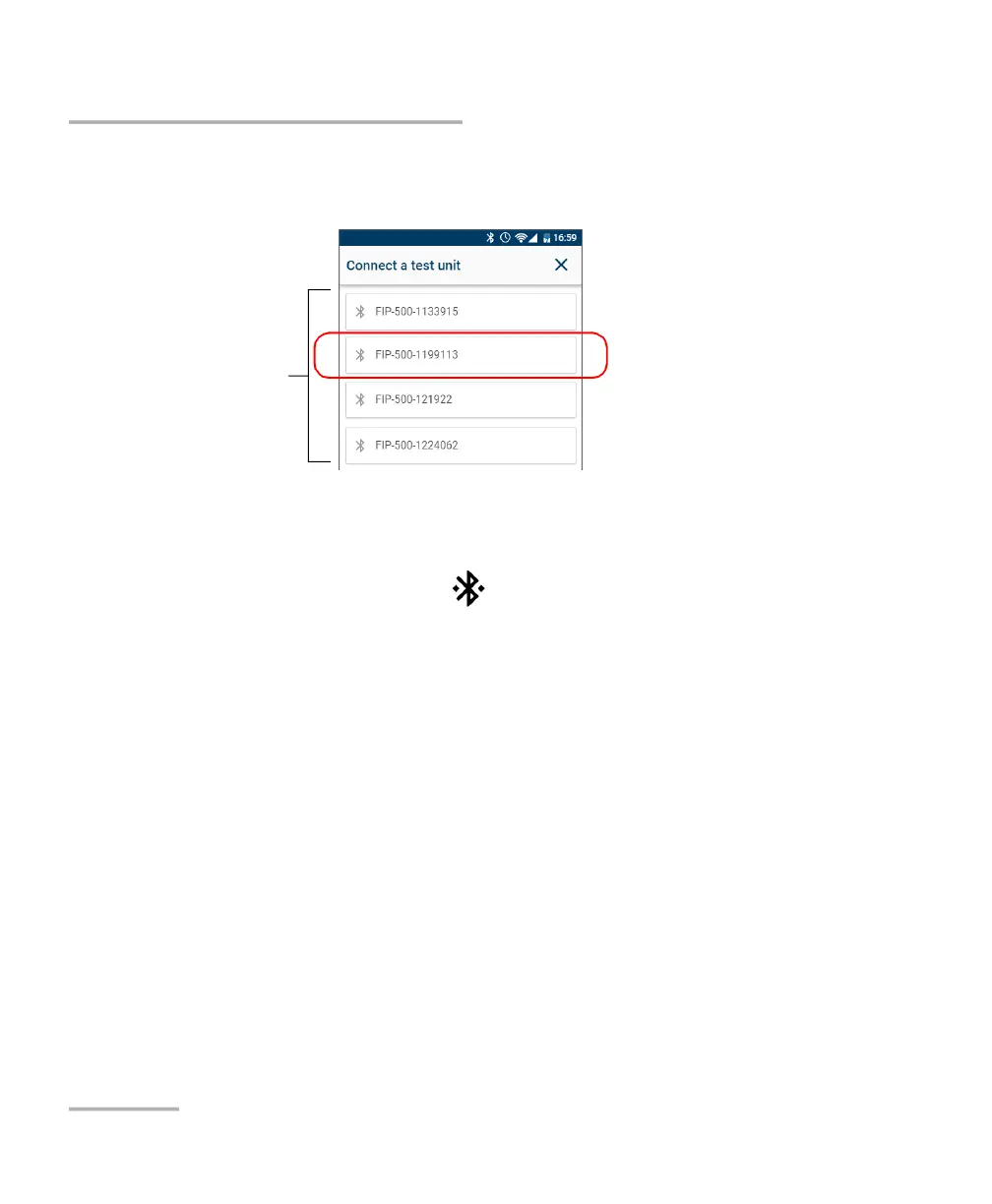
3c. From the list of FIP-500 units, tap the item corresponding to the
desired unit.
4. On your FIP-500 unit, when you are prompted, tap ACCEPT to authorize
the pairing with the smart phone
The application establishes the communication automatically. When the
connection is successful, the icon remains displayed in the title bar of
your FIP-500 unit. The unit (identified with its serial number) is added to
the list of test units in EXFO Exchange.
Note: If the FIP-500 unit that you want to use is already connected to another
smart device, you must first close the connection between the FIP-500 unit
and the other smart device before being able to see it on the list of the
nearby FIP-500 units.
Serial numbers of the
nearby FIP-500 units



 To Next Page