Working with the EXFO Exchange Application
Fiber Inspection Scope 57
Establishing or Closing a Connection With a Smart Device Via the Bluetooth Technology
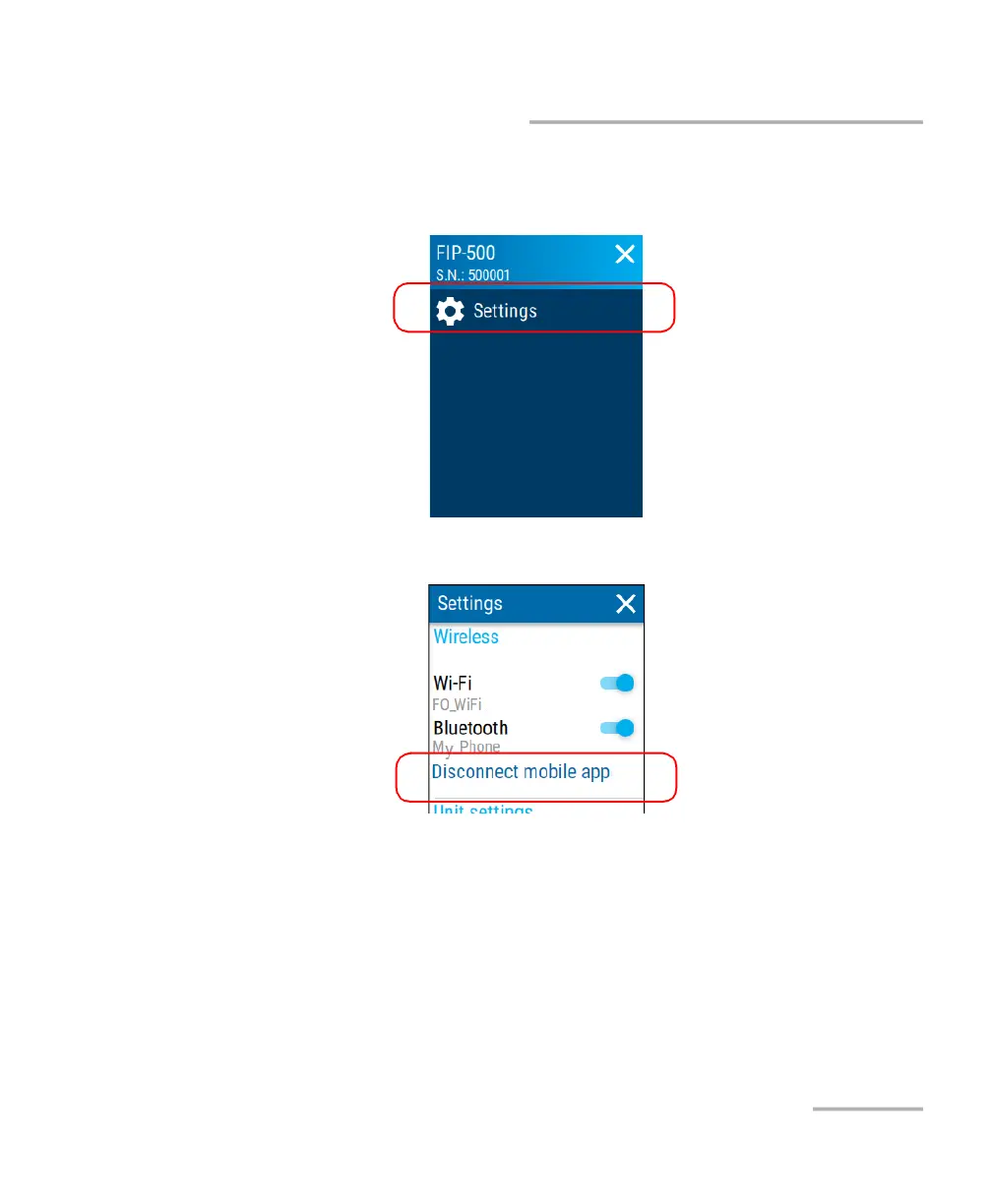
To close the connection with a smart device from your unit:
1. From the main menu, tap Settings.
2. From the Wireless section, tap Disconnect mobile app.
3. When the application prompts you, confirm the disconnection by
tapping YES.
Note: A new pairing will be required the next time you want to work with the
disconnected smart device.



 To Next Page