Working with the EXFO Exchange Application
58 FIP-500
Establishing or Closing a Connection With a Smart Device Via the Bluetooth Technology
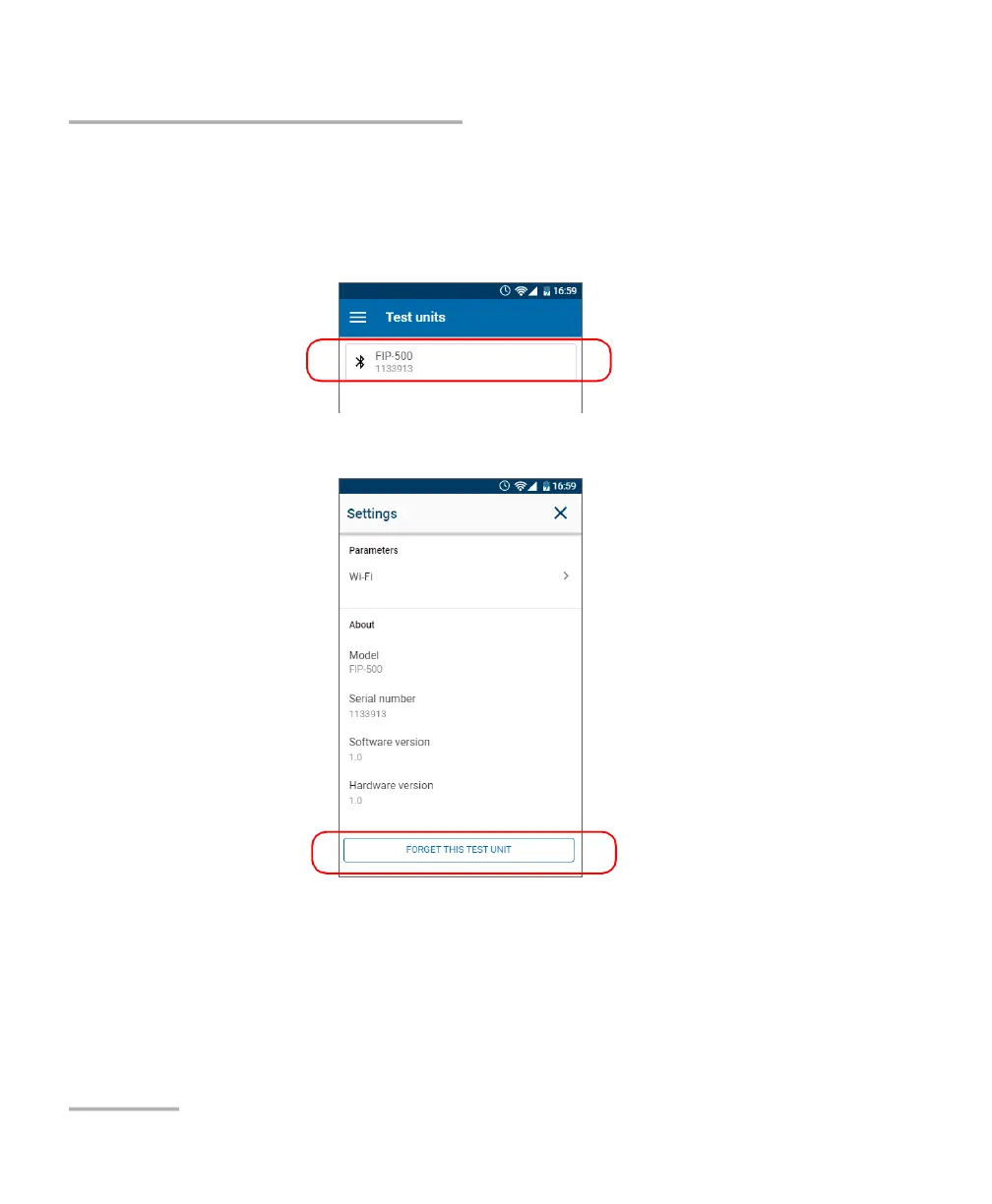
To close the connection with (release) an FIP-500 from a smart
device:
1. From the Test units screen, tap the line corresponding to your FIP-500
unit.
2. Tap FORGET THIS TEST UNIT.
The smart device is no longer connected to the FIP-500 and you are ready
to connect it to another unit.



 To Next Page