Setting up Your Unit
36 FIP-500
Configuring the Sleep Mode
Configuring the Sleep Mode
To help you get the optimum performance out of your unit, it comes with a
predefined set of parameters to manage power.
When you do not use your unit for a while, it will go into sleep mode
automatically to save power (see Turning off Your Unit on page 18).
By default, the duration after which the unit goes into sleep mode is fifteen
minutes, but you can select another value.
The value that you set is kept in memory even when you turn the unit off.
To configure the duration after which the unit enters sleep mode:
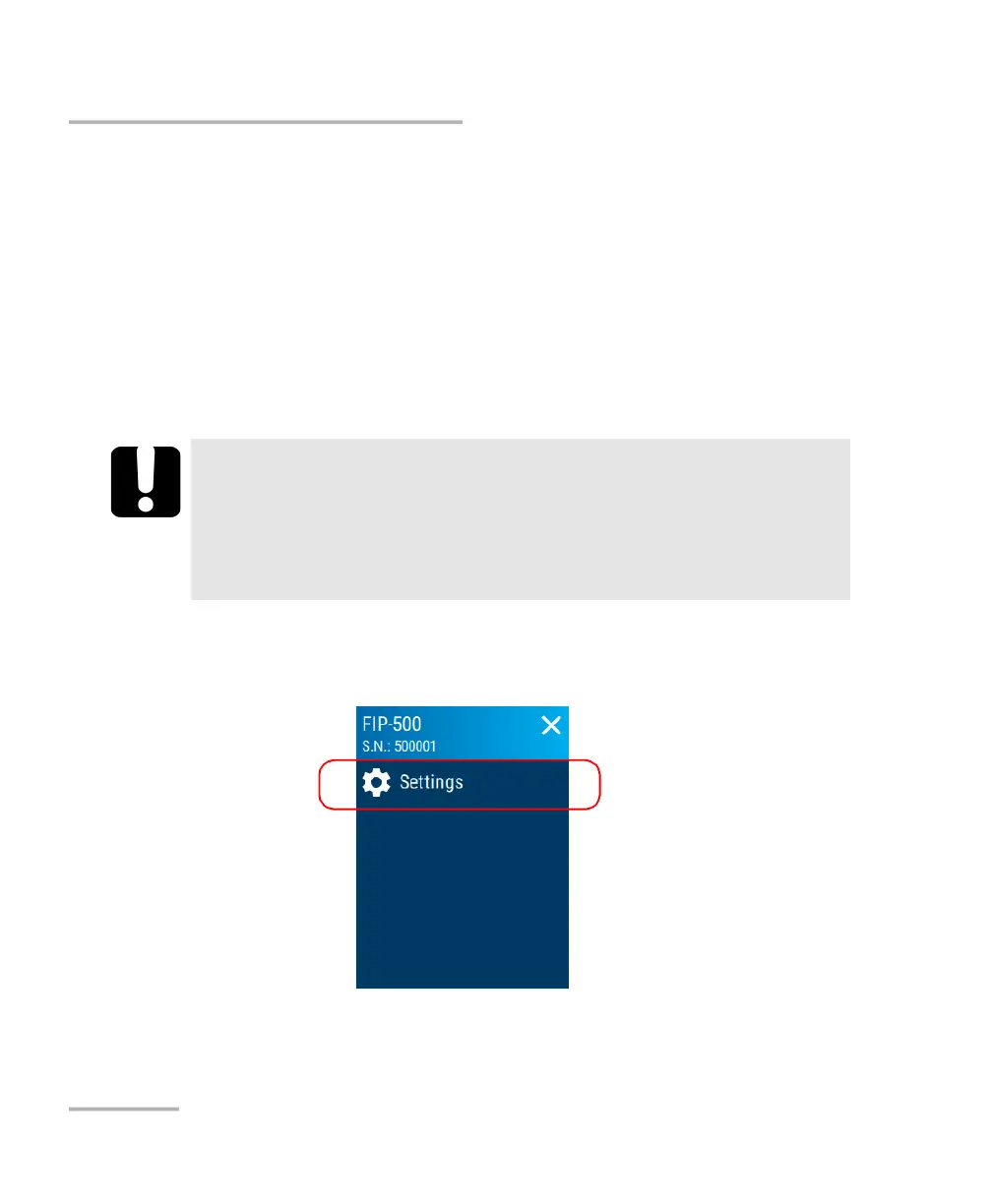
1. From the main menu, tap Settings.
2. Scroll down to the Unit settings section.
IMPORTANT
If you intend to leave your unit in sleep mode for one day or
more, you should turn it off (shutdown) to save battery power.
The unit will not enter sleep mode while you use the unit or
perform captures.



 To Next Page