Setting up Your Unit
Fiber Inspection Scope 39
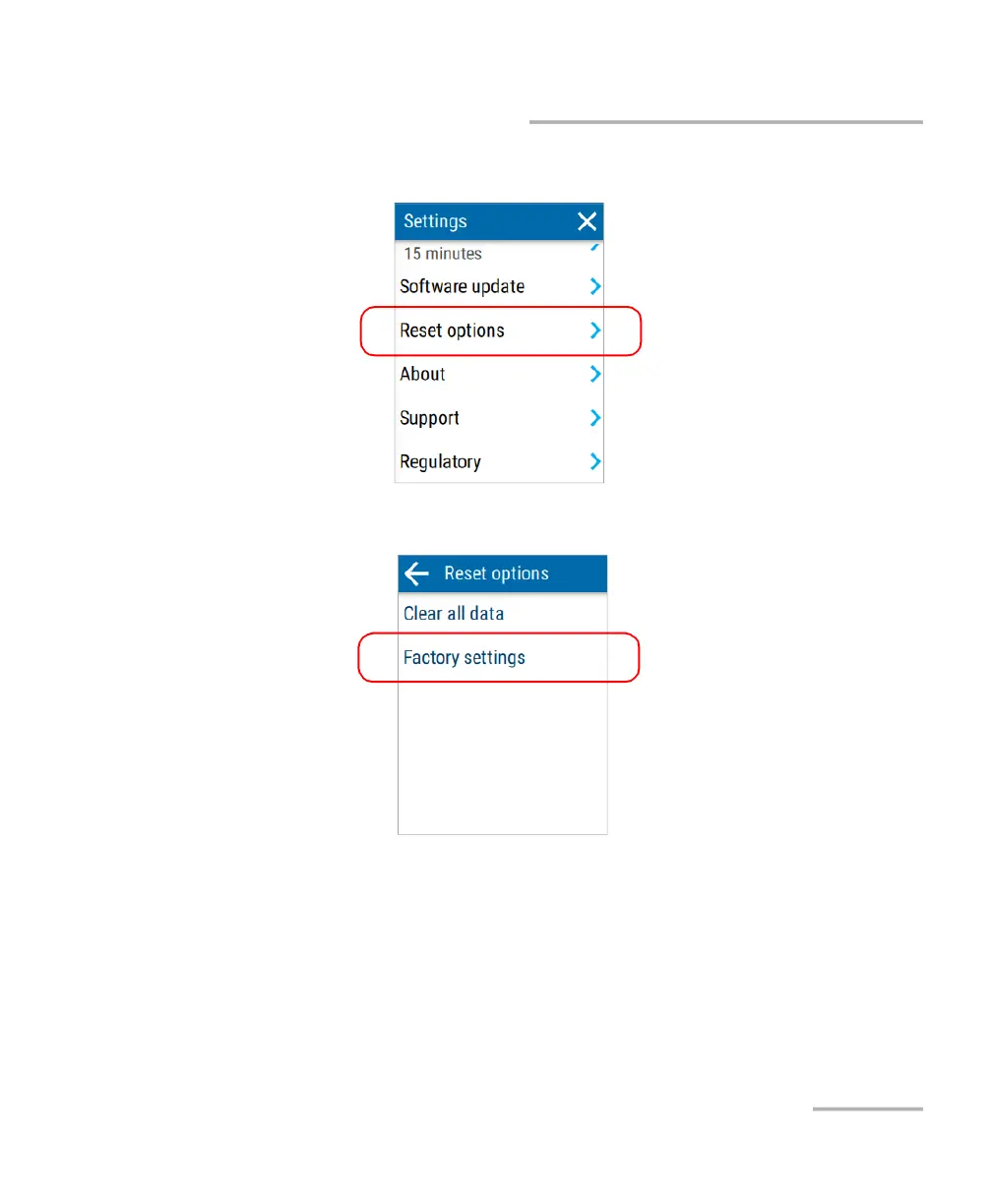
Reverting to Factory Settings
3. Tap Reset options.
4. Tap Factory settings.
5. Tap RESET to confirm your choice and start the operation.
When the operation is complete, the unit will restart.
6. Configure the date and time, and accept the license agreement as you
did when you first received your unit (see Configuring Your Unit at First
Startup on page 19).



 To Next Page