Introducing the FIP-500 Fiber Inspection Scope
2 FIP-500
Main Features
CAUTION
The optical head of your unit contains precision components. To
ensure optimum protection when you do not use the unit or during
transportation, cover the optical head with the provided protective
cap.
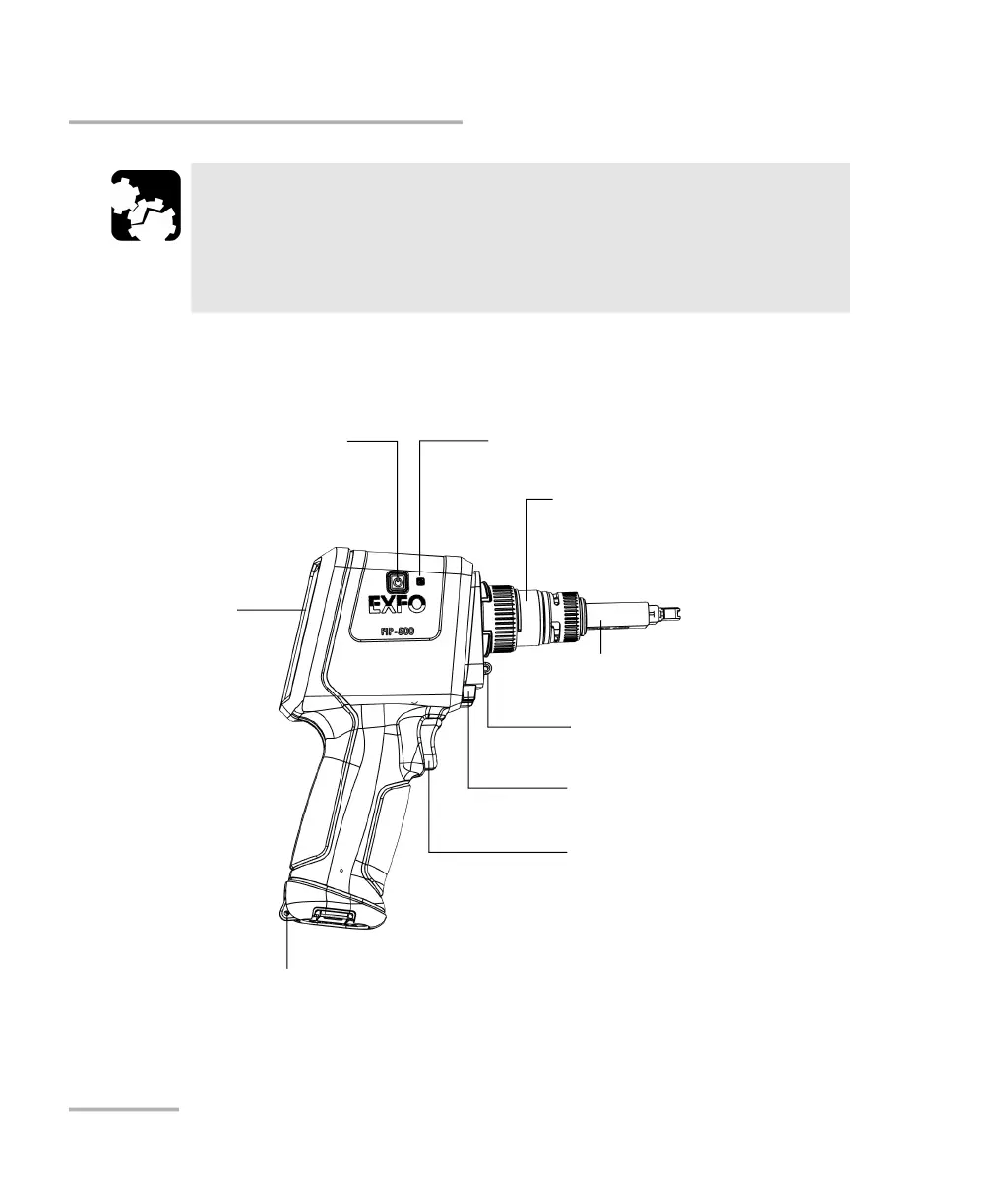
Side view
Power (on/off) button
Eyelet for protective cap
Dual-function LED
(inspection status/flashlight)
Touchscreen
Trigger for captures
Eyelet for hand strap
Optical head
SmarTip (inspection tip)
Battery LED



 To Next Page