Getting Started with Your Unit
Fiber Inspection Scope 29
Changing Your Unit’s Optical Head
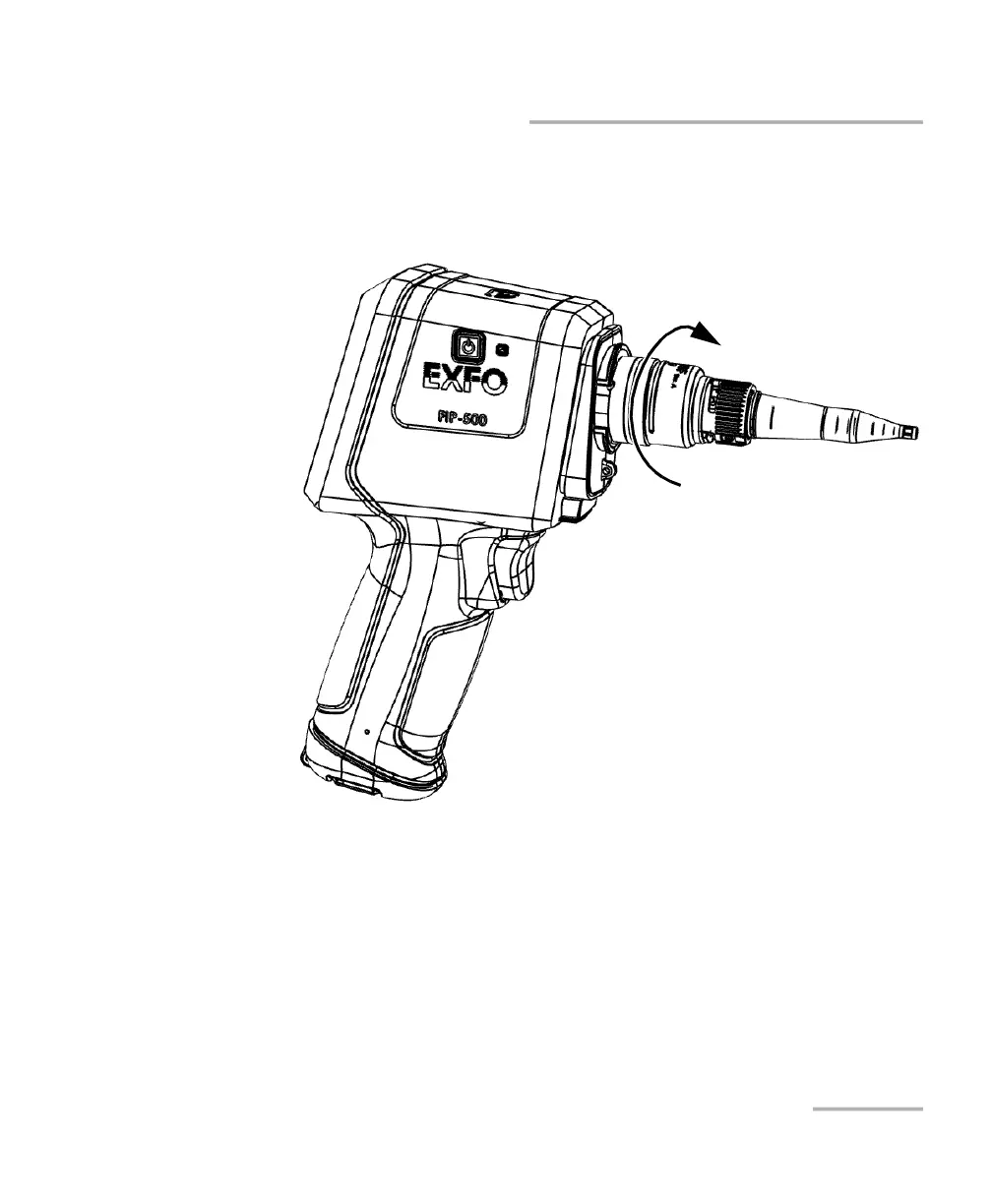
4. Slightly turn the optical head retaining nut clockwise to secure it in
place (the pins on the unit will be aligned with the narrowest part of
the anchoring slots on the optical head).
5. Configure the settings as required according to the type of optical head
and SmarTip that you have installed (see Selecting the Connector and
Interface Types on page 41 and Selecting the Fiber Type on page 44).
Your unit is now ready to use.



 To Next Page