Inspecting Fiber Ends
42 FIP-500
Selecting the Connector and Interface Types
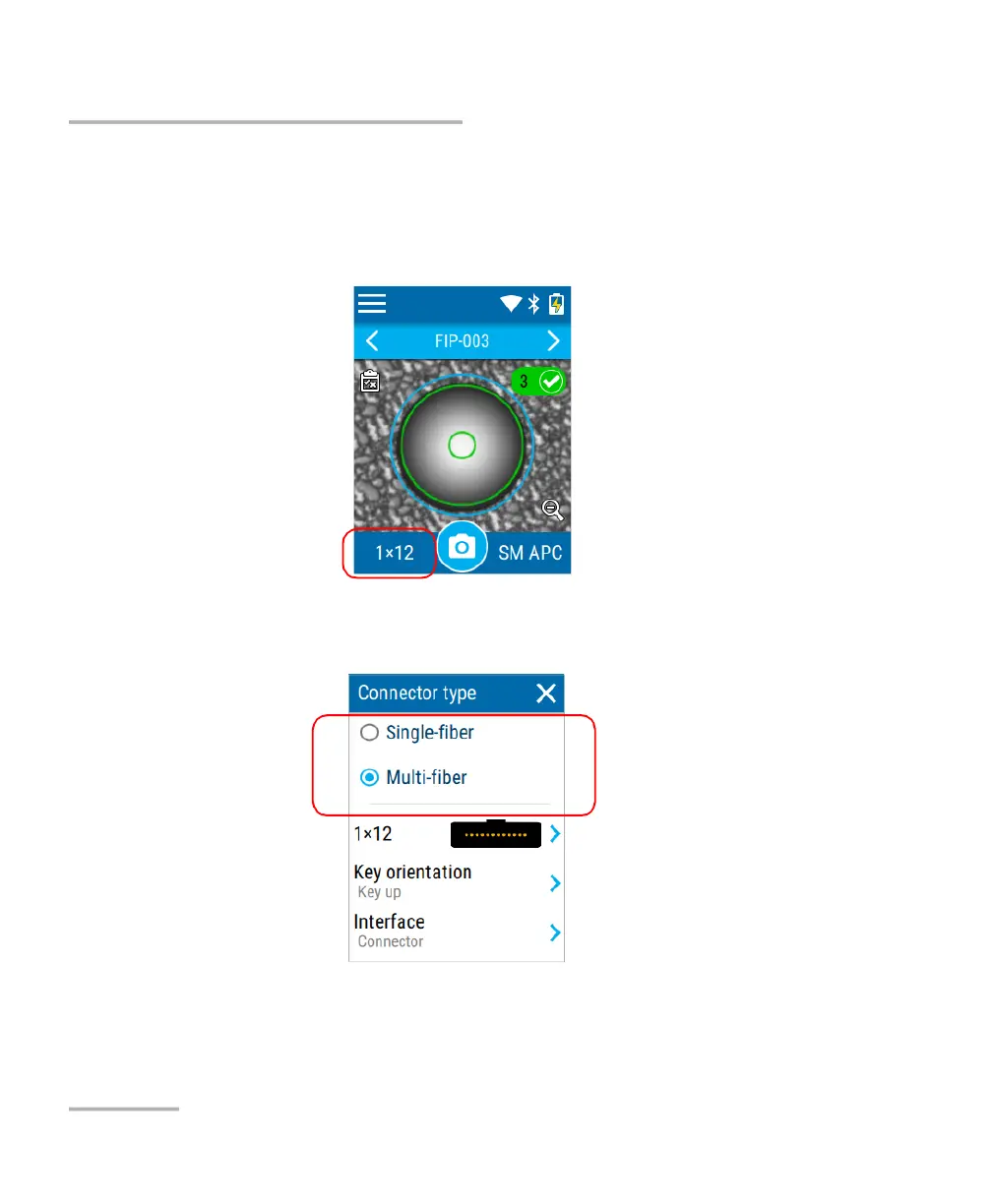
To select the connector and interface types:
1. From the inspection screen, tap SF (single-fiber connector type
currently selected) or the numbers corresponding to the fiber layout
(multi-fiber type selected).
2. In the Connector type screen, select the type of connector you want to
use.
Multi-fiber connector
type currently selected



 To Next Page