Working with the EXFO Exchange Application
Fiber Inspection Scope 63
Working With a Wireless Network
Note: To save battery power, you may wish to disable the wireless
communication when you do not use it.
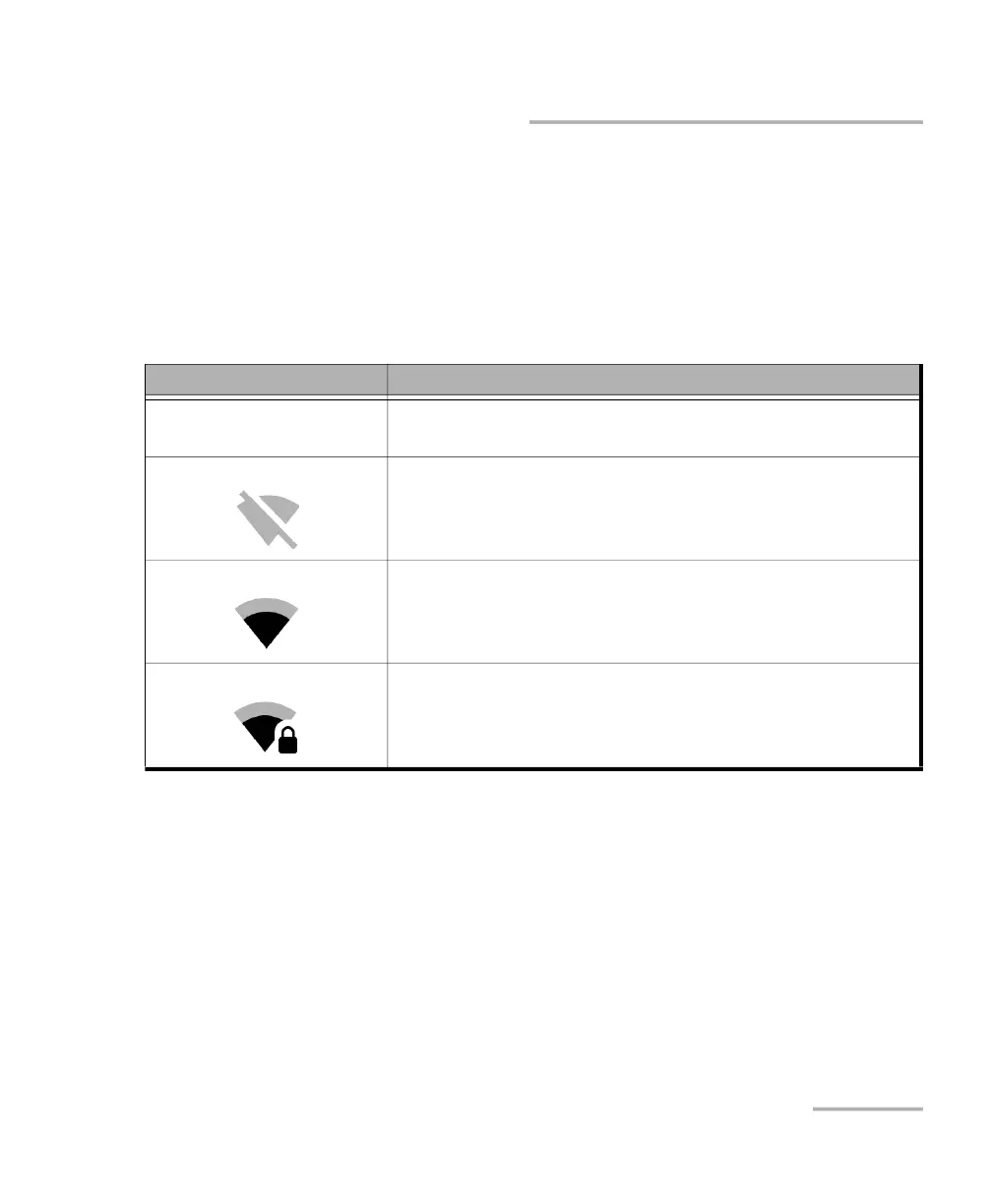
The information about the Wi-Fi connection is indicated with an icon
appearing both in the title bar (on your unit) and next to the name of the
wireless networks (in the EXFO Exchange application). The table below
shows the possibilities.
Icon Meaning
No Wi-Fi icon visible in the
title bar
The Wi-Fi communication is disabled.
The Wi-Fi communication is enabled, but the unit is not
connected to any wireless network.
The portion of the icon that appears in white (title bar) or in
dark gray (list of wireless networks) reflects the strength of
the signal.
Password-protected (secured) networks are identified by a
lock in the list of wireless networks (EXFO Exchange).



 To Next Page