Setting Up Your Unit
MAX-700 213
Configuring Network Printers
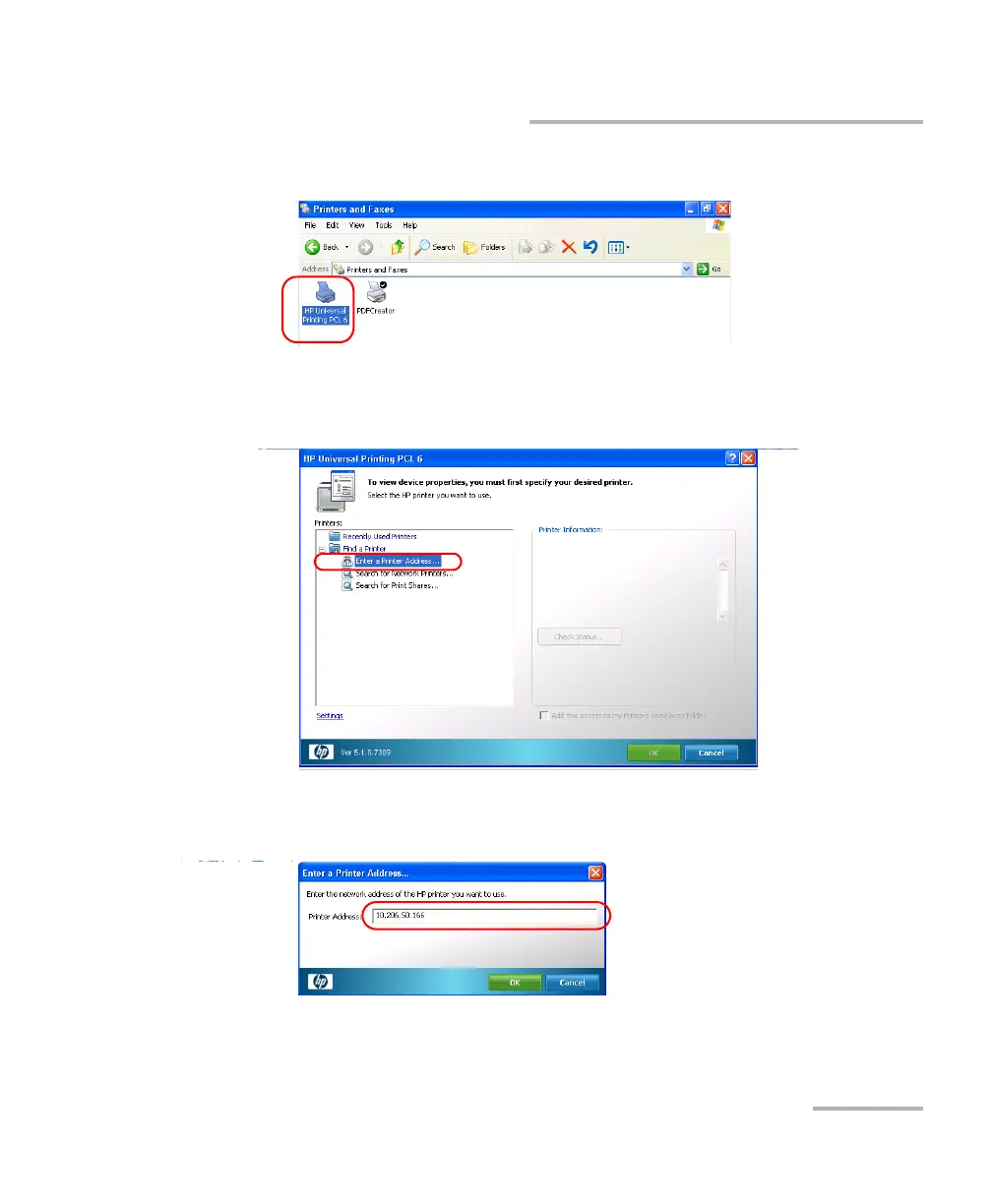
3. Select the HP Universal Printing PCL 6 item.
4. From the menu, select File > Printing Preferences.
5. Under Find a Printer, select Enter a Printer Address.
6. Enter the IP address of the printer that you want to configure, and then
tap OK.



 To Next Page