Setting Up Your Unit
214 MAX-700
Configuring Network Printers
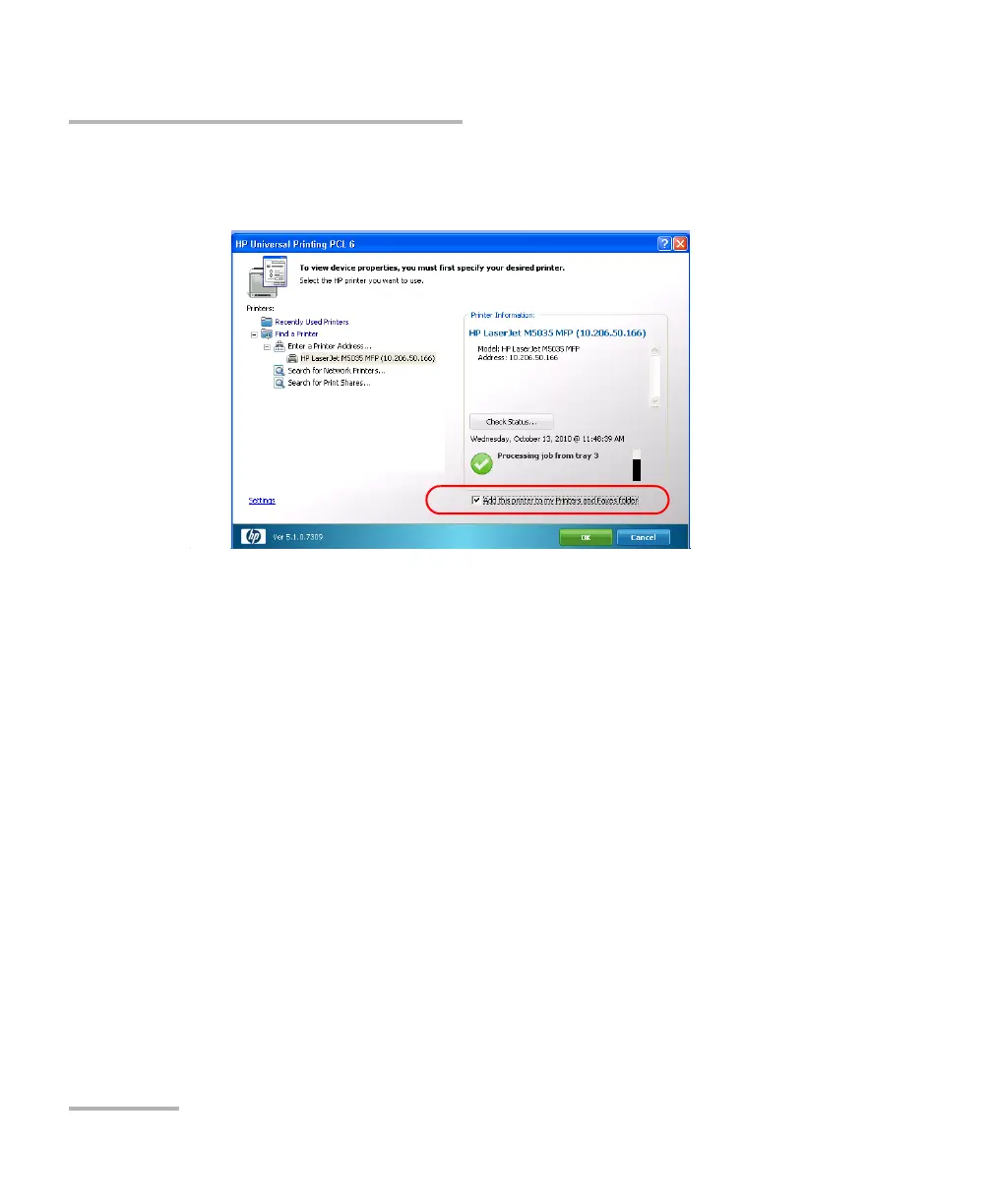
7. Select the Add this printer to my Printers and Faxes folder check
box.
8. Tap OK to confirm. The operation can take several minutes to
complete.
9. When the application prompts you, click OK to acknowledge the
message.
10. If desired, modify the printer preferences to your liking. You can save
the whole set of preferences for future use with the Save As button.
11. Close the Printing Preferences window, and then close the Printers
and Faxes window to return to the MAX-700 software window.
The printer is now ready to use.



 To Next Page