Setting Up Your Unit
222 MAX-700
Setting Date and Time Formats
To set date and time formats:
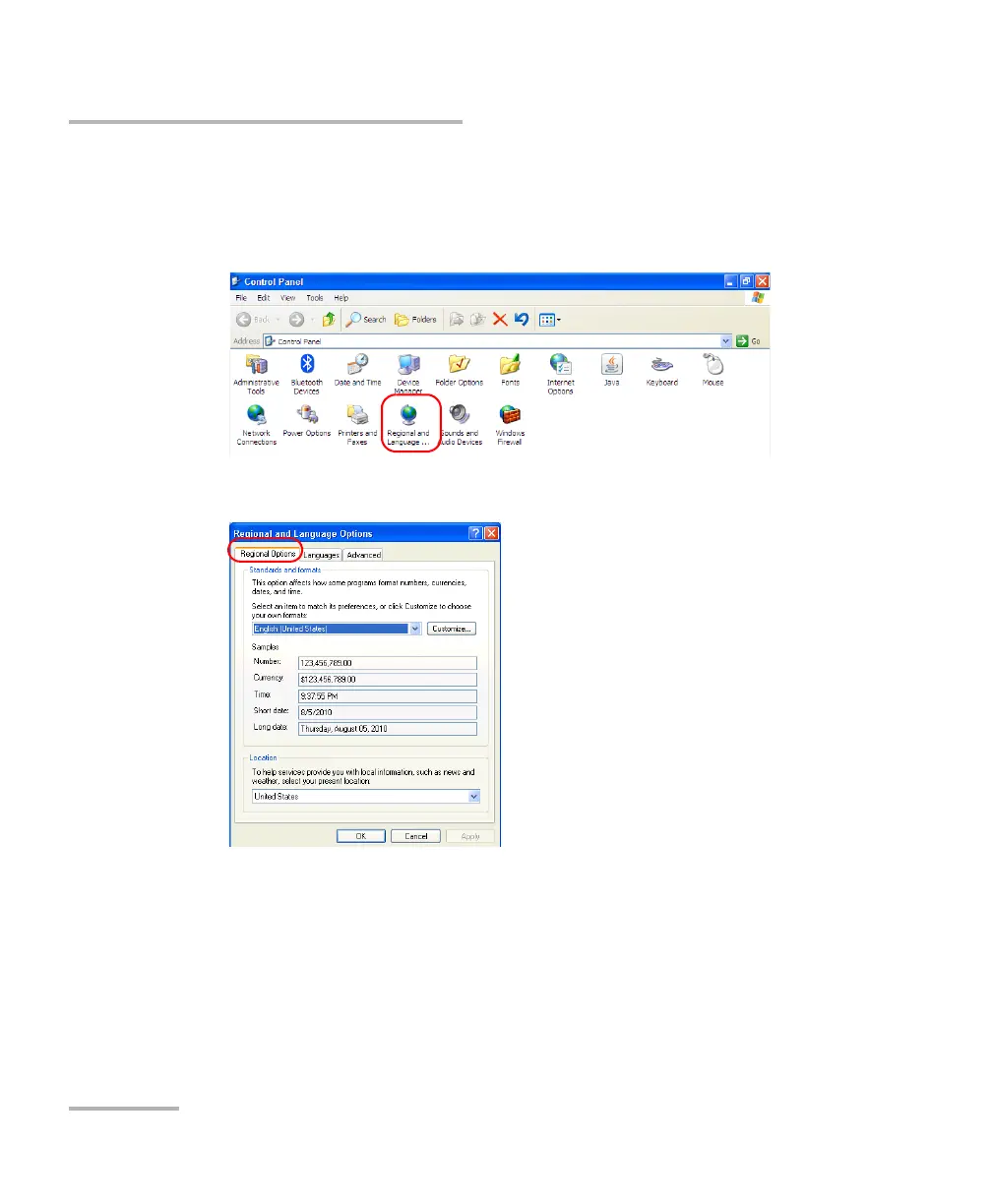
1. From the Main Menu, tap Setup.
2. Double-tap Regional and Language Options.
3. Select the Regional Options tab.
4. Under Standards and formats, select the desired language. This will
determine the date formats available for the time as well as the short
and long dates.



 To Next Page