Setting Up Your Unit
MAX-700 223
Setting Date and Time Formats
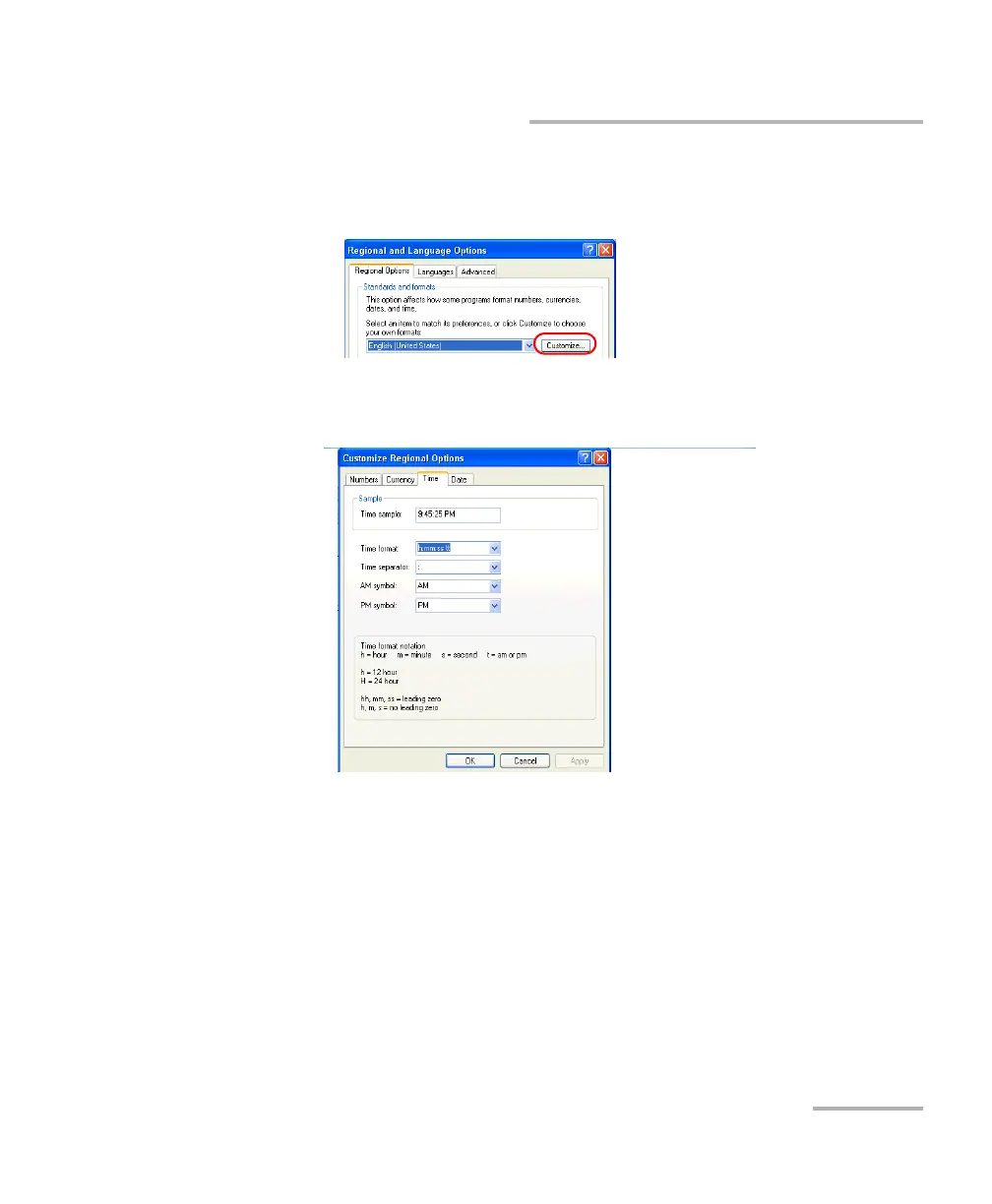
5. If necessary, refine the settings as follows:
5a. Tap Customize to display the detailed settings.
5b. Select either the Time or Date tab, depending on the settings that
you want to modify.
6. Modify the settings.
7. Tap Apply to confirm the changes, and then OK to return to the
Control Panel window.



 To Next Page