Working with Your Unit
234 MAX-700
Printing Documents
To print documents:
1. Open a Web browser as follows:
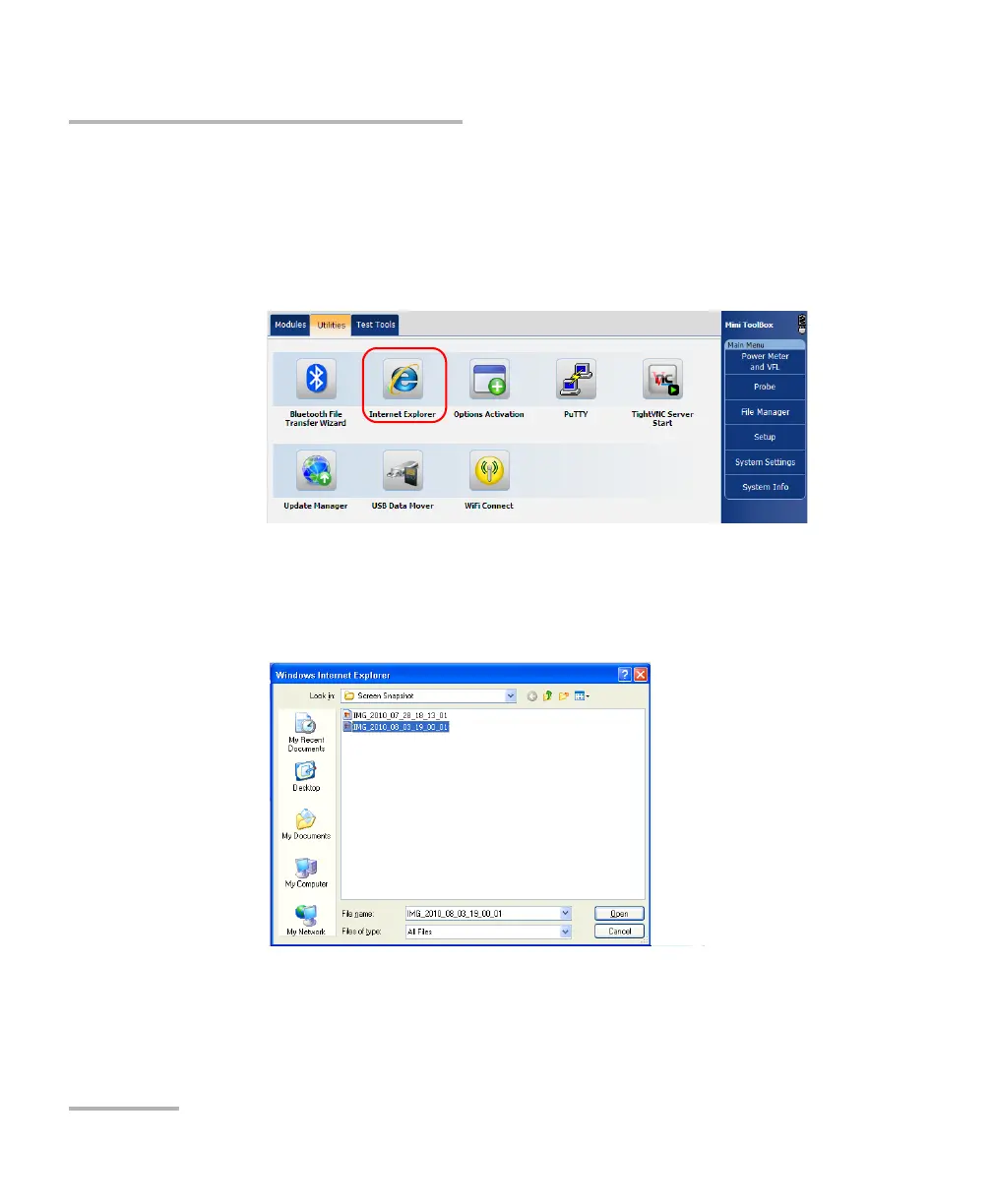
1a. From the MAX-700 software, select the Utilities tab.
1b. Tap the Internet Explorer icon to open the browser.
2. Select the document that you want to print as follows:
2a. From the menu, select File > Open.
2b. Tap Browse to locate the file that you want to open.
2c. Tap Open to load the file in Internet Explorer.
2d. Tap OK to confirm.
3. From the menu, select File > Print.



 To Next Page