Working with Your Unit
MAX-700 243
Setting Storage Parameters for Screen Captures
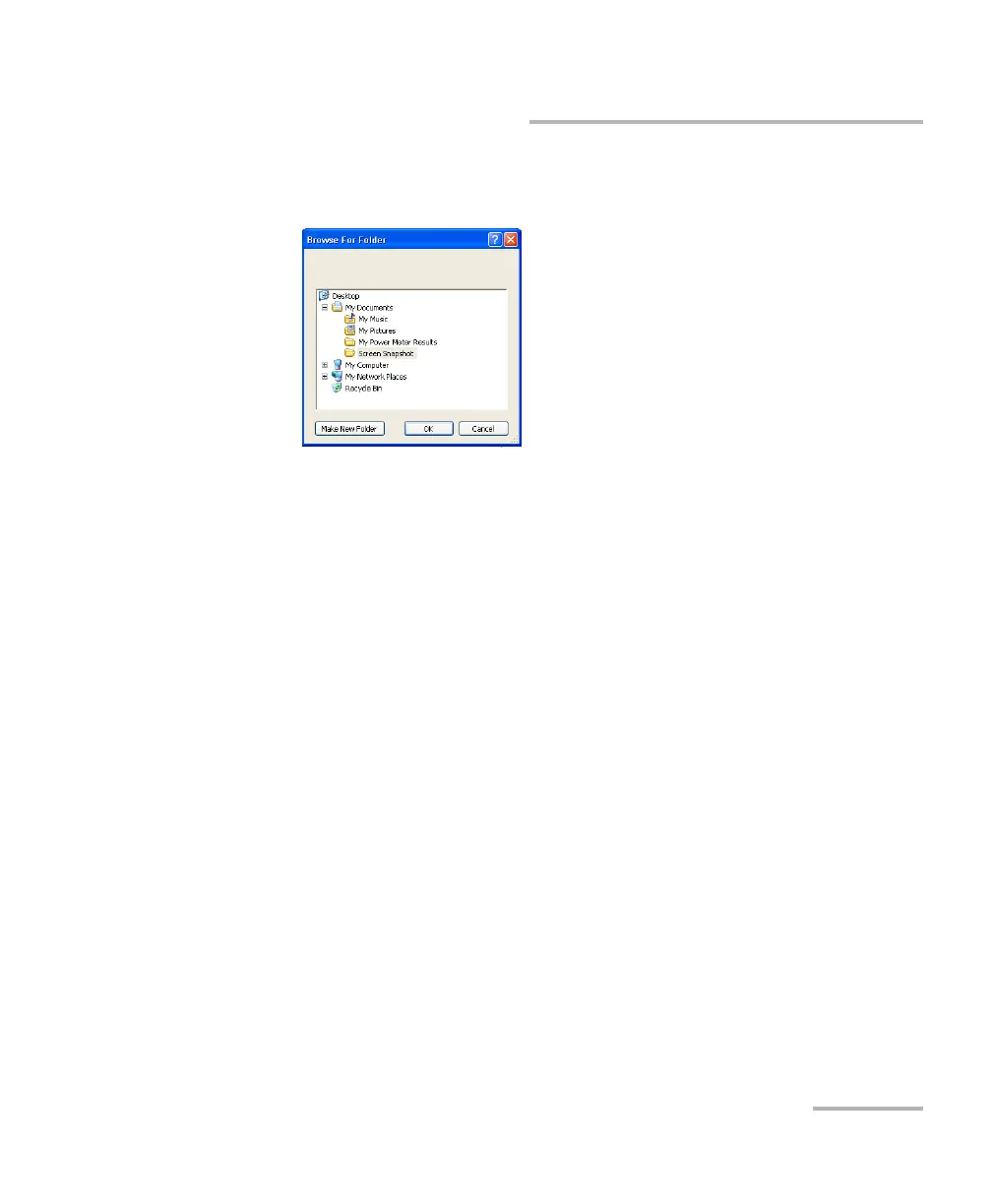
5. From the Browse for Folder window, select the folder that you want to
use to store the screen captures. If necessary, you can create a folder.
6. When your selection is made, tap OK.
7. Tap OK to confirm the changes and close the window.



 To Next Page