Preparing Your MAX-700 for a Test
46 MAX-700
Naming Trace Files Automatically
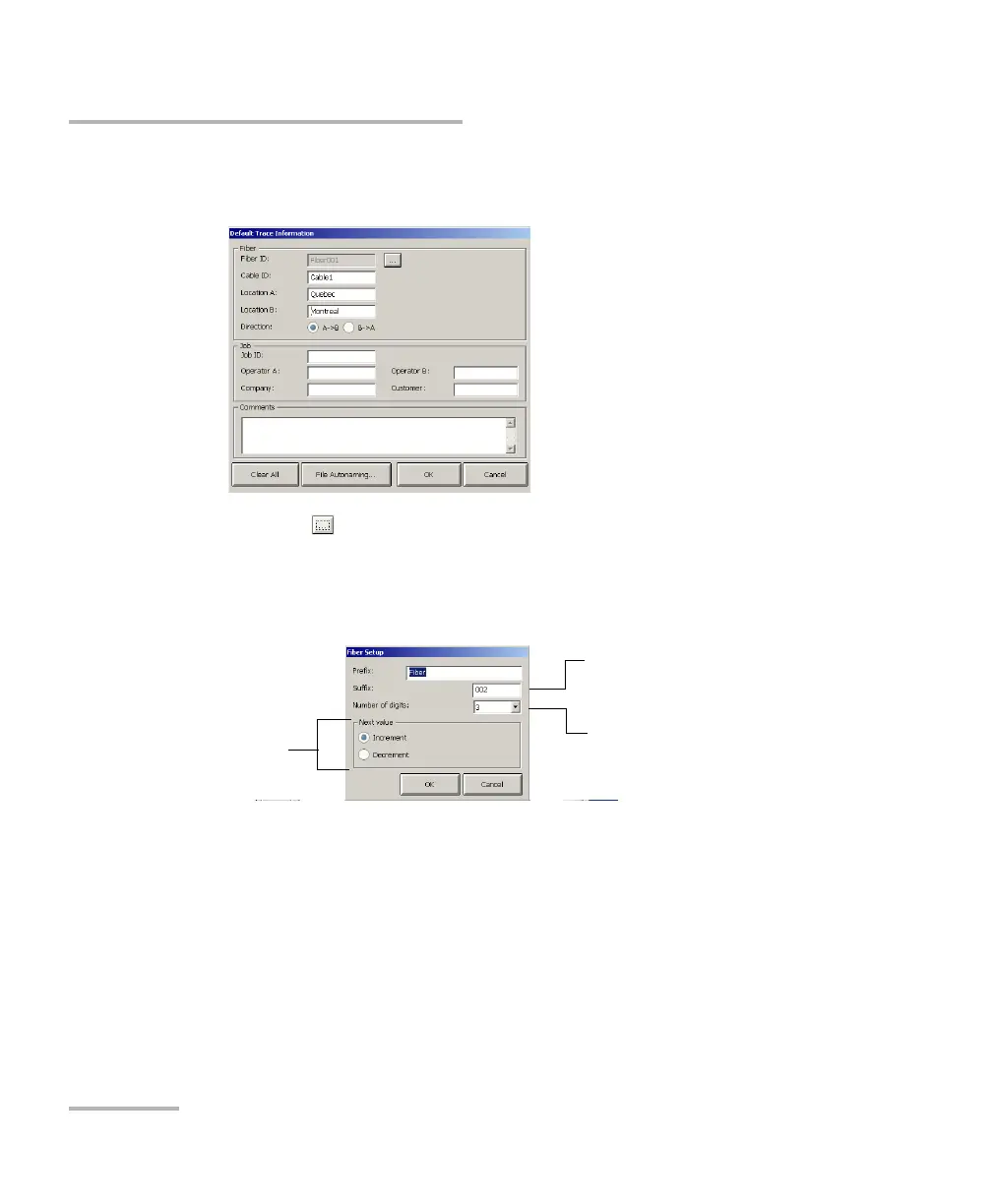
4. Fill out the required information in the corresponding boxes and select
the direction for your trace files.
5. Press the button appearing next to the Fiber ID box to change the
contents of the fiber identification.
6. Change the criteria as needed, then press OK to confirm your new
settings and return to the Default Trace Information window.
Number of digits
composing the
variable part
Value at which the
autonumbering
sequence starts
The variable part will
increase or decrease
depending on your
choice



 To Next Page