Testing Fibers in Advanced Mode
58 MAX-700
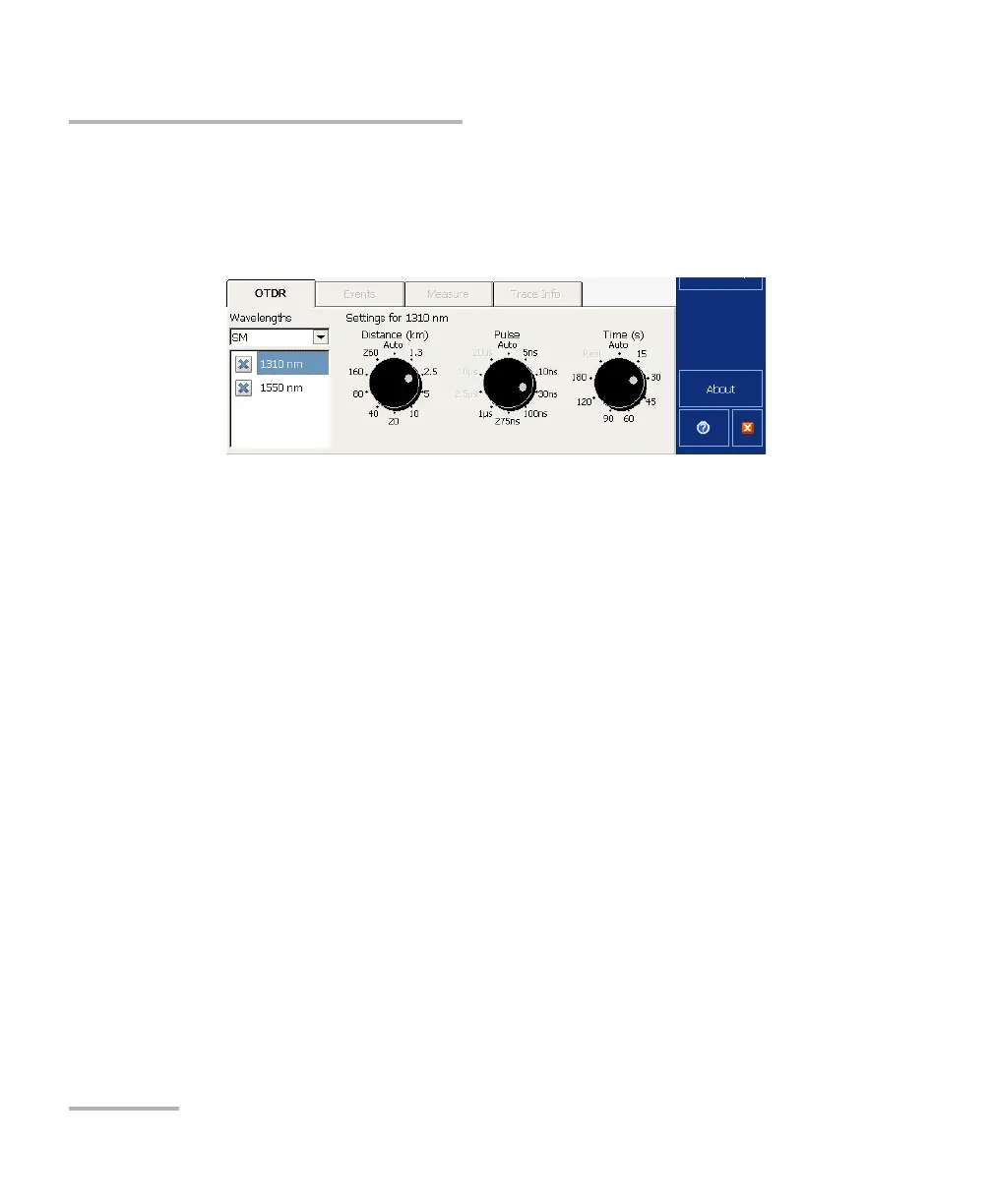
7. If your OTDR supports singlemode, singlemode live, or multimode
wavelengths, under Wavelengths, from the list, select the desired fiber
type (for live-fiber testing, select SM Live; for C fiber, select 50 μm and
for D fiber, select 62.5 μm).
8. Select the boxes corresponding to the desired test wavelengths. You
must select at least one wavelength.
9. Select the desired distance, pulse, and time values. For more
information, see Setting Distance Range, Pulse Width, and Acquisition
Time on page 63.
10. Press Start. If the first connector check feature is enabled, a message
will appear if there is a problem with the injection level (see Enabling
or Disabling the First Connector Check on page 48).
You can modify the acquisition parameters as needed, while the
acquisition is in progress. The OTDR simply restarts the averaging each
time a modification is made.



 To Next Page