Section 901 Pilot’s Operating Handbook
Avidyne IFDs and CDU EXTRA 500
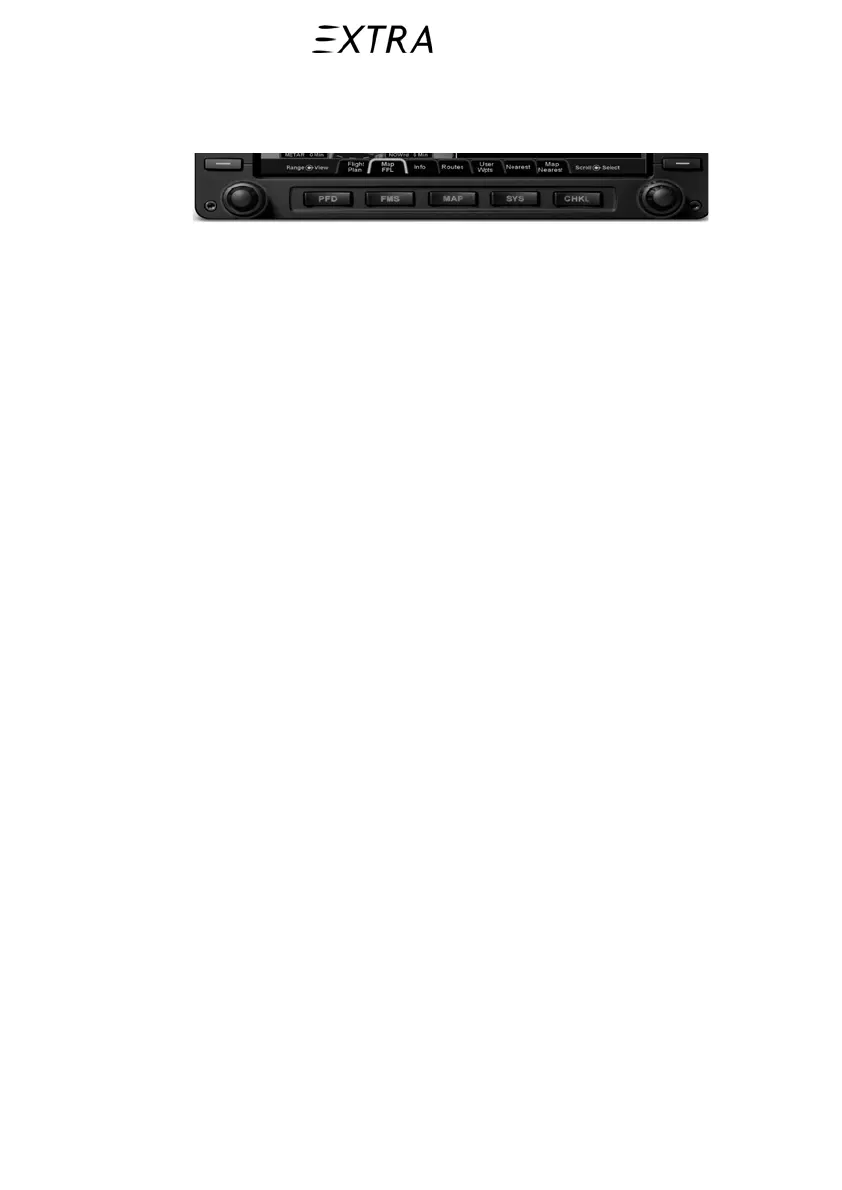
left or right on each key. Press and hold one side of the function
key to quickly step through the tabs.
Figure 901-3
Page Function Keys and Tabs
901.7.c Line Select Keys
“Line Select Keys”, typically abbreviated to “LSK” in this
manual are the buttons found along the left and right edges of
the bezel. A label, just inside the bezel – adjacent to the
physical LSK, indicates the function of the LSK. Each
functional LSK is backlit. These LSKs function by rocking left
or right on the key. For cases where there is a list of selectable
options, browse the list in either direction by pressing the left or
right side of the LSK.
901.7.d Page Formats
There are four display formats used throughout the system. The
four display formats are:
Half format – the PFD attitude indicator, airspeed, altimeter
and vertical speed indicators are always on the top half of the
page. The bottom half of the page is dependent on what Page
Function Key and tab are selected. Whenever the bottom half of
the page is not a traditional HSI, the lower edge of the ADI has
a perspective compass and Horizontal Deviation Indicator
(HDI).
901-10 26. January 2011



 To Next Page