FARO Gage
May 2011
58
Chapter 7: Configuring the FARO Gage in CAM2 Gage
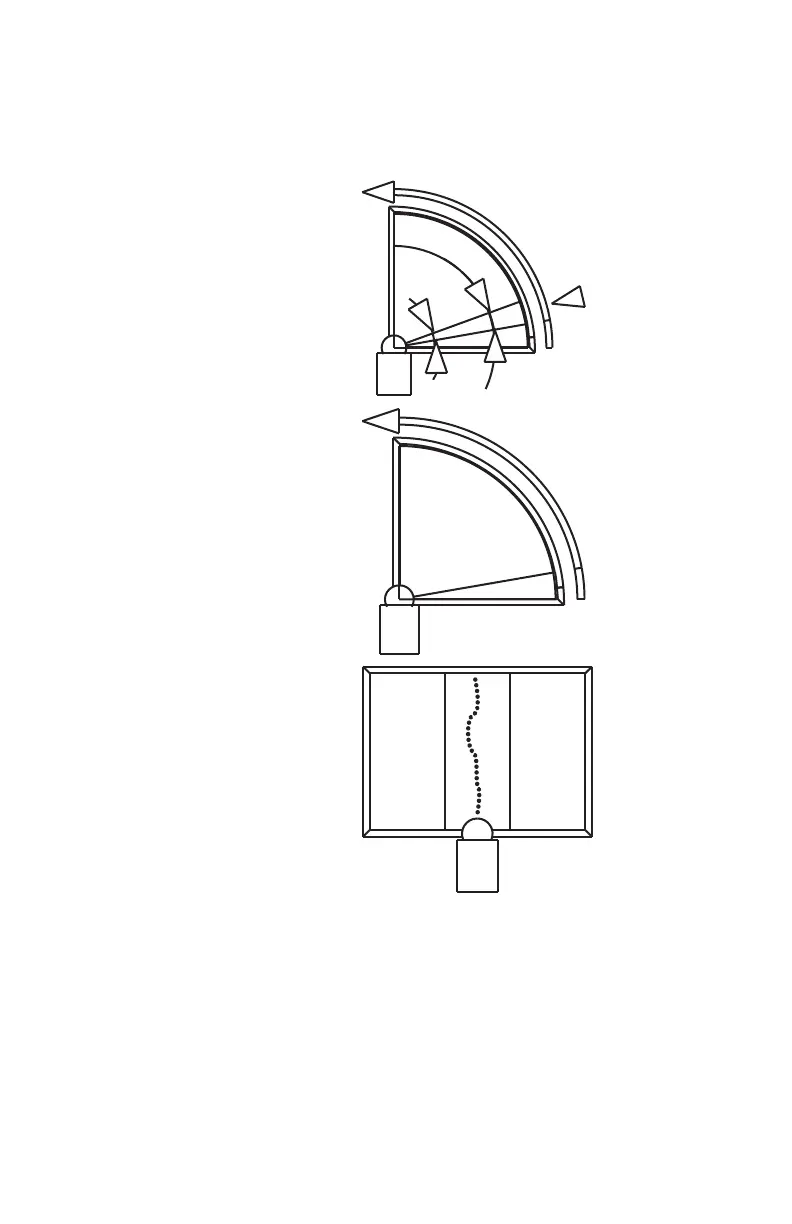
FRONT button. Digitize at least 200 points in each of the three different
positions.
1 Place the ball probe in the
cone.
2 Seat the probe in the cone,
move the handle down until
the shaft of the probe is
parallel with the top of the
cone.
• Look at the dialog box and
move the handle until you
reach the starting position.
3 Press and hold the FRONT
button. Sweep the handle up
to the vertical position,
making sure to move in a
straight line. Be sure that the
ball probe remains seated in
the hole.
• Release the FRONT
button to pause.
08M47E00_FAROGage.book Page 58 Wednesday, June 8, 2011 4:12 PM



 To Next Page