Page 31 of 91
PART 6
LOOP PROGRAMMING
6.1 LOOP STARTING
6.1.1 Main menu
The starting procedure of each loop must be executed only once.
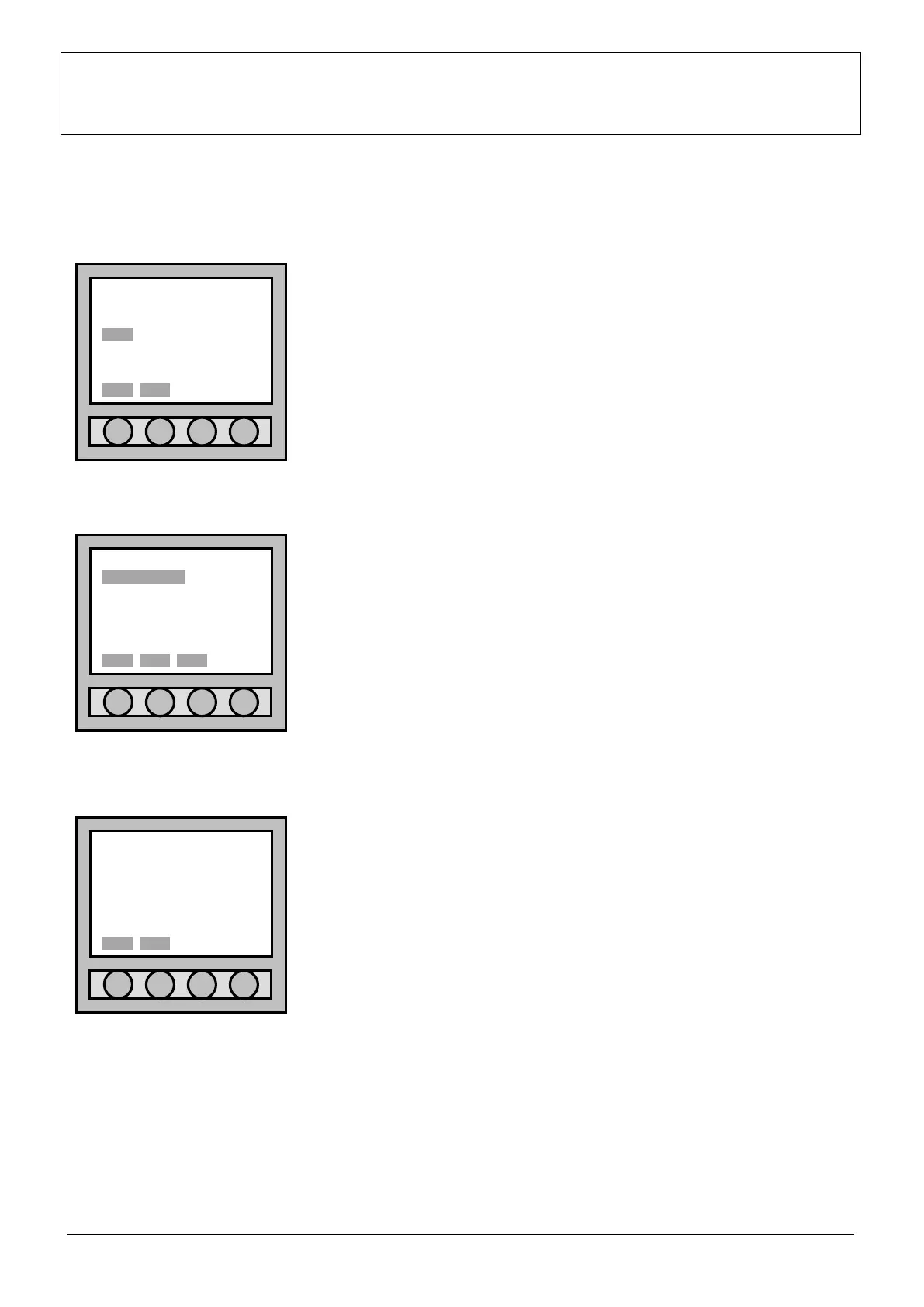
Enter “Main menu” and select “LOOP” using the four arrows placed low on
the display.
Confirm the made selection to pass to the “Loop menu” with “Sel.”.
6.1.2 Loop menu
Once it has been entered the “Loop menu”, there is only item:
“o.o.s/reset” (out of service/resetting).
For the first loop starting and every time that it is necessary the loop restart,
“o.o.s/reset” must be selected.
6.1.3 Loop start/restore (loop selection)
When it is necessary to start or reset loop, to enter the menu “
start/restore” it is necessary to select “o.k./reset” from the menu.
It is now possible to select loop to start or reset, selecting: “SELECT LOOP”,
or it is possible to start or reset all the available loops of the control panel
selecting “SELECT ALL LOOP”. Confirm the executed selection with “Sel.”.
If the user wants to return to the previous menu, select “Canc”.
Main menu
POINT SETTING
ZONE CONNECTION
LOOP ACC. LEVEL
OUTPUT DIAGNOSTIC
EVENT 3b option
ACCESS LEVEL: 1
Sel. Esc.
Loop menu
o.o.s/reset
ACCESS LEVEL: 1
Loop start/restore
•SELECT LOOP
SELECT ALL LOOPS
Sel. Canc



 To Next Page