Page 56 of 91
10.7PASSWORD
Modification of the access password at various operational levels of the control panel.
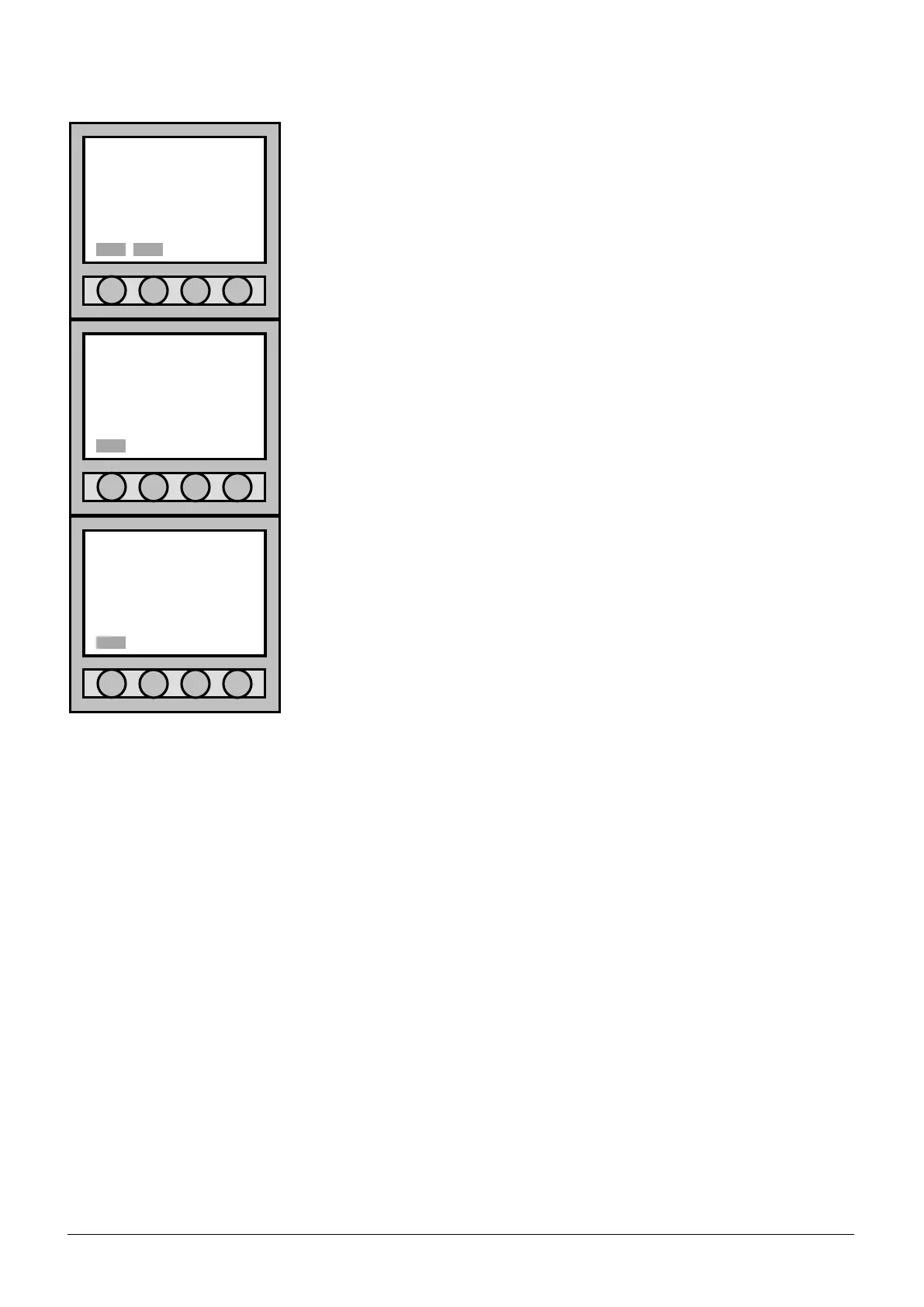
Inside the menu, go to “Password setting”, select the line for the entry
level required to change its password; then press the “Mod.” button to
modify.
Level 2 Password : 22222;
Level 3 Password : 33333;
To modify the password, it is mandatory to:
1. insert the old password;
2. insert the new password;
3. confirm the new password;
Press the “Canc” button to delete this operation.
If the modification of the Password was performed correctly, you should
visualize “COMPLETED OPERATION” on the display.
Press “Ok” to exit.
Once this operation is completed, select “Esc.” to return to “Main menu”.
10.7.1 Retrieval of Forgotten Password
If by any chance one loses or forgets the password(s), one must interrogate the Control Panel via PC in serial
cable connection interface.
Procedure:
1. Connect through the RS232/RS485 cable the output of COM1 or COM2 (see chapter 2.5) to a serial port
COM of the PC.
2. Launch a common platform program for the running of the serial port (for instance a Hyper Terminal);
set-up the COM port with:
Baud rate: 9600.
Data bits: 8.
Stop bits: 1.
Parity: even.
Flux control: none.
Com: the one used from the time of connection.
If using the HyperTerminal: select the command Voices “Add next line on every return to
tabs heading” and “The Echo of characters digitized locally” from the window “Properties” --> “Set-up
ASCII”.
3. Verify that the Control Panel has the address 99 (see chapter 12.4.1).
4. Write the command CEN[enter]; the Control Panel will respond with cen99 (this is to ensure that the
connection is correct and that the address of the Control Panel is actually 99).
5. Quick digits (or send through a text file) the command is MOS999F [enter].
Password setting
NEW PASSWORD:
Canc
Password setting
•LEVEL 2
LEVEL 3
LEVEL 3b
Esc. Mod.
Information
COMPLETED OPERATION



 To Next Page