Page 57 of 91
6. The Control Panel responds with mos99222223333346; by excluding the first 5 and last 2 characters,
you are able to identify the values of the two passwords which as default carry the value of : level 2:
22222; level 3: 33333.
10.8LOOP ACTIVATION
Loop activation procedure on the control panel. Normally all loop systems available are already active and ready
for the system, if a deactivation is required/or cut out a loop, it is obtainable by operating on this menu.
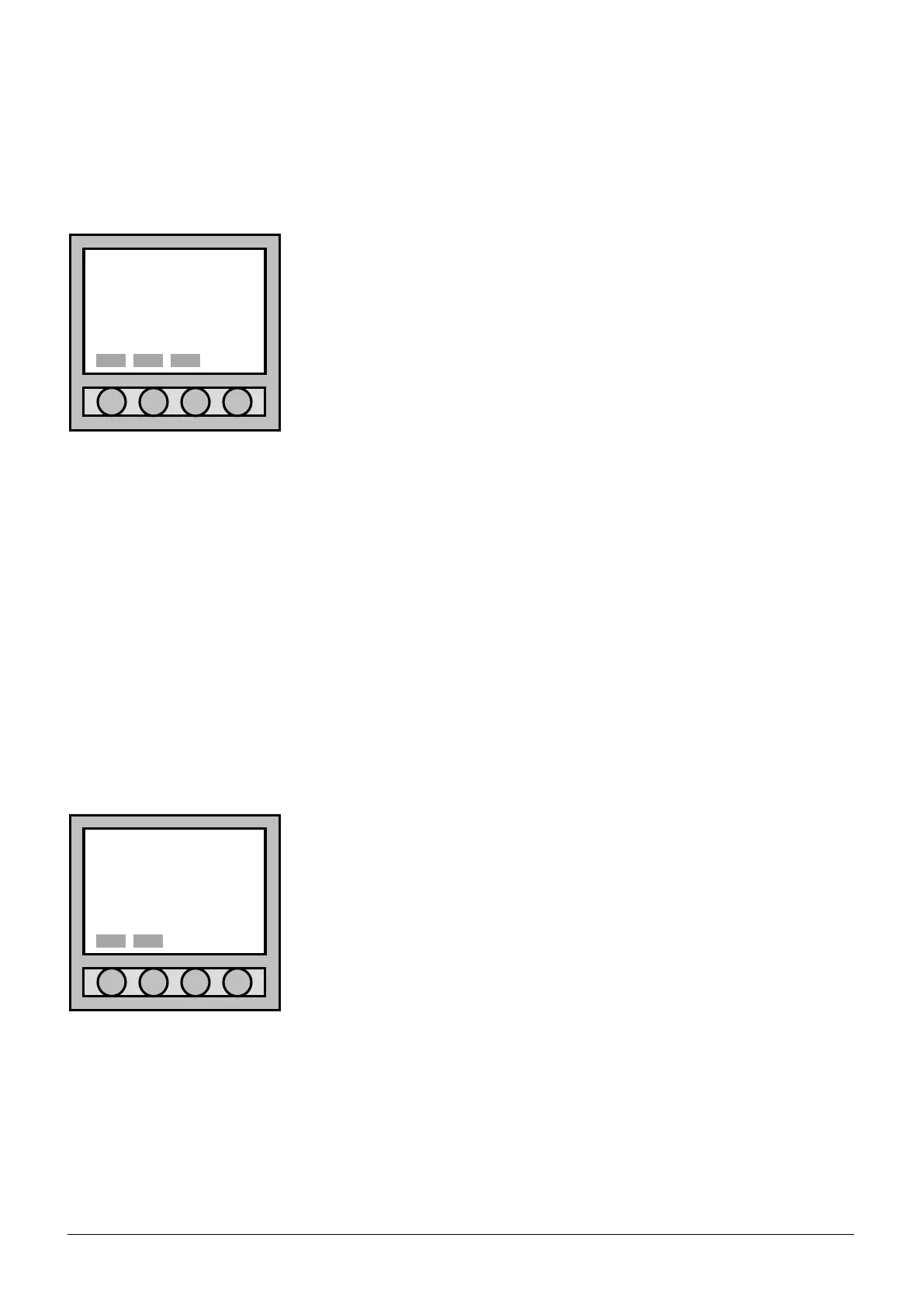
In the “Loop activation” menu, activate/deactivate the loop by pressing
the “Mod.” button.
Press the “Canc” button to exit the menu without confirming the
modifications just executed.
Press on “Ok” to exit the menu and then confirm the modifications made.
This will re-start the control panel, without the loss of all acquired data (refer
to PART 5).
Once the modification is confirmed, the Control Panel will re-start and will
give the “System Fault” reading; thus press the command button “Restore
System Fault” located on the electronic circuit board for the restore. If there
were Loops in service; they will be automatically restored into their original
function – in the “Restore Fault” situation it is not necessary to wait for the
Loop re-start.
10.9RESTORING DEFAULT SETTINGS
This procedure allows to reset the control panel’s default settings:
- settings of the superintended function modes;
- settings of fire alarm reset;
- settings of external power feed;
- settings of evacuation;
- settings of system’s network address of the control panel;
- settings of the control panel’s prompt;
- settings of password level 2;
- settings of module’s output.
The restored settings are the ones solely related with the control panel. Points, zones and outputs are in any case
preserved by the internal memory.
Once entered in “r.default”:
Press “Canc” to exit the menu without any other restore command.
Press “Ok” to restore the pre-set commando to the ones in default.
Once restoration is confirmed, the Control Panel will re-start and will give
the “System Fault” reading; thus press the command button “Restore
System Fault” located on the electronic circuit board for the restore. If there
were Loops in service; they will be automatically restored into their original
function – in the “Restore Fault” situation it is not necessary to wait for the
Loop re-start.
Loop activation
LOOPS INSTALLED: 004
•LOOP 1 YES
LOOP 2 YES
LOOP 3 YES
LOOP 4 YES
Ok Canc Mod.
Confirm operation
REST. DEFAULT SET?



 To Next Page