Page 40 of 91
7.3 POINTS REMOVAL
7.3.1 Main menu
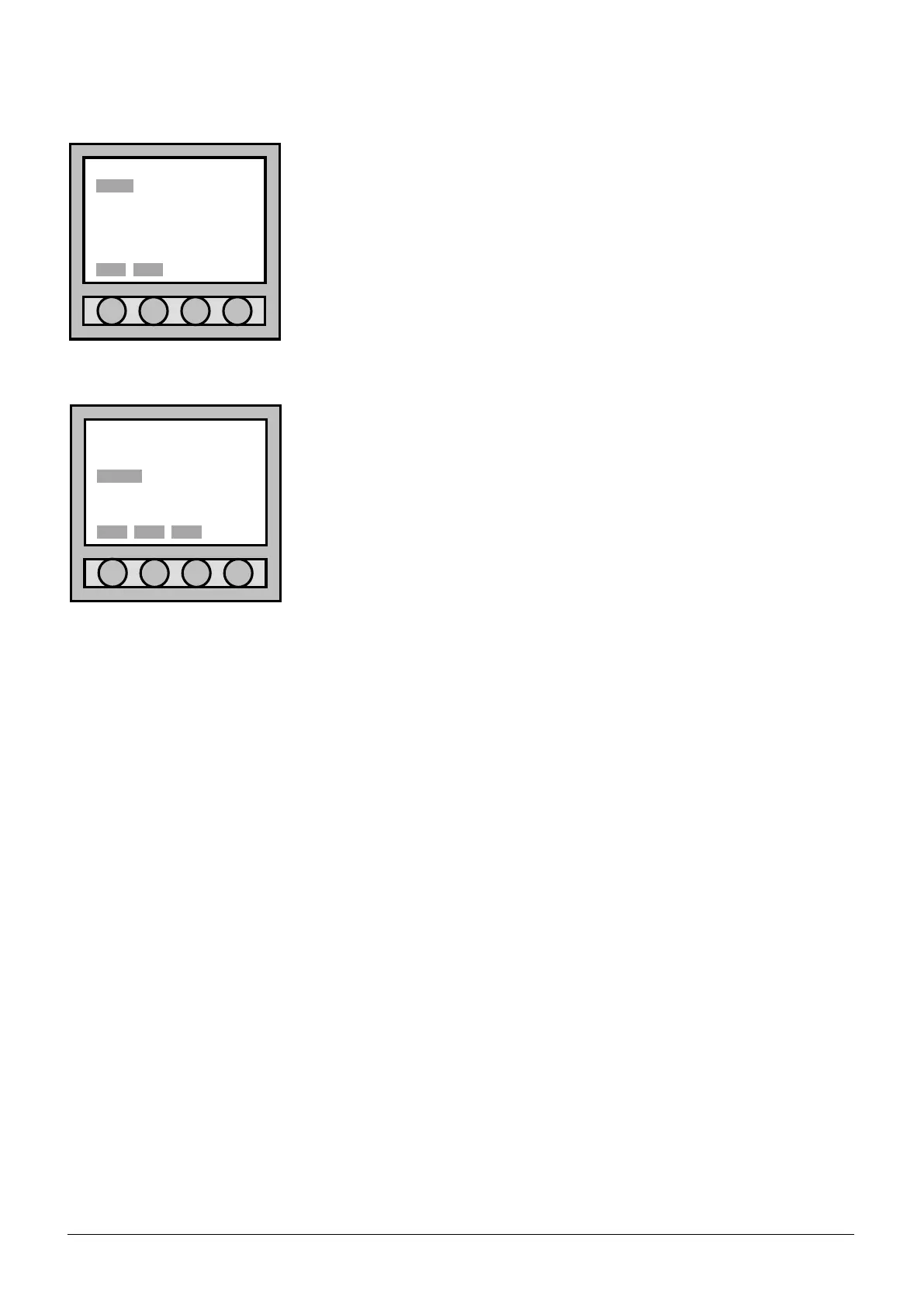
After the user has entered the “Main menu”, select “POINT” and confirm
with the key “Sel.” to pass to “Point menu”.
7.3.2 Point menu
After the user has entered the “Point menu” select the item “remove”.
Select “Back” to return to the “Main menu”. Select “Esc.” to return to the
“Main menu” and to go out completely.
Main menu
POINT SETTING
ZONE CONNECTION
LOOP ACC. LEVEL
OUTPUT DIAGNOSTIC
EVENT 3b option
ACCESS LEVEL: 1
Point menu
view/mod.
insert
remove
d.b.reset
ACCESS LEVEL: 1



 To Next Page