Page 45 of 91
9.1 DETAILS
9.1.1 Main menu
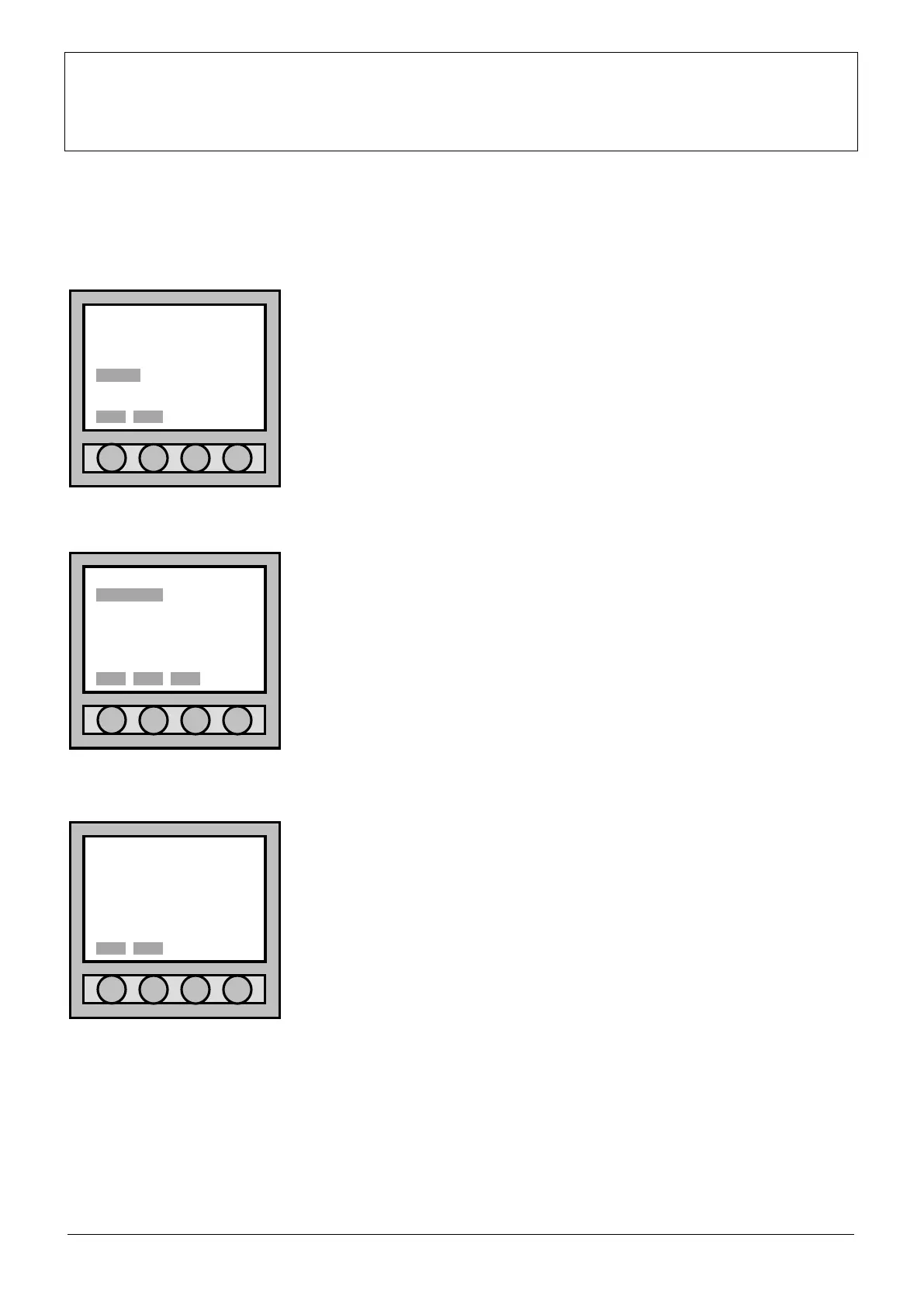
To programme the outputs of the control panel or the loop, it is necessary to
enter the “Main menu” and select “OUTPUT”. To move inside the menu,
always use the four arrows; confirm with “Sel.”.
9.1.2 Output menu
After you have entered the “Output menu”, select “view/mod.” and
confirm the selection with “Sel.”.
9.1.3 Output selection
Inside the output menu there are two typologies:
1. “CONTROL PANEL OUTPUT”;
2. “LOOP OUTPUT”.
Use the four arrows to set oneself on the line, which shows the type of
selection you want to select and confirm with “Sel.” type in “Canc” to return
to the “Output menu”.
PART 9
OUTPUTS PROGRAMMING
Main menu
POINT SETTING
ZONE CONNECTION
LOOP ACC. LEVEL
OUTPUT DIAGNOSTIC
EVENT 3b option
ACCESS LEVEL: 1
Output menu
view/mod.
ACCESS LEVEL: 1
Sel. Back Esc.
Output selection
•CONTROL PANEL OUTPUT
LOOP OUTPUT



 To Next Page