Page 36 of 91
When the control panel locates the point, it starts the control
The point acquisition from the control panel is pointed out with a beep and
with the message “COMPLETED OPERATION” on the display. In case of
address assignment like single point, the confirmation with “Ok” provides to
return to the “Main menu”.
In case of address assignment like self-increment, the passage to the
research of the next point is automatic. Typing in “Canc”, the acquisition of
further points ends. If the detector presents faults or out of range values, the
control panel installs it and places it out of service.
7.1.10 Points Acquisition in mode: serial number
When the “Value of Acquired Point” is confirmed on menu, the
Control Panel passes on to the “Point to Install” menu for the
required serial number.
Position on the command voice “SER.NUM“ and press the “Mod.“ command
to insert the initial serial number.
Press “Ok” to initialize the acquisition.
Press “Canc” to terminate the operation.
When the “Point to Install” is confirmed on the menu, the Control
Panel will pass on to “Information” and begins to search for the pre-
selected point.
Press “Sal.” to pass on the next or successive serial number.
Press “Canc” to return to the “Point to Install”.
If after more/less 30” the Control Panel does not detect any valid point with
the serial number searched for; it will automatically increment the serial
number and will begin a new search.
In the moment that the Control Panel identifies the point; the acquisition and
relative check will begin.
Serial number and address of point will increment automatically.
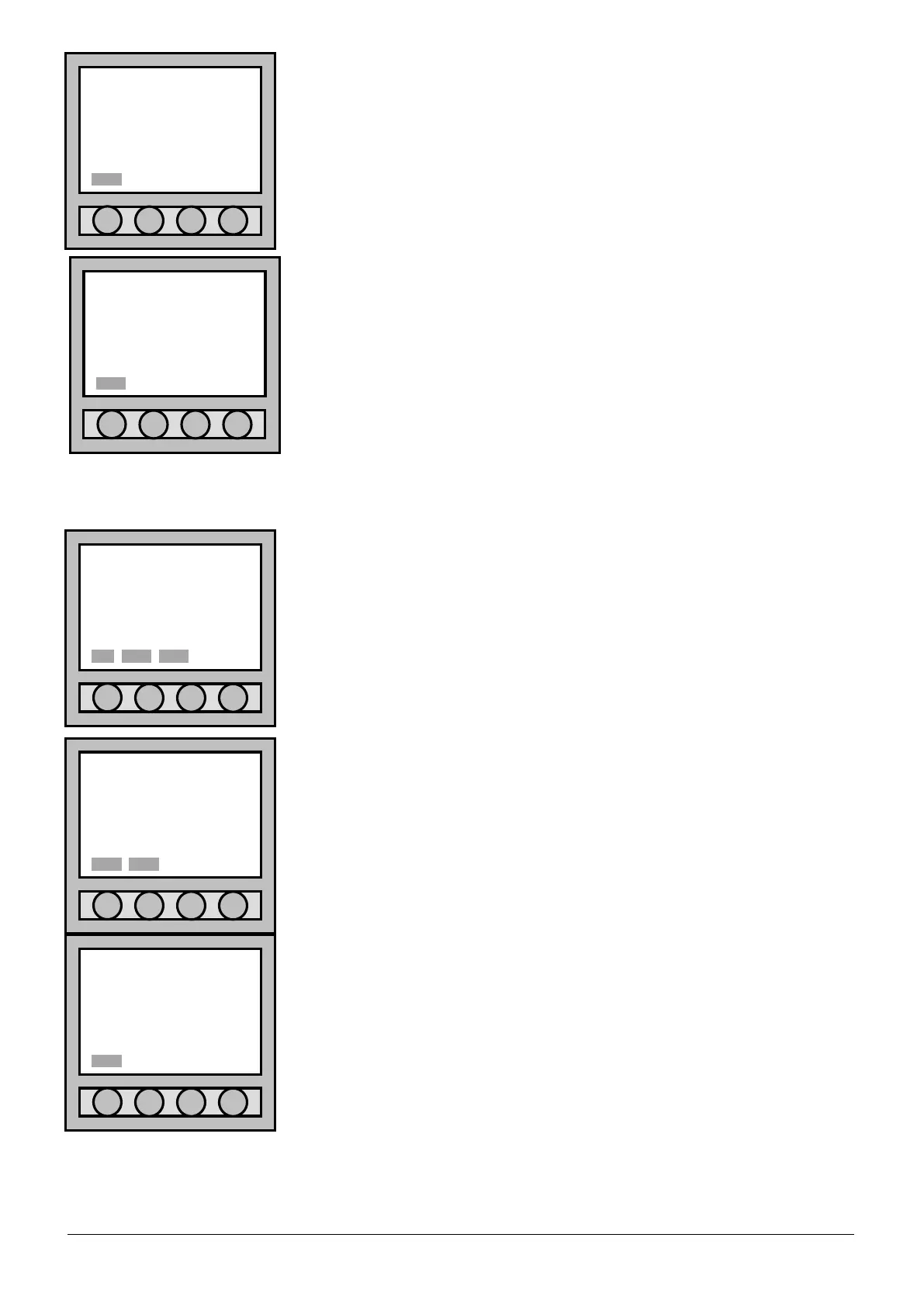
Information
COMPLETED OPERATION
Information
•OPER.: POINT ACQUIS.
POINT: 001-1
Information
•OPER.: POINT SEARCH
POINT: 001-1
SER.NUM: 001-00001
Canc Sal.
Informazioni
•OPER.: POINT ACQUIS.
POINT: 001-1
SER.NUM: 001-00001
Point to install
POINT: 001-1
•SER.NUM: 001-00001
Ok. Mod. Canc



 To Next Page