A. Technical appendix
A-5
Festo P.BE-CB-COMP-EN en 1102d
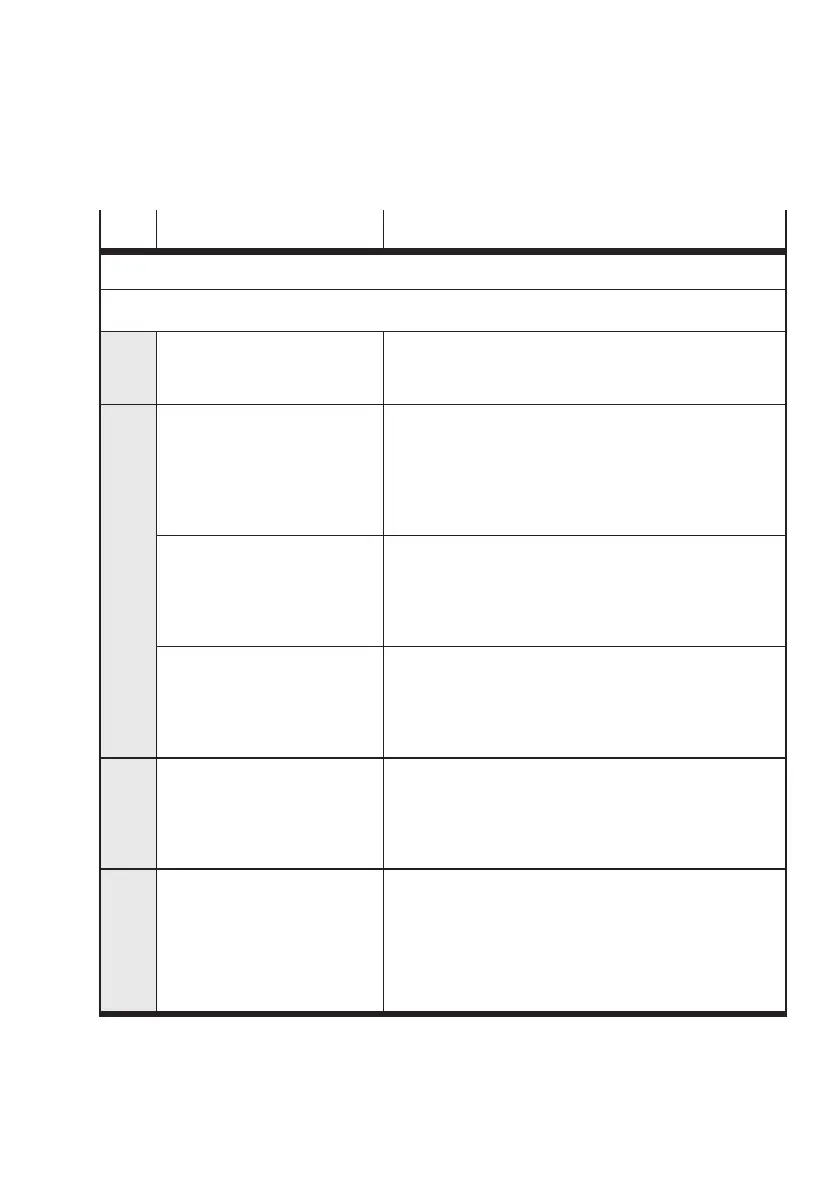
Code Cause Action
The error messages marked in grey can be activated/deactivated with CheckKon.
Installation and ambient faults
E01 External fault – Check signal at PLC connection, input “External fault”:
HIGH = no external fault
LOW = external fault
E02 Visual fault:
– Glass surfac es on the prism
supports are dirty or
defective
– Jam of par ts in front of the
visual channel
– Remove dirt with a soft cloth and non-abrasive cleaning
agent or blow dirt off the glass surfaces with
unlubricated compressed air.
– If the glass surfaces are defective: Consult your Festo
Service.
– Glass surface misted due to
large differences in
temperature between
Checkbox and the
environment
– Avoid large differences in temperature.
– The camera registers the
lower range of the conveyor
device
– Maximum parts length
exceeded
–WithCheckKon:
Correct the setting of the picture limits
Increase exposure time or ratio encoder frequency/
line frequency.
E04 System recognizes too many
incorrect conveyed parts:
>75%ofthelast20partshave
been graded as bad parts.
– Check the selection of the sample parts type
– Increase tolerance
E05 Material jam (fault):
The Checkbox has not received
any conveyed par ts for at least
30 seconds
1)
.
1) Duration variable, can be set with
CheckKo n
– With manual feed: Acknowledge faults, supply further
inspection par ts or stop the Checkbox.
– With a utomatic supply: Fill up small parts conveyor,
check feed path for material jam,
acknowledge fault



 To Next Page