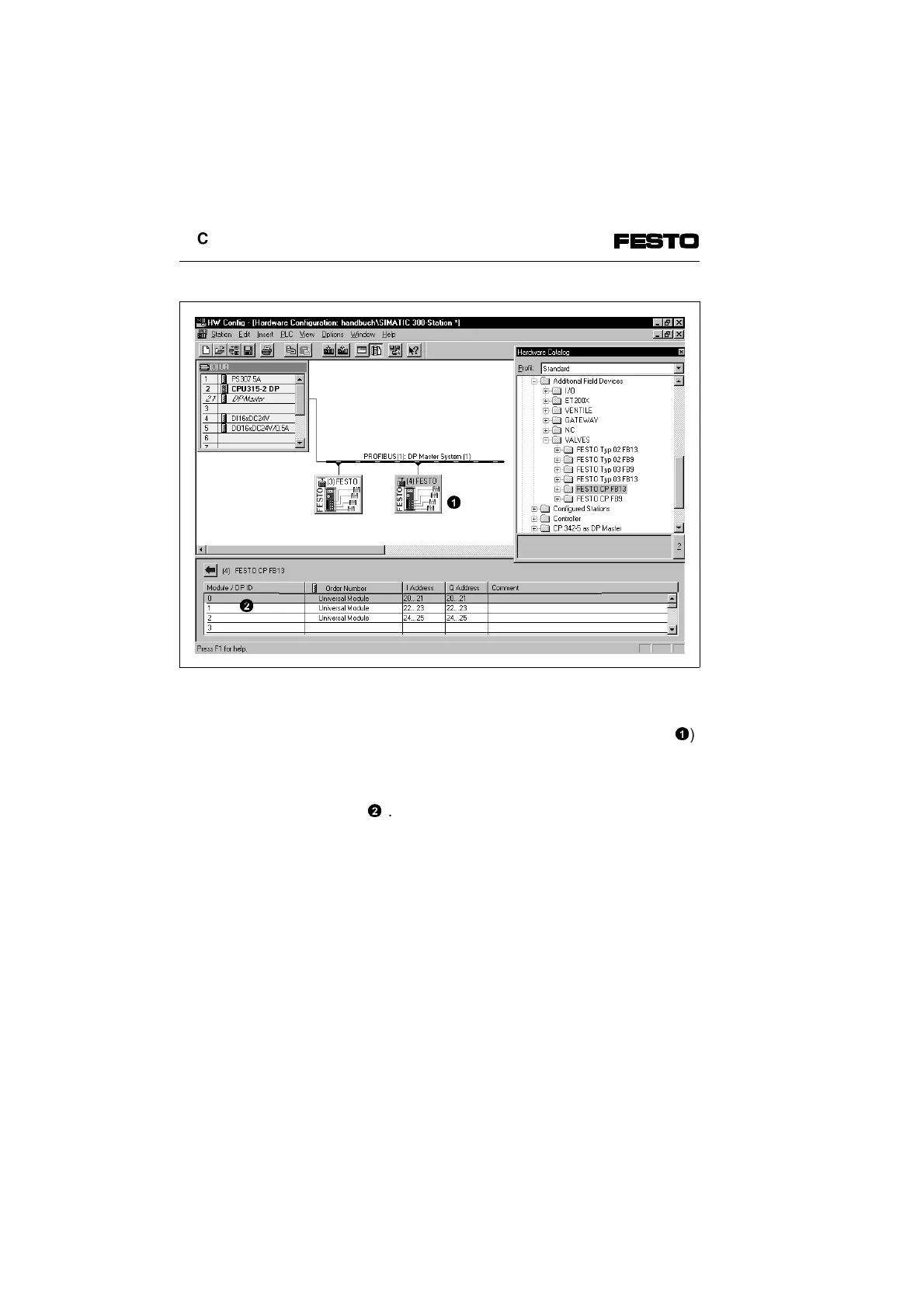
Fig. 2/10: Configuration with STEP7 - hardware catalogue
Mark the icon of the valve terminal to be configured on
the graphic surface of the hardware configuration (
1
).
The configuration data appear with the columns "Mo-
dule/DPID", "Order Number", "I Address", "O Address"
and "Comment" in the table in the lower half of the
screen (
2
).
Addressing
1
2
2. Commissioning
2-24 CP FB13-E 9904b



 To Next Page