Festo Controller CECC
34
4.5.2 Integrating CPV terminals
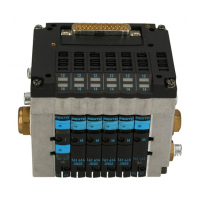
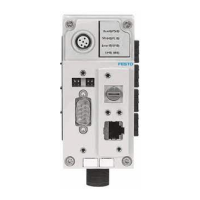
CPV terminals are added to CANopen slaves CO2 (CPV-CO2) as sub-modules ( Adding a CANopen
slave - step 3).
1. Highlight the CANopen slave "CO2" in the device window.
2. Open the "Add Device" dialog
– menu command [Project] [Add Device] or
– context menu [Add Device].
3. Select one of the following CPV terminals in the device table and highlight it.
CPV terminal Comment
CPV basic unit Local I/Os (valves)
CP input module Optional CP input module for extending a CPV terminal
CPV/CPA valve terminal /
CP output module
Optional valve terminal or CP output module for extending a CPV
terminal
4. Confirm the selection by clicking the "Add Device" button.
5. Double-clicking the added CPV terminal opens a new tab in the editing window for configuring the
terminal.
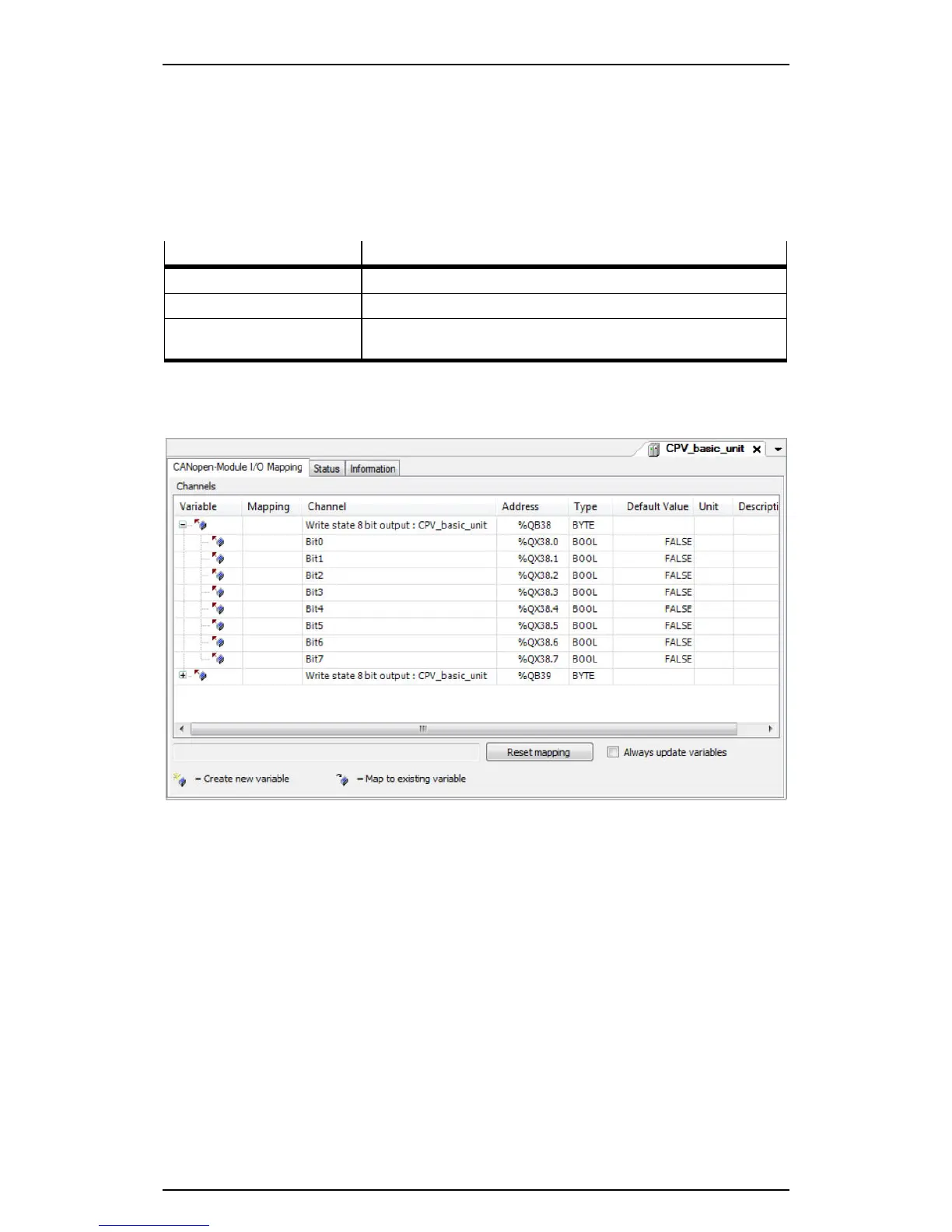
Figure: Editing window with CPV terminal as a CANopen slave





 To Next Page