Version date: 04 April 2016
See A1.5 for the error messages that appear on the “HARDWARE
CONFIGURATION” screen
The “HARDWARE CONFIGURATION” screen will always appear when the
Finapres Nova is not equipped with the additional modules.
5.2 Switching off
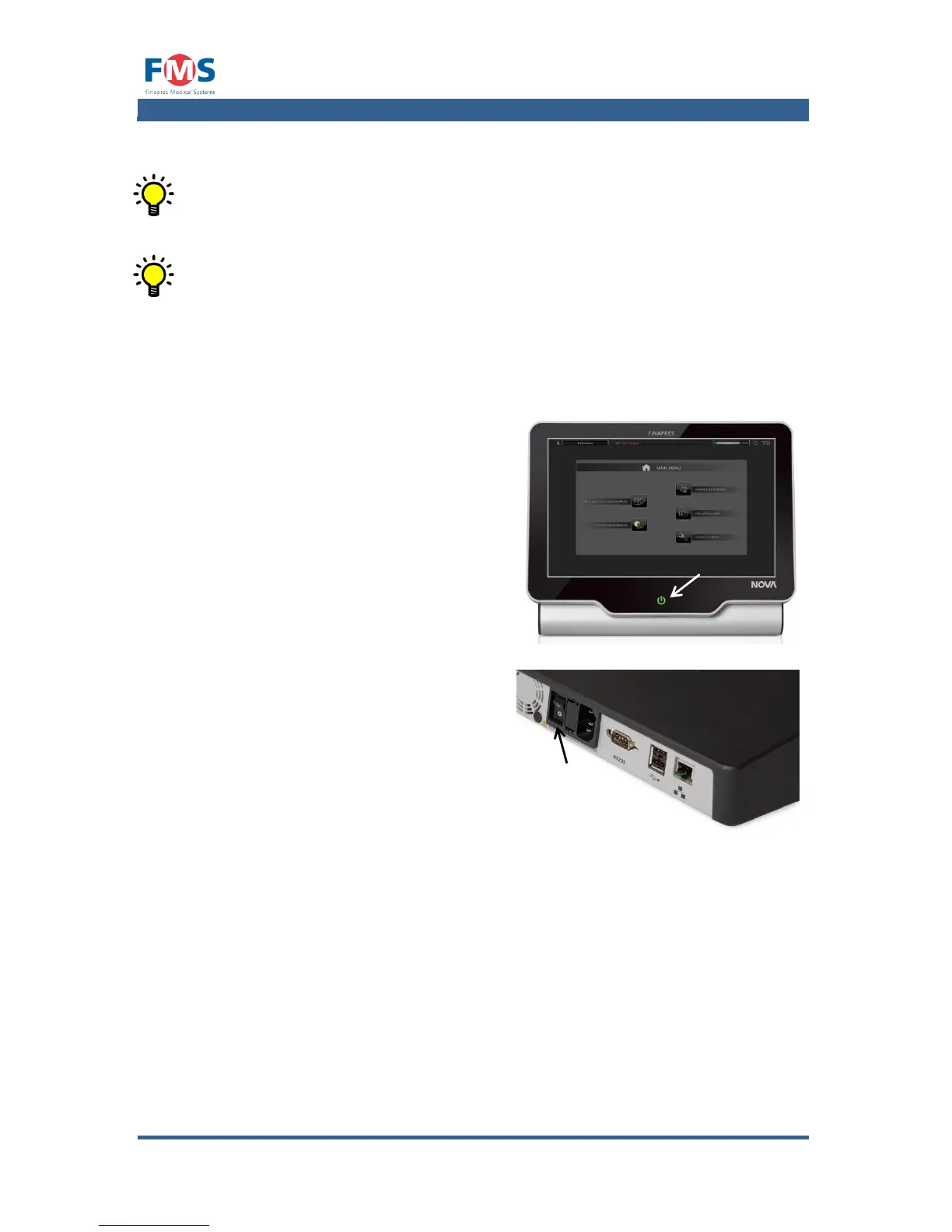
To switch off the Finapres Nova:
1. Touch the status button and confirm
turning off the device.
The Finapres Nova goes into “IDLE”
state.
2. Switch the main switch on the back
of the Finapres Nova to “0”
5.3 Disconnecting from the mains supply
If the Finapres Nova will not be used for a longer period or maintenance has to be
performed, the Finapres Nova must be disconnected from the mains supply.
To disconnect the Finapres Nova from the mains supply:



 To Next Page