Version date: 04 April 2016
When an encrypted USB drive is inserted, it can be mounted and
unmounted from the main menu using respectively the
and button on the bottom of
the screen (provided that the stored password corresponds to the
password used to encrypt the drive).
The encrypted drive is indicated as such in the file management
screens. If the user wants to store data on the encrypted data storage
drive they should take care in selecting the correct location.
A1.5 Basic warnings and error messages
This paragraph describes the warnings and error messages that might be shown
on the display of the Finapres Nova:
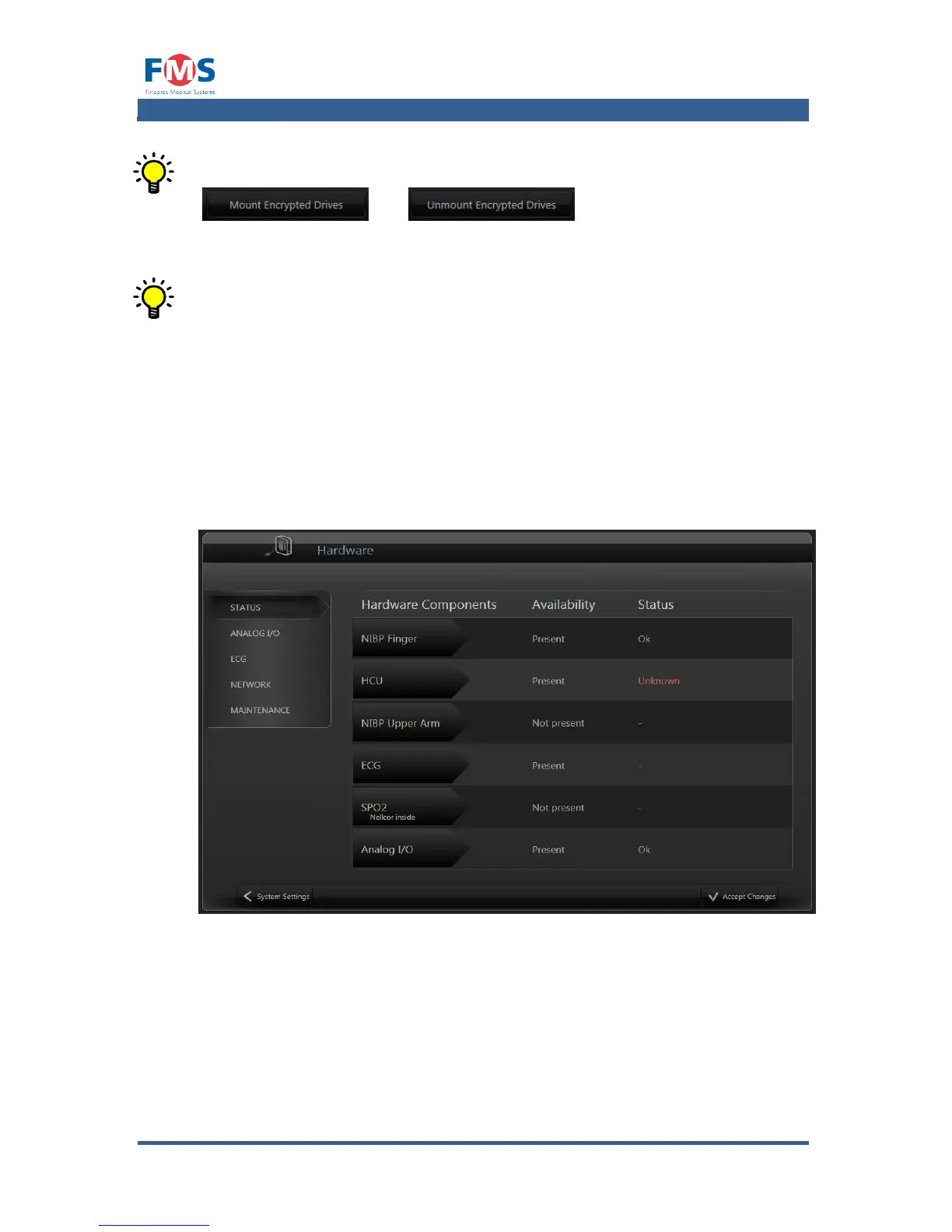
The following warnings will appear in the “HARDWARE CONFIGURATION” screen
or in the status bar.
Figure A1-28: The “HARDWARE CONFIGURATION” screen.
In the column “Availability” it is indicated for each hardware component whether
it is “present” or “not present”.
In the column ”Status” the following messages can appear:



 To Next Page