Version date: 04 April 2016
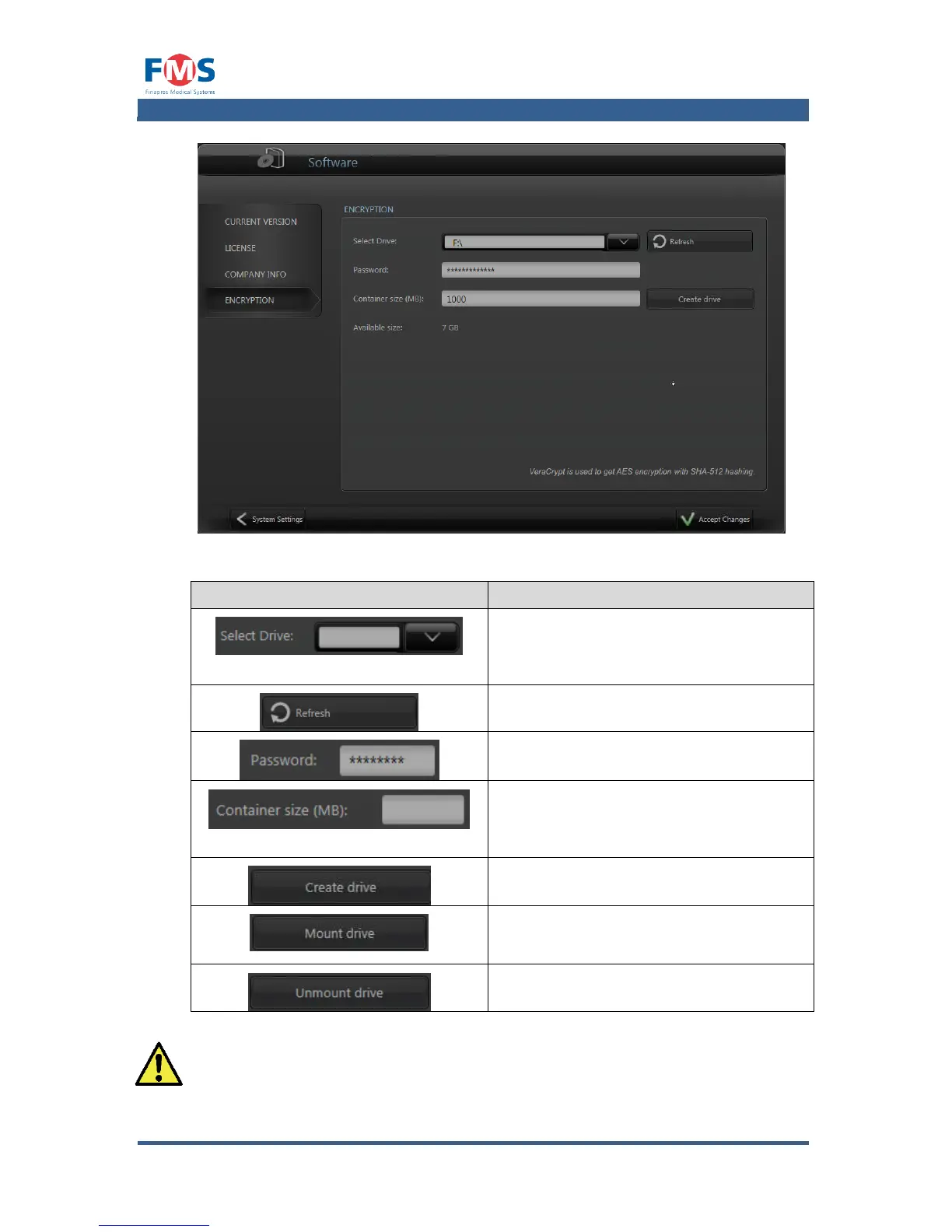
Figure A1-27: The “SOFTWARE” screen – encryption tab
Allows the user select the drive to create
an encrypted drive on (if not present) or
to mount (if the drive has an encrypted
partition)
Refreshes the list of available USB disks
Sets the password which is used to create
or mount an encrypted drive
Creates an encrypted partition on the
selected drive (if none is present) or
indicates the size of the encrypted drive
(if present)
Creates an encrypted partition on the
selected USB drive
Mounts the selected USB drive (only
available if the selected drive contains an
encrypted partition)
Unmounts the encrypted drive (only
available if the selected drive is mounted)
If a mounted drive is removed without properly unmounting it, the
encrypted partition on the USB drive could be corrupted without the
option of retrieving any of the data stored on the encrypted partition.



 To Next Page