Version date: 04 April 2016
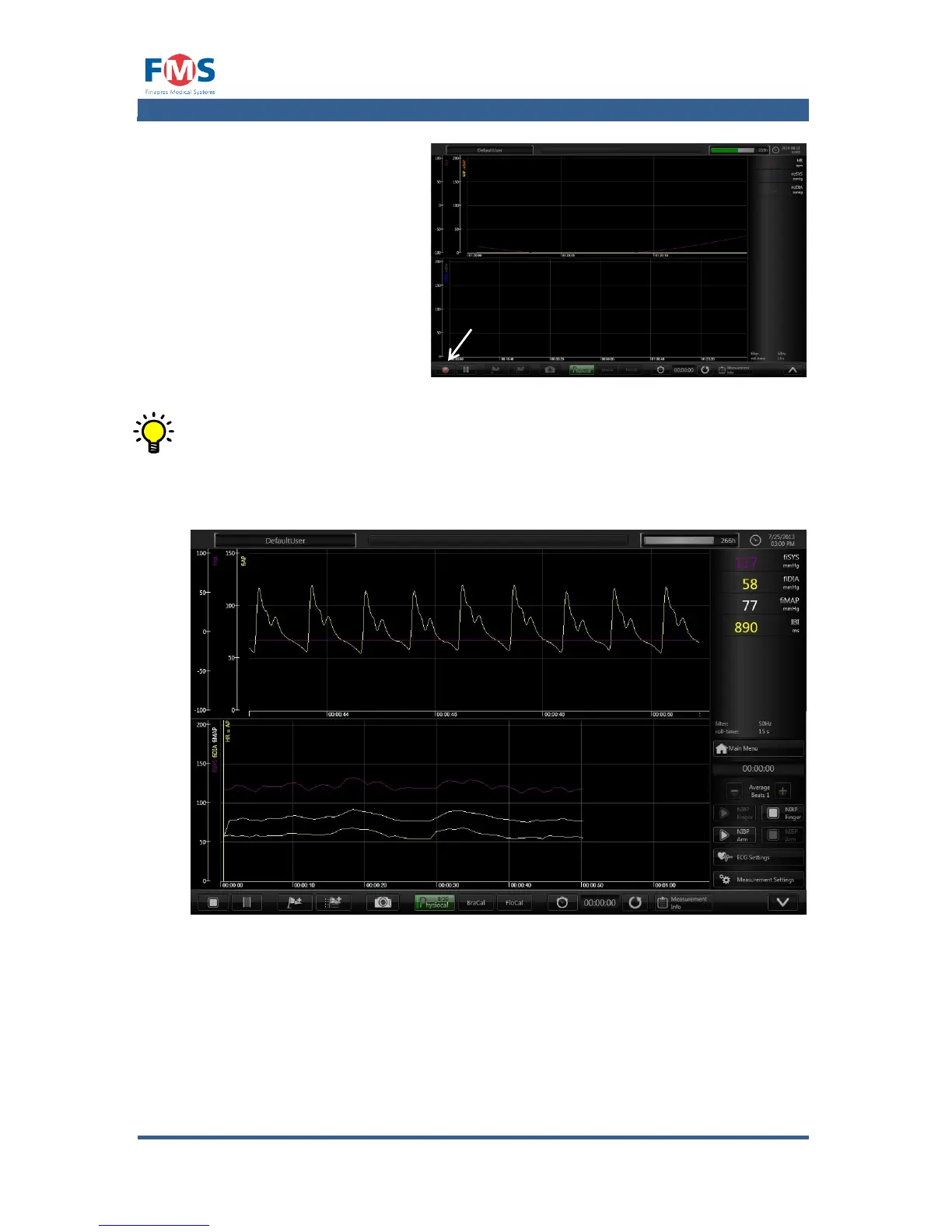
The “MEASUREMENT” screen
is opened displaying the data
according to the active user
profile.
6. Press the button
The finger blood pressure
measurement is started
automatically
The measurement data is
stored on the hard disk
of the Finapres Nova.
During the measurement all available signals, even those that are not
visible on the screen, are recorded.
5.4.4 Actions during a measurement
Figure 5-1: “MEASUREMENT” screen with a running measurement
While in measurement mode several actions are possible by means of the buttons
at the bottom of the screen (e.g. placing markers, highlighting parts of the
measurement, calibration, etc.). The functions of these buttons are explained in
more detail in A1.4.



 To Next Page