Version date: 04 April 2016
settings. These can be accessed by selecting the application
and then pressing the button MEASUREMENT SETTINGS.
Application-specific settings will be addressed in their
respective manuals.
General settings can be altered by selecting NovaScope and
pressing the MEASUREMENT SETTINGS button.
Opens a pop-up that allows the user to select the directory to
be shown in the pane in which the measurements should be
stored.
When a USB or network drive has been selected, the option to
keep a local copy becomes available. In case transfer to the
external drive fails, a local copy is stored irrespective of this
setting.
After selecting the user profile and clicking the OK button, the
selected user profile is activated.
The new user profile is based on the Default User.
A1.4.3 Finger cuff settings
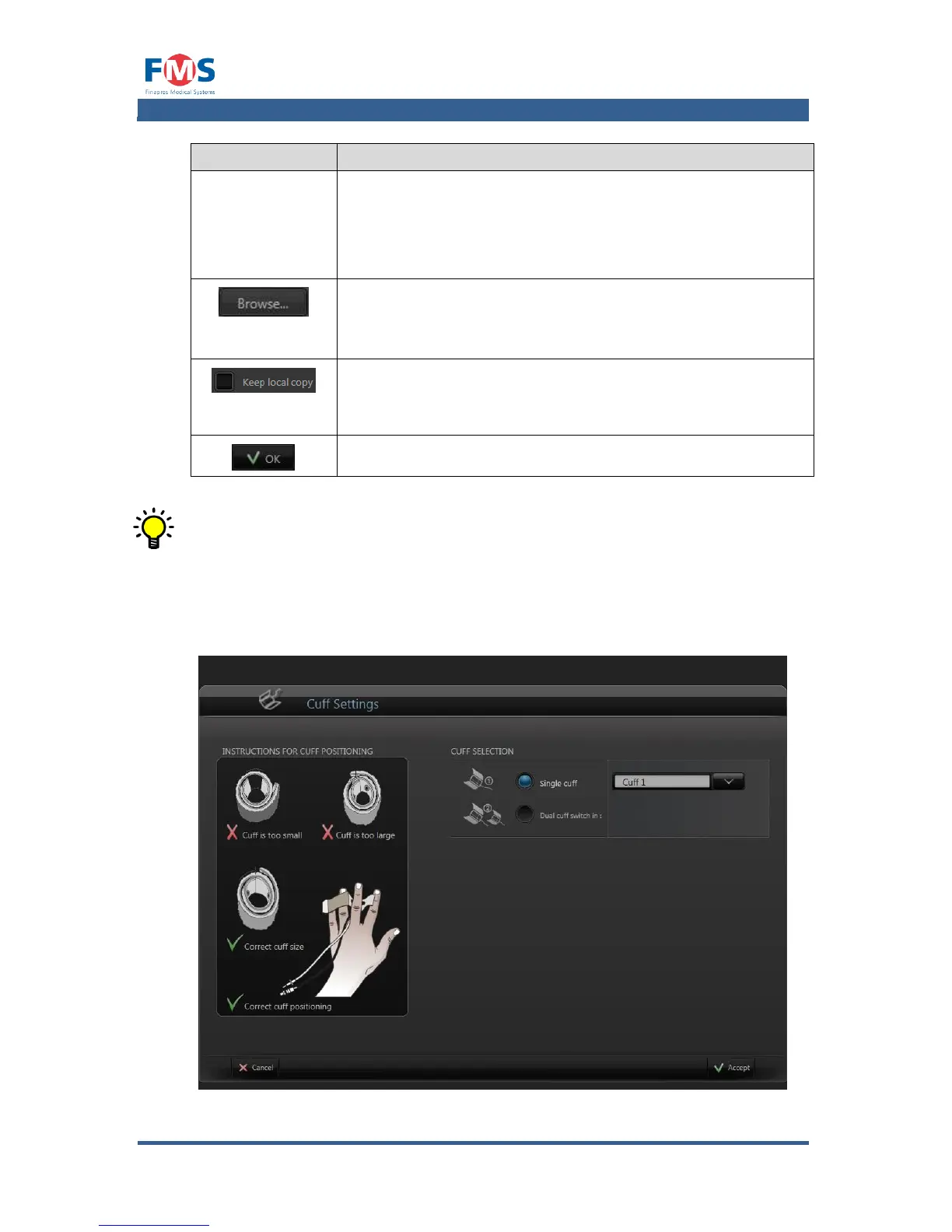
The “CUFF SETTINGS” screen displays the cuff settings for the measurement.
Figure A1-11: The “CUFF SETTINGS” screen



 To Next Page