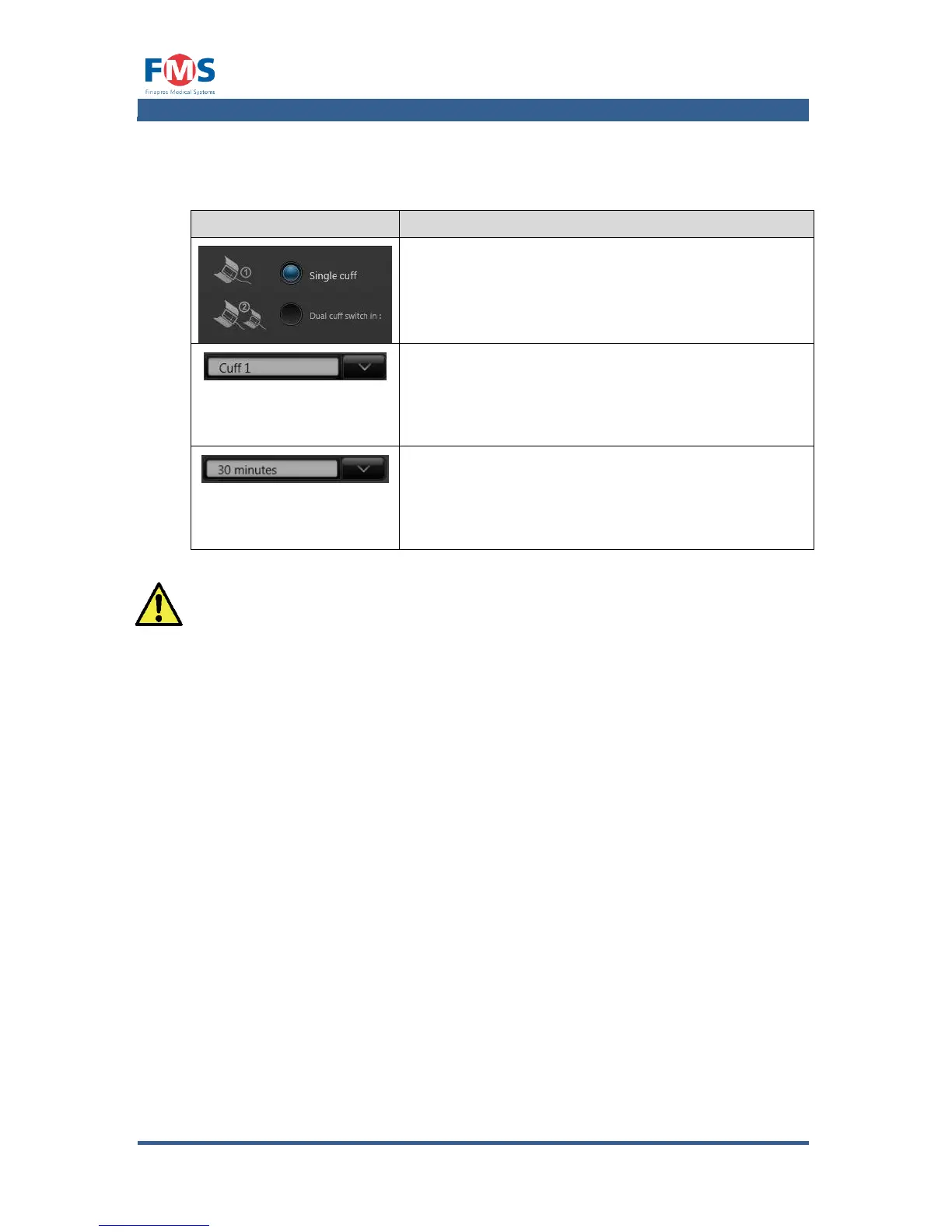
Only visible when a single cuff measurement is
selected.
Allows the operator to choose with which cuff to
perform the single cuff measurements
A1.4.4 Measurement settings
The “MEASUREMENTS SETTINGS” screen allows the selection of signals for
“WAVEFORM GRAPHS”, “TREND GRAPHS” and “NUMERIC VALUES” to be shown in
the “MEASUREMENT” and “REVIEW” screen. “SIGNAL SETTINGS” and “MARKER
DEFINITIONS” can also be set here.
On the left hand side of the screen the tab can be selected to make adjustments
to:
Waveform graphs
Selection of number of waveform graphs and its containing signals.
Trend graphs
Selection of number of trend graphs and its containing signals
Numeric values
Selection of the signals for which the numeric value has to be shown on the
right hand side of the “MEASUREMENT” screen and the “REVIEW” screen.
Signal settings
Definition the signal properties.
Marker definitions
Definition of the preset marker descriptions.



 To Next Page