Contents box
Inside the CONTENTS BOX the different screens are displayed. Based on its
contents the CONTENTS BOX can vary in size. In Figure A1-1 the CONTENTS BOX
is shown with the MAIN MENU loaded.
A1.2 On-screen keypad
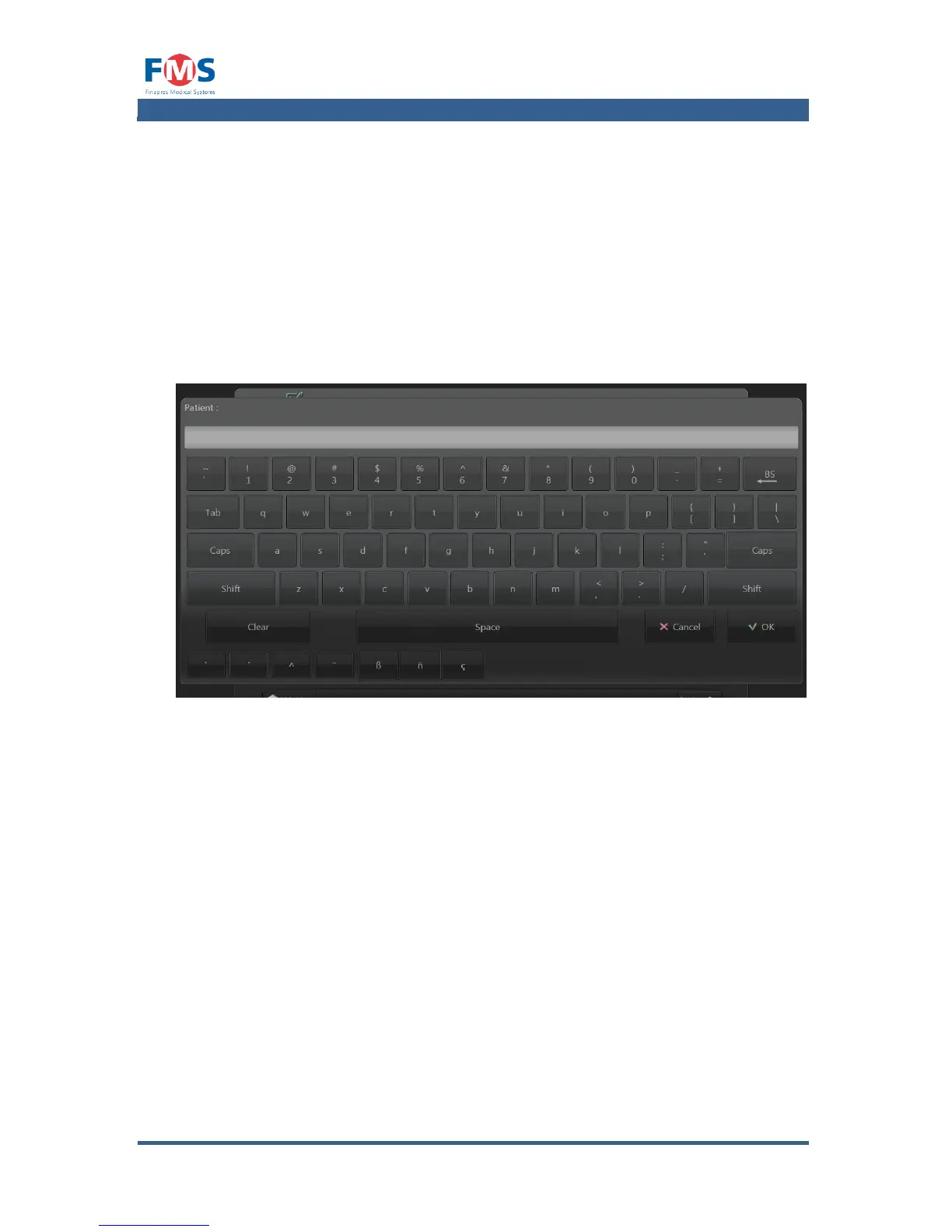
To be able to enter text in text fields, the Finapres Nova graphical user interface
is provided with an on-screen keypad. This on-screen keypad shows up
automatically after a text box is touched (see Figure A1-3).
After the button is pressed, the entered text is transferred to the text box and the
on-screen keypad is closed.
A1.3 Main menu
After the Finapres Nova is started the MAIN MENU of the graphical user interface
is shown. Via this screen tasks can be started and the other screens accessed.



 To Next Page