Version date: 04 April 2016
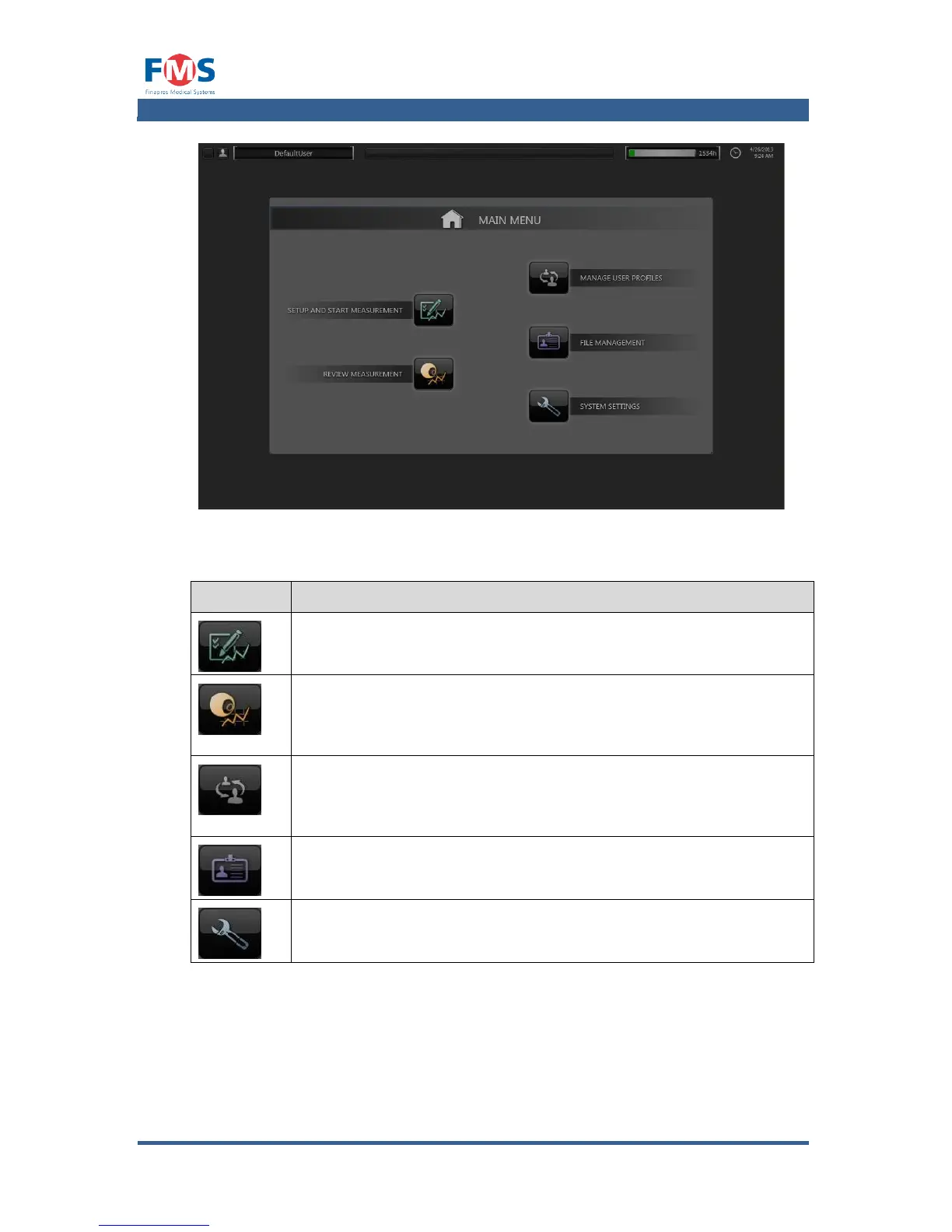
The elements of the “MAIN MENU” screen have the following meaning:
SETUP AND START MEASUREMENT
Starts the procedure to enter patient data and start a
measurement. Refer to A1.4 for more information.
Opens the REVIEW MEASUREMENTS screen that enables the user to
open and review measurement results that are stored on the hard
disk of the Finapres Nova. Refer to A1.4.1 for more information.
Opens a screen that shows the available USER PROFILES and
enables the user to add, alter and remove USER PROFILES. Refer to
A1.4.2 for more information.
Allows the user to handle (open, delete, move and copy) the files
with measurement data. Refer to A1.4.5 for more information.
SYSTEM SETTINGS
Opens the SYSTEM SETTINGS SCREEN. Refer to A1.4.6 for more
information.
When additional applications are available on the Nova, these are accessible via
an additional button. When only one application is available, this button is
replaced by the button specific for that application.



 To Next Page