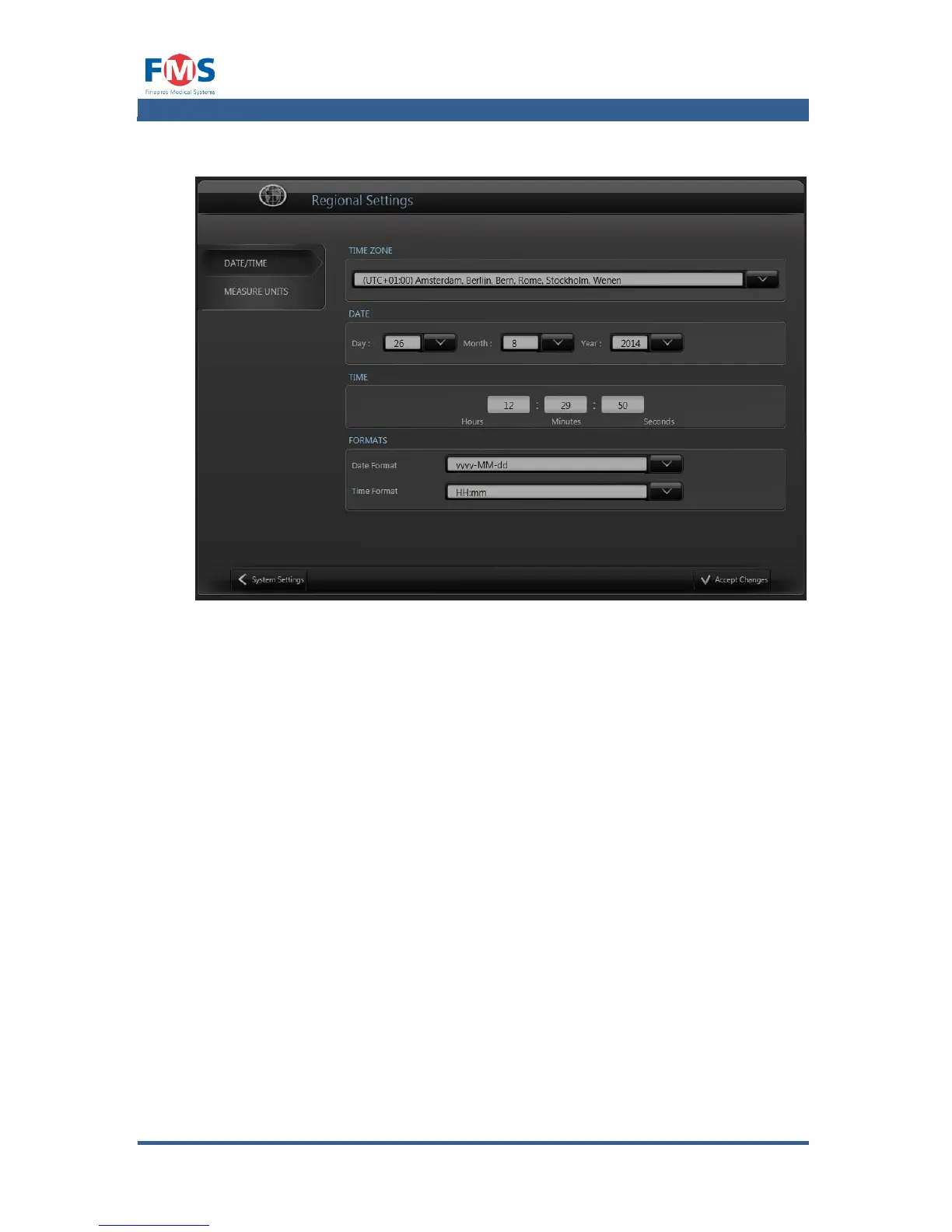
The “REGIONAL SETTINGS” screen allows the operator to alter the regional
settings of the FINAPRES Nova.
Settings that can be changed are:
Time zone, date and time
In the Date/Time tab the time zone as well as date, time and their
representation can be altered
Measure units
In the measurement units tab the choice can be made between metric or SI
notation for weight and length
Hardware
Through the tab column of the “HARDWARE” screen gives the user access to:
Status
The “STATUS” tab of the “HARDWARE” screen shows the presence and status
of the (optional) hardware of the Finapres Nova.
Network
The network tab displays the network information and allows the user to
setup the network connection.
Printers
The Printers tab displays the installed hardware printers drivers and allows the
user to install printer drivers



 To Next Page