Version date: 04 April 2016
Displays the name with which the
Finapres Nova will appear on the
network
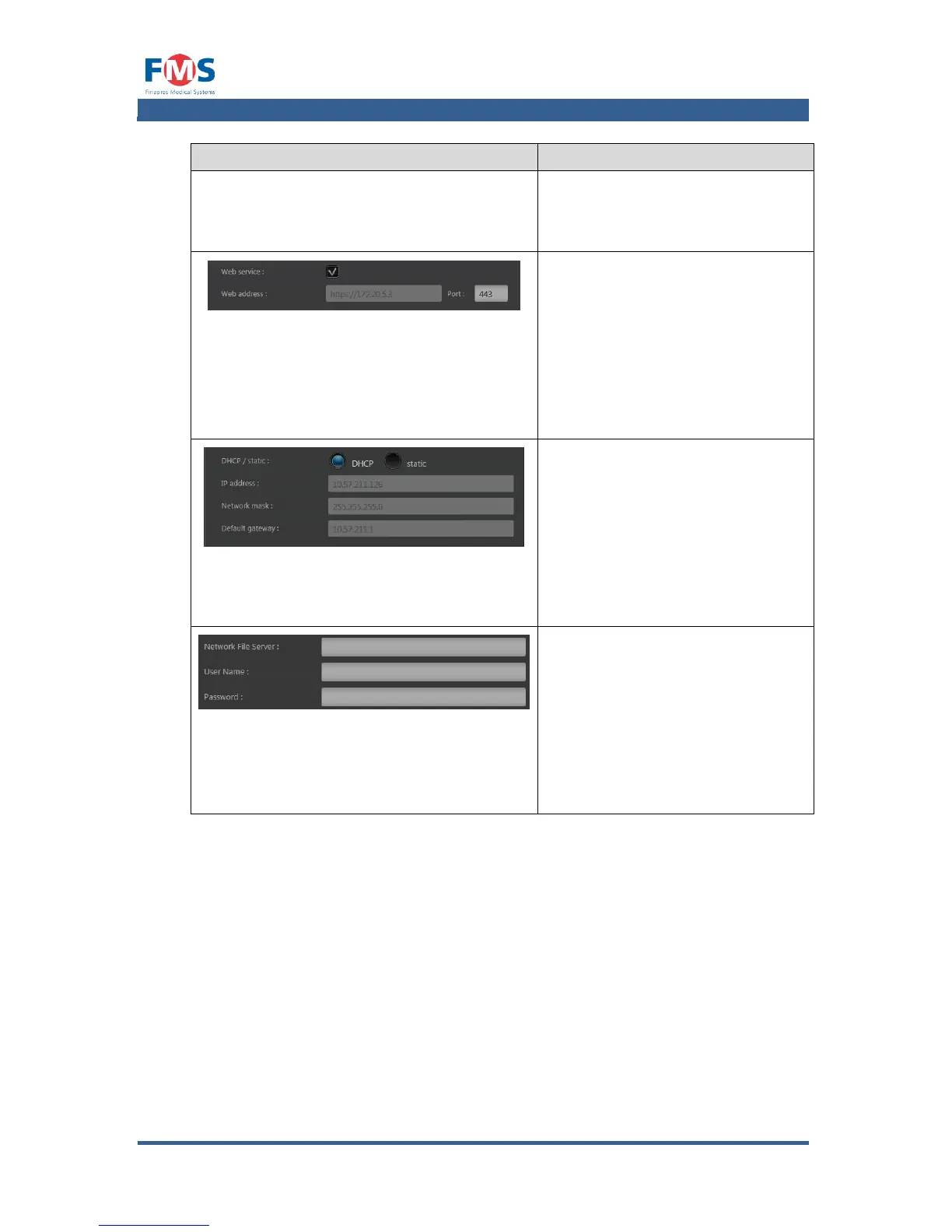
When the webservice checkbox is
selected, it becomes possible to
remotely access the Finapres Nova
to download measurement data via
the indicated web address and
port. In order to access the
Finapres Nova via a web browser,
type the following in address bar:
“web address:Port”
IP ADDRESS
Allows users to let the Finapres
Nova obtain an IP address
dynamically (by selecting the
DHCP option) or to use a fixed IP
address (by selecting the static
option). In the latter case, the
user should enter the correct IP
address, Network Mask and
Default gateway.
A connection to the network drive
will be established when providing
a valid network address in the
Network File Server field and, if
applicable, an User Name and
Password in their respective fields.
This network drive will show up in
the directory selection windows as
an external drive.



 To Next Page