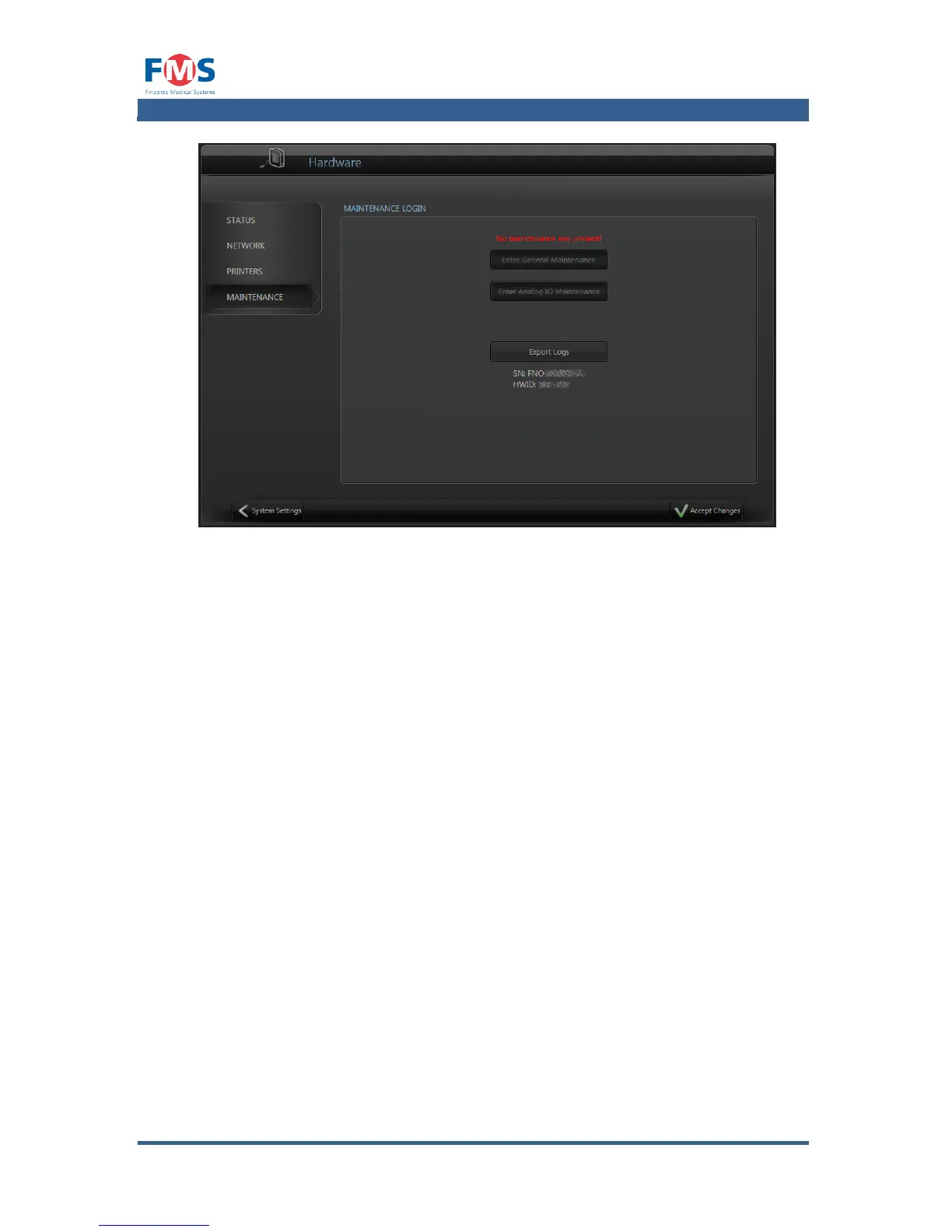
Software
The “SOFTWARE” screen displays information about the version and license of the
software of the Finapres Nova. These will be further elaborated below.
Current version
Displays the current and previous version of the installed software, and allows
the user to install new versions.
License
Displays the license information of the software of the Finapres Nova and
enables the user to enter a new license code to unlock software functions.
Company Logo
Allows the user to replace the Finapres Medical Systems logo with their own
logo



 To Next Page