EasyManua.ls Logo

FINAPRES NOVA - Page 77

FINAPRES NOVA
98 pages
Print Icon
To Next Page IconTo Next Page
To Previous Page IconTo Previous Page
Loading...
A1
Basic user manual
Finapres Nova
76
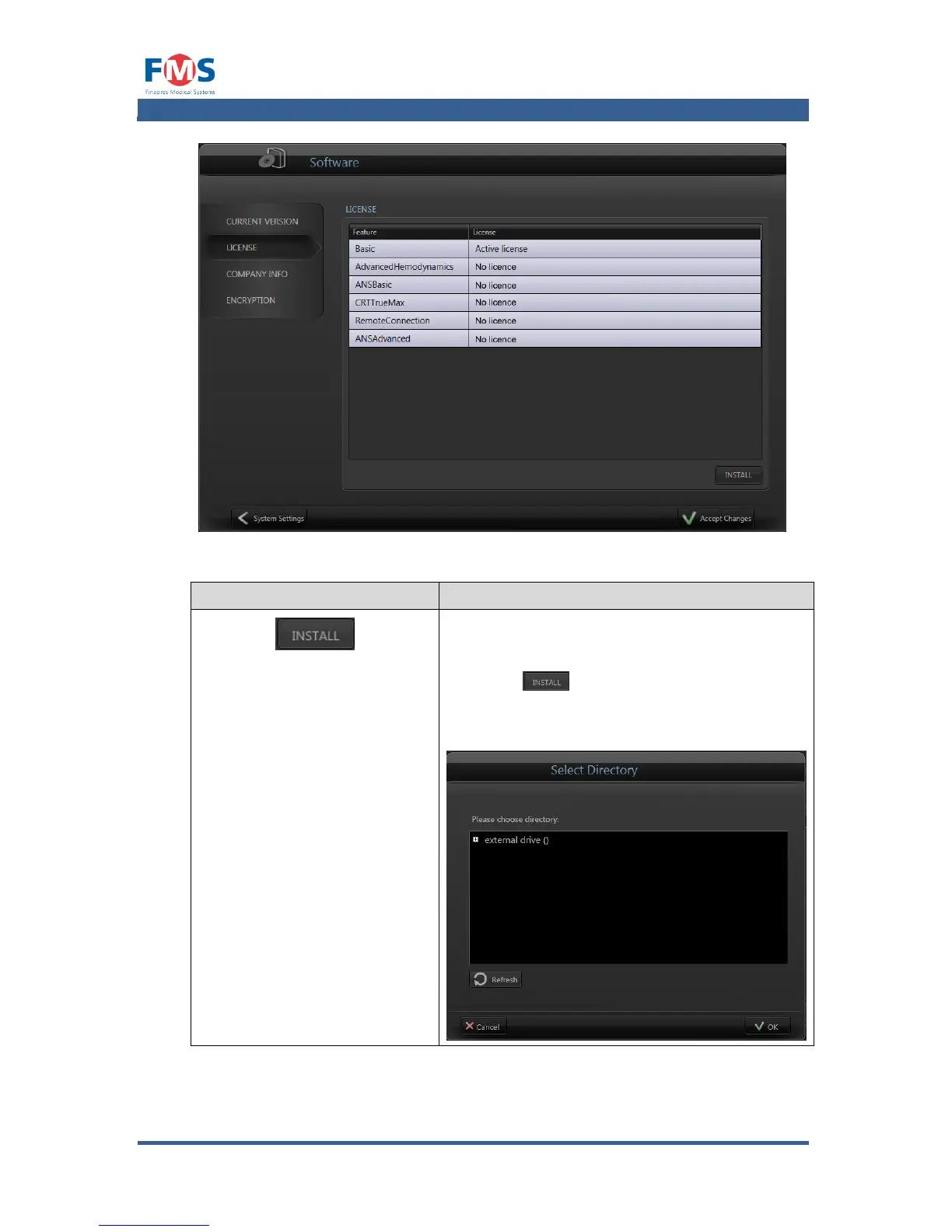
Figure A1-25: The “SOFTWARE” screen – license tab
Item
Description
INSTALL LICENSE
Allows the user to install a new license code
from a license file to unblock software functions.
When the button is pressed a location on
an external drive can be selected in which the
license file is located. The license file will have
the following extension: .V2C”

Table of Contents

Related product manuals