User’s manual FlexGain Plex, V2
Version 1.3 87 from 99
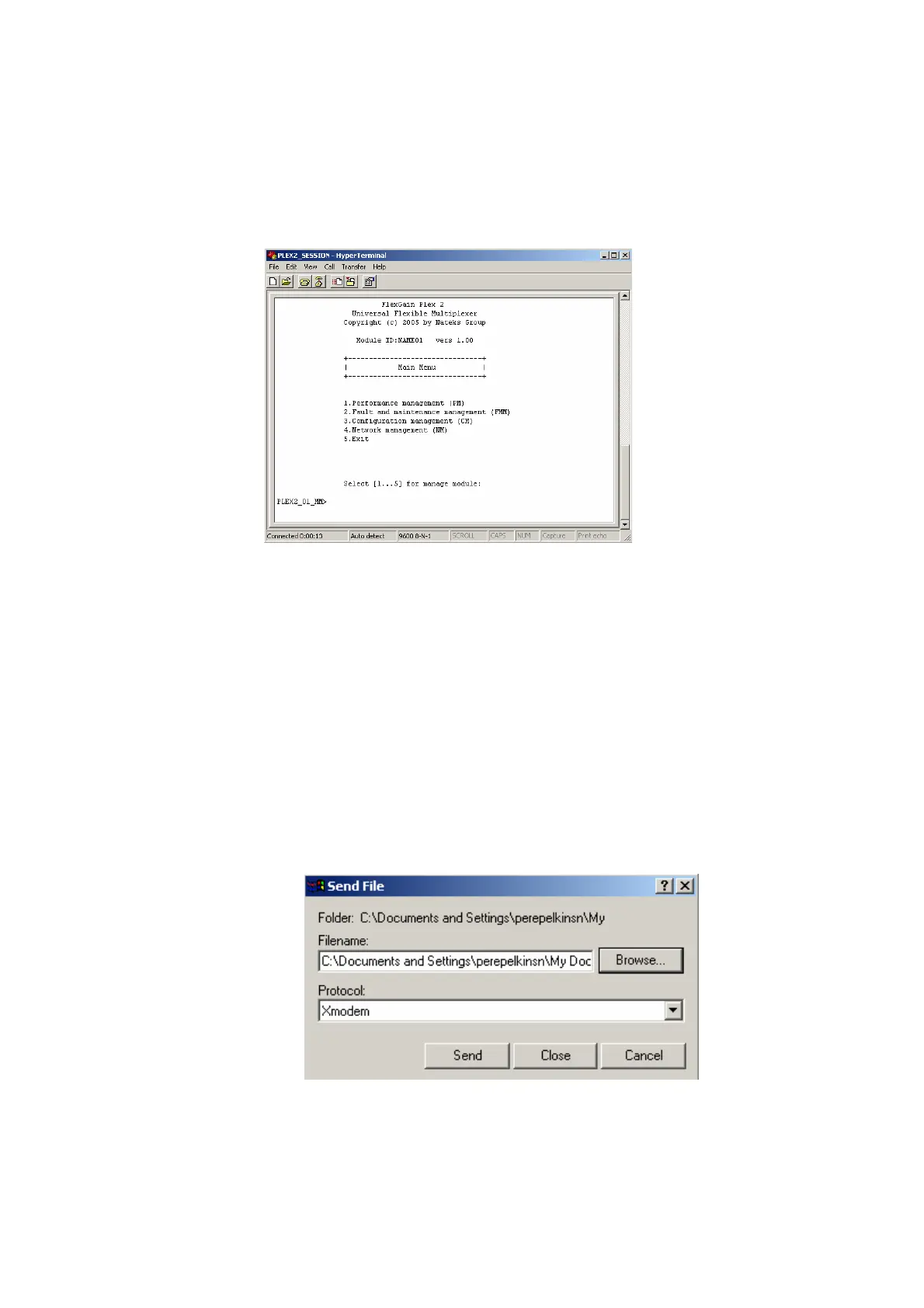
3.2.12. Enter %ХХ, where ХХ is the slot number in the shelf. The main menu
of the
FlexGain Plex, V2 device is displayed.
3.2.13. Select 3 of the «Configuration Management» menu. Type 3 and press
ENTER.
3.2.14. Enter <UPDATE>.
PLEX2_01_CM>UPDATE
Select file to transmit.
Use X-modem transfer protocol.
Time limit for file selection is 40 sec.
After the UPDATE command, the
FlexGain Plex, V2 device waits for the connection
within 40 seconds by the X-modem protocol.
3.2.15. Time counter is on. While it counts time, select Send File in the
Transfer menu.



 To Next Page