User’s manual FlexGain Plex, V2
Version 1.3
35 from 99
1.15 Test loops.
Test loops allow the user to check the interaction of the device with the equipment
connected to it. The test loops are activated by commands described in the «Fault and
maintenance management (FMM)» menu.
1.15.1 E1 loops.
To test the device and the equipment connected to it, two types of loops are used:
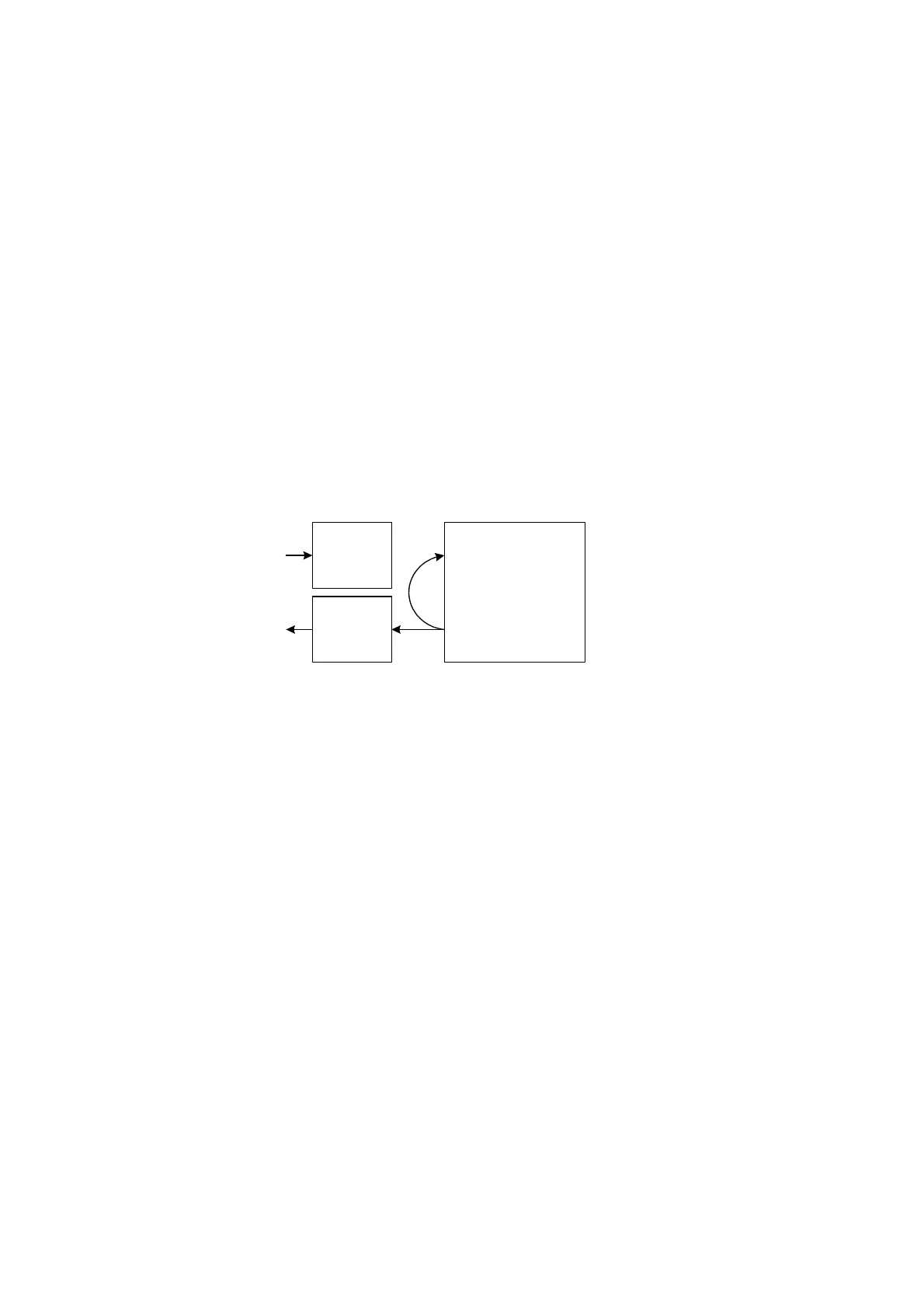
• A loop, activated by the <LDL PCMx ON> command (PCMx can take the values of
PCM1 and PCM2), provides the “loop” of the signal from the output of the cross-
connect matrix of the multiplexer to its input. In this case, the signal is also
transmitted in the line of the corresponding stream. The receiver of the line signal
from the cross-connect matrix is switched off. The loop can be used to test the local
device performance. Figure 10 shows the realization of the <LDL PCMx ON>
command. The loop of this type is deactivated by the <LDL PCMx OFF> command.
Receiver
Transmitter
Cross-connect matrix
E1
Figure 7. Realization of the <LDL PCM1 ON> command.
• A loop, activated by the <RDL PCMx ON> command (PCMx can take the values of
PCM1 and PCM2), provides the “loop” of the signal from the output of the line
transmitter to the input of the line transmitter. In this case, the signal is also
transmitted to the input of the cross-connect matrix. The transmitter of the line signal
from the cross-connect matrix is switched off. The loop can be used to test the line
interface of the device. Figure 11 shows the realization of the <RDL PCMx ON>
command. The loop of this type is deactivated by the <RDL PCMx OFF> command.



 To Next Page