User’s manual FlexGain Plex, V2
Version 1.3 88 from 99
3.2.16. In the Send File window, select X-modem in the drop-down menu of
the Protocol field. Browse the Plex2_Vхх.DAT file (the name can change
depending on the software version). Click Send. HyperTerminal starts the file
downloading. The downloading being completed (about 7 minutes), the device
will store the downloaded file and will initialize the program. After clicking Send
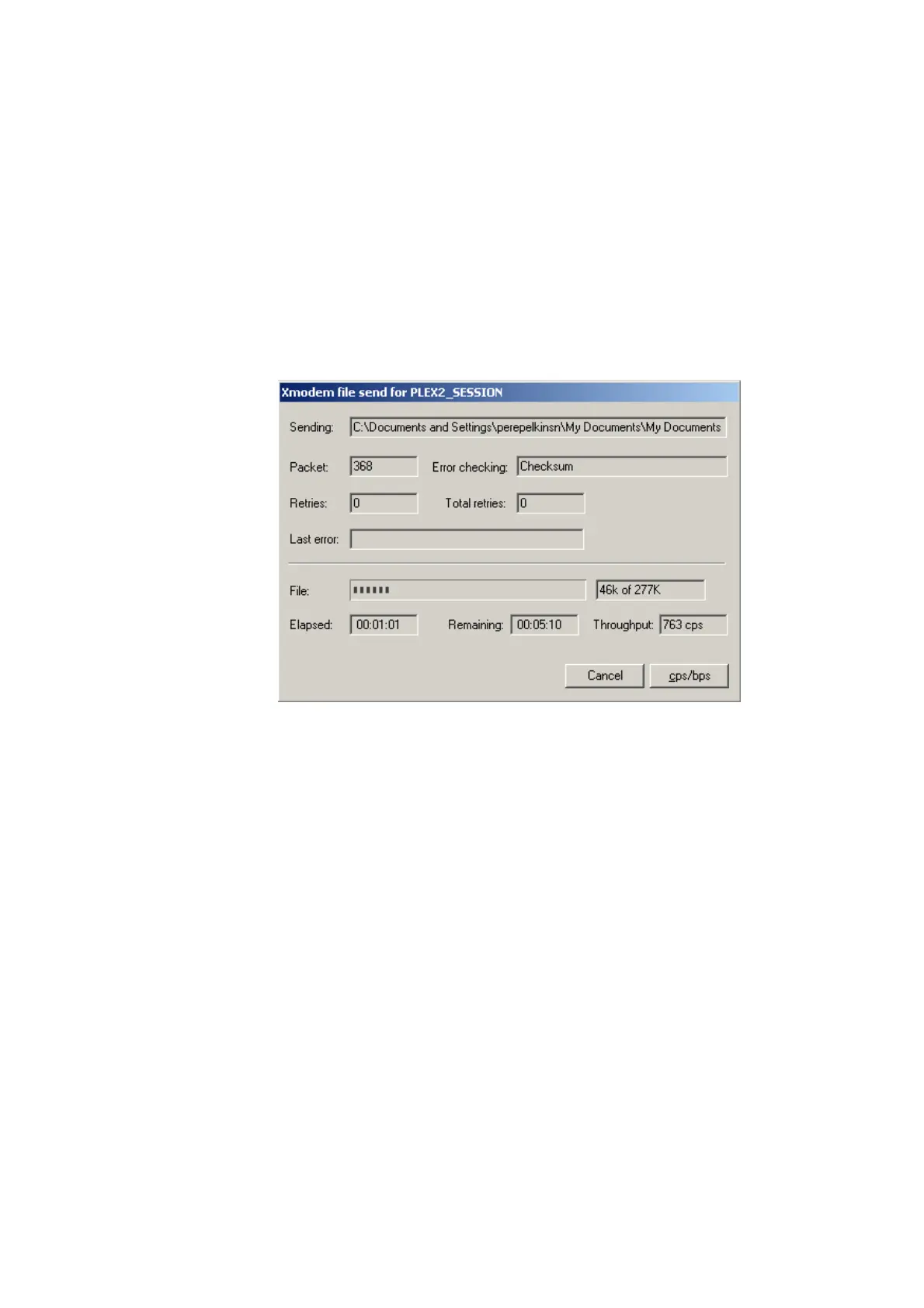
information will be transmitted and the Xmodem file send for … window will
appear.
The window contains the statistics of the software downloading (file name,
number of transmitted packets, error checking method, last error, downloading
progress, time, etc.). To interrupt the downloading, click Cancel.
The software being downloaded into the device, the Xmodem file send for
PLEX V2 window will close automatically and the HyperTerminal program will
display the programming statistics of
FlexGain Plex, V2.
PLEX2_01_CM>UPDATE
Select file to transmit.
Use X-modem transfer protocol.
Time limit for file selection is 40 sec.
Done.
Update procedure started:
ARM part tested.
Altera part tested.
DSP part tested.
All software modules correctly loaded.
Integrity test passed.
DSP area cleared.
DSP software blasted into flashROM.
Altera Acex area cleared.
Altera Acex content blasted into flashRom.



 To Next Page