MFD Selectable Window Displays
Within the display window beneath the navi-
gation display additional flightcrew informa-
tion may be selected. The optional TCAS
system can be displayed within this field.
Learjet 45 normal operational and abnor-
mal/emergency procedure checklist pages may
also be displayed within this area. The check-
list pages are arranged procedurally and are
menu selectable.
Airplane sub-system displays may also be
viewed within this display area. The system
schematic information is identical to the sys-
tem displays viewed on the EICAS format
(lower display area).
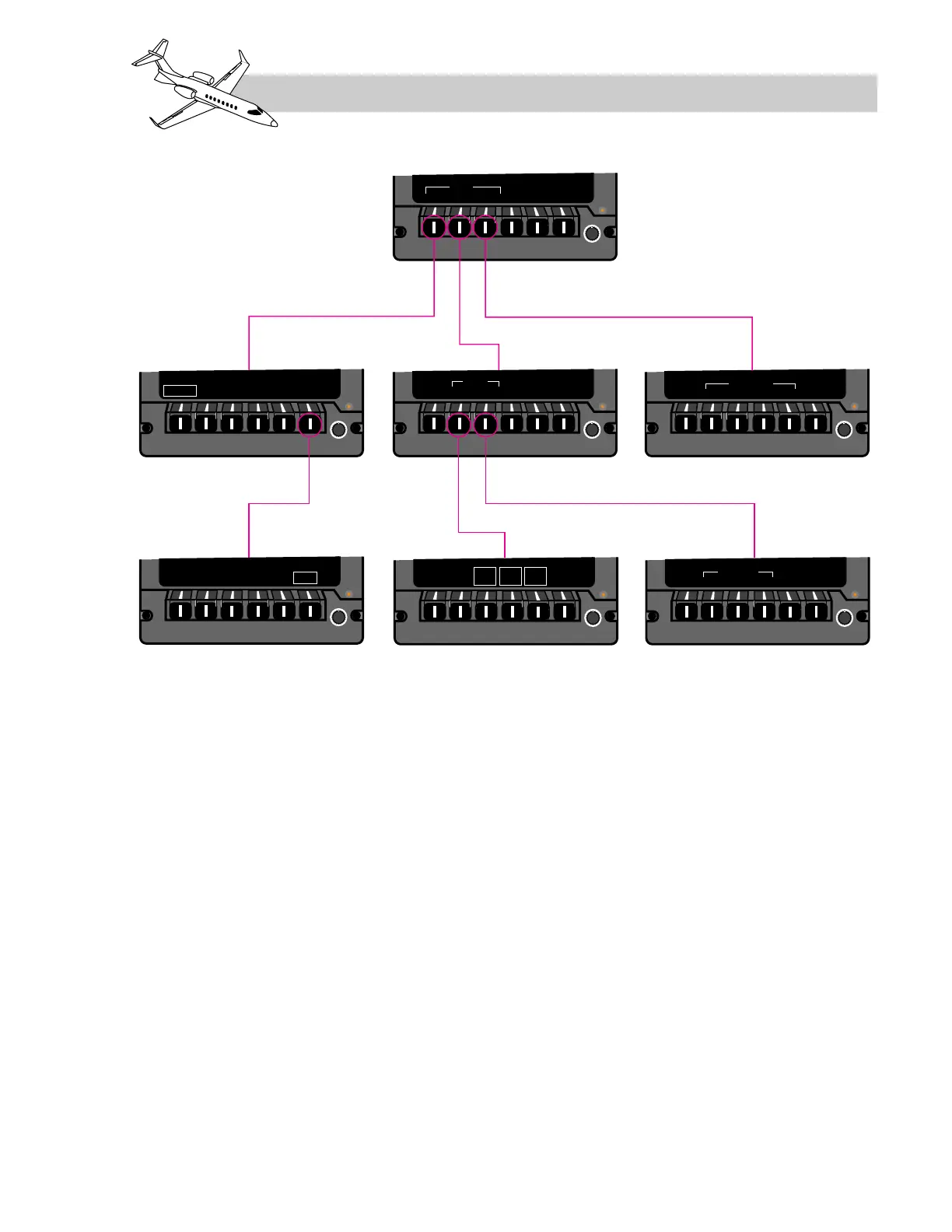
MFD Bezel Menu
The MFD bezel controller provides a selection
of menu functions (Figure 16-42). There are
three functions the bezel buttons can perform:
• Selection of a submenu
• Toggling selection of a menu item
• Selection of a variable parameter for set-
ting with the bezel knob.
When a menu item is selected on any of the
menus and then the menu is changed, the item
selected is not affected, e.g. if WX is selected
on the main menu and then a submenu is se-
lected, the WX radar display remains in view
on the MFD. The operator has to return to the
LEARJET 45 PILOT TRAINING MANUAL
16-71
FOR TRAINING PURPOSES ONLY
FlightSafety
international



 To Next Page