FT-107 Weighing Terminal, Technical Manual, Rev. 1.0.0, August 2019 Page 35 of 46
7. PROGRAMMING AND CALIBRATION
You will find the programming and calibration procedure of FT-107 weighing terminal in this section.
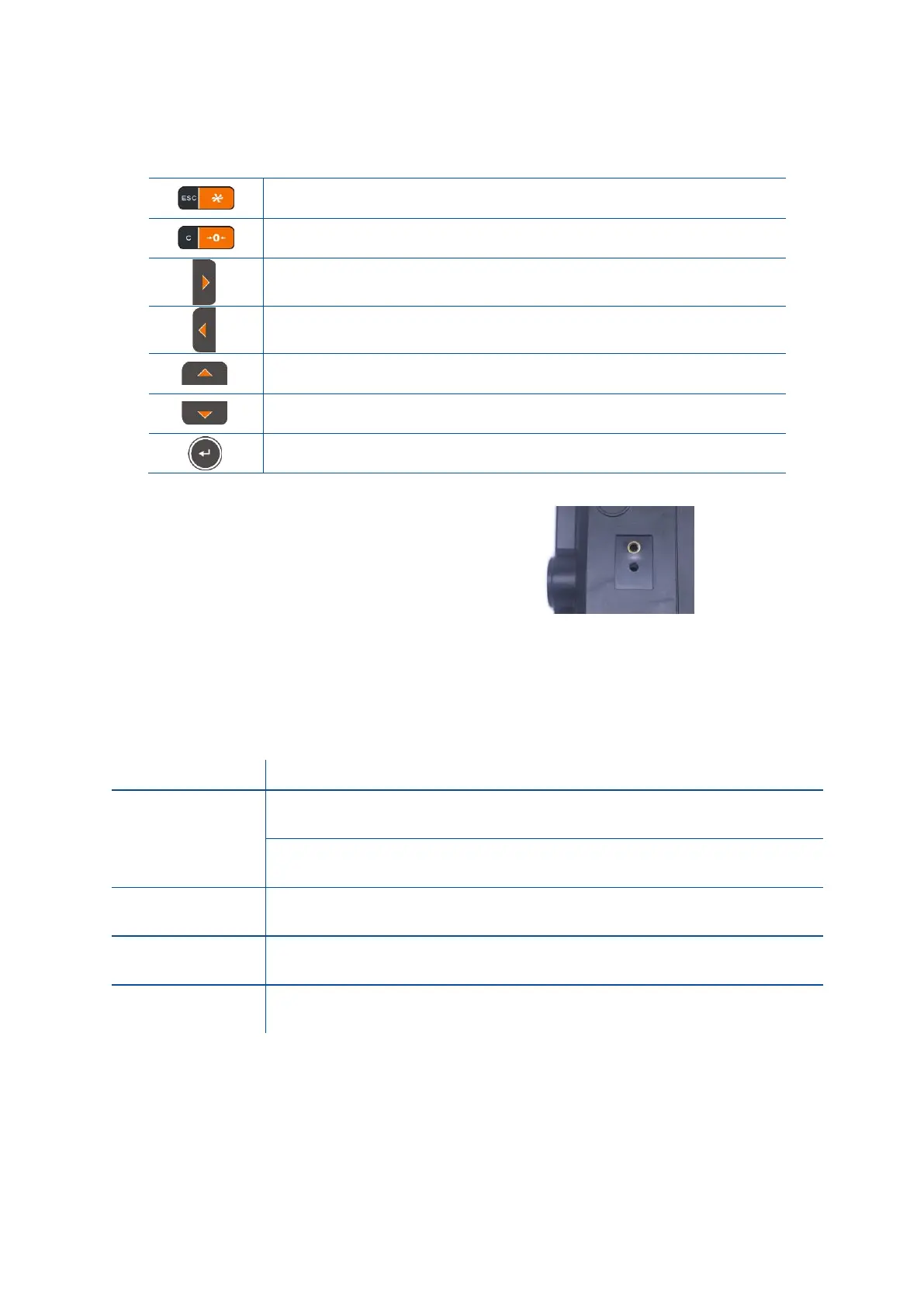
- Return to the menu
- Return to the operation without saving parameters.
- Next menu item.
- Move to the right digit.
- Previous menu item.
- Move to the left digit.
Increase the selected digit value.
Decrease the selected digit value.
Press this key to go to the next item.
Calibration switch is located on the rear of the
instrument. The calibration switch should be
sealed before putting the scale in to usage.
Figure 7.1- The location of calibration switch
7.1 Entering the Programming and Calibration
To enter the programming menu, you should follow the description in the table below.
Press STP key until [ PASS ] prompt appears and then Enter key (only
non-OIML scales ).
Or press calibration switch.
Enter ‘011012’ with navigation keys.
Press Enter key for confirm password.
Set-up menu consist of three main blocks, which are Scale build block, Calibration block and System block.
Press ► key to reach the desired block and press Enter key. Press Enter key to navigate in this block
items or change item value by ▲ and ▼ keys. For entering numerical value, press the ► and ◄
keys to select the digit and press the ▲ and ▼ keys the change the value.



 To Next Page