FT-107 Weighing Terminal, Technical Manual, Rev. 1.0.0, August 2019 Page 17 of 46
5. FT-107(S) FUNCTIONS
5.1 Basic Functions
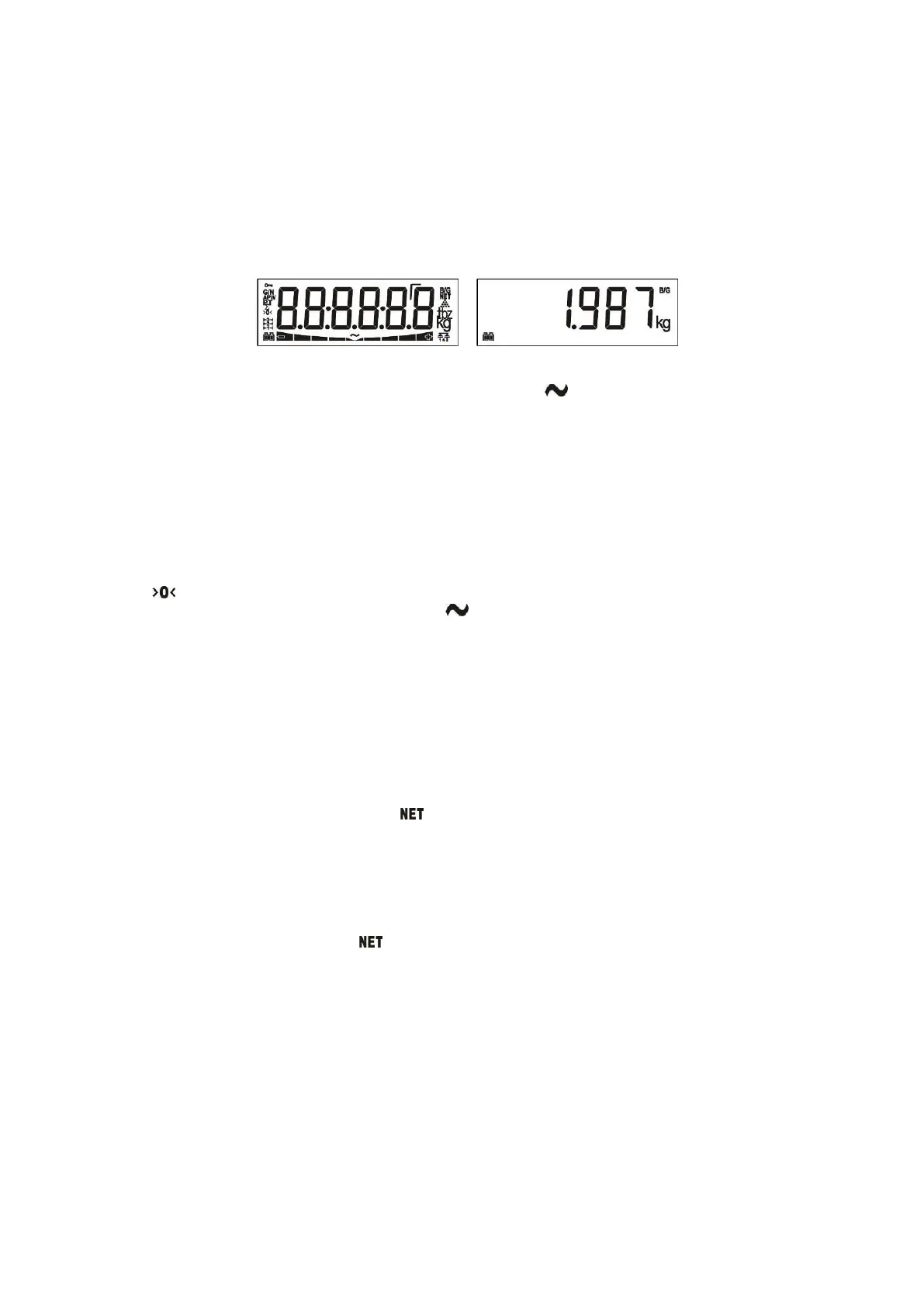
Press [ On/Off ] key to switch on the scale. Indicator activates all segments of the display for a few seconds
then shows indicator´s model name and version. At the end a display test will be carried out.
After starting cycle, the weight value is displayed. The message [ E E E ] will appear at power on if the weight
exceed the zeroing range. The scale should be unloaded before power on.
Figure 5.1 - LCD Display segments and Weight display.
Place the object on the scale. If the scale is stable and the symbol disappeared, the weight will be
displayed.
If one of the function keys (“ * ” or “F” key) were programed for unit changing, press this key to select desired
weighting unit (Page 29 ).
Zeroing
Zeroing is done to compensate deviations from zero of the unloaded scale.
1. Ensure the scale is clean and does not touch any surroundings.
2. Press the Zero key to compensate the zero deviation. The zeroing is done if the scale is stable and
in zeroing range.
3. sign appears to indicate the zeroing is done and the scale is at center of zero.
4. If zeroing is not done properly, wait for the sign disappear and press Zero key again.
Taring
Taring is done to deduct the container weight and to see only the material inside. FT-107 is programmable for
3 types of tare function: Multi tare, Tare/Clear, Automatic tare (Page 25).
Warning: Tare value cannot exceed the maximum scale capacity. The scale capacity in Net is the subtraction
of maximum capacity to the tare weight. Capacity in Net = Maximum capacity – Tare weight.
Multi taring
1. Place the container on the platform and press the Tare key.
2. The display value is zeroed and the (net weight) symbol appears.
3. Place the material into the container and read the net weight.
4. The tare value is used until either a next tare or pressing Tare key after unloading the scale or until
zeroing the scale.
Tare / Clear
1. Place the container on the platform and press the Tare key.
2. The display is zeroed and the (net weight) symbol appears.
3. Place the material into the container and read the net weight.
4. Press the Tare key to clear the tare. Or press the Zero key after unloading the platform.
Auto Tare
This function allows taring automatically after loading the scale in gross operation without pressing Tare key
if the load is bigger than 20e. After unloading the scale, the indication goes back to the gross. To activate the
auto tare function, refer to Advanced functions (Page 25).
1. Place the container on the platform.
2. Scale activates the tare function automatically after stabilization.
3. Place the material inside the container for net weighing.
4. After unloading the scale, the indicator starts to indicate in gross.



 To Next Page