FT-107 Weighing Terminal, Technical Manual, Rev. 1.0.0, August 2019 Page 34 of 46
6.3 Animal Weighing
One of the function keys (the * key is recommended) can be programmed for animal weighing. The indicator
calculates the weight of the dynamic load after pressing the programmed function key. The dynamic filter value
must be adjusted according to the application to achieve the best results. The dynamic weighing cycle is;
1. Load the scale.
2. Press the * key (if the function key was programmed for animal weighing (Page 23))
3. The message [ - - - - - ] appears to indicate that the indicator is measuring the dynamic weight.
4. After calculating the dynamic weight, the indicator displays the weight value.
5. Press Enter key to print out or M+ key to add the weight value to the total memory.
6. Unload the scale or press Esc key to return to the basic weighing mode.
6.4 Temporary Gross Weight Indication
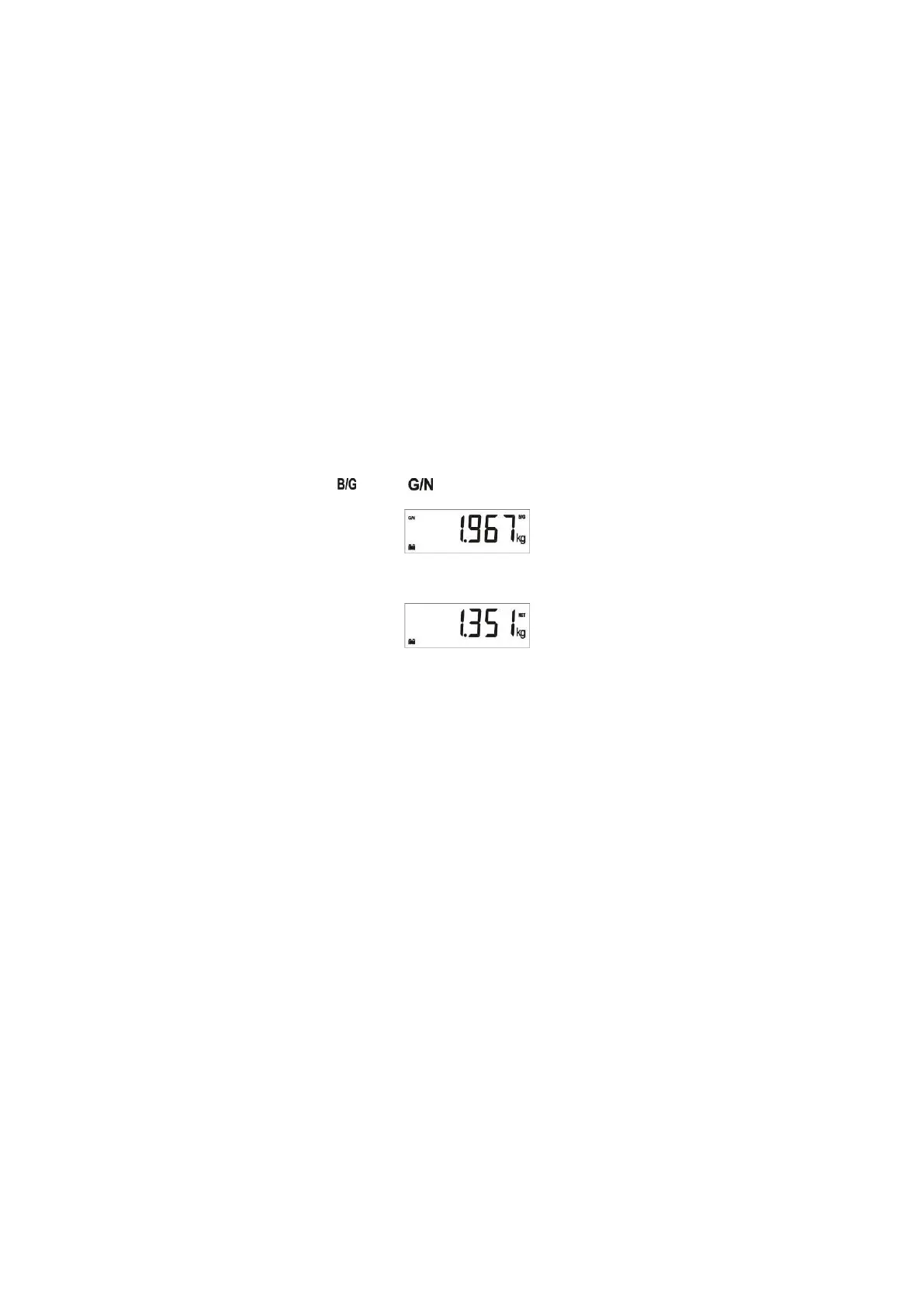
Sometimes it is needed to check shortly the gross weight value during net weighing operation. If one of the
function keys is programmed to G/N function (Page 23), temporary gross weight value indication is available in
net operation.
1. Press the G/N programmed function key in net mode.
2. The indicator activates the and signs and indicates the gross weight value.
3. The display goes back to the net weight indication after 5 seconds automatically.



 To Next Page