Issue 13 CWT Compact Touch Installation and Maintenanace Manual Page 67
Note:
The printer and paper role shelf may differ from model to model.
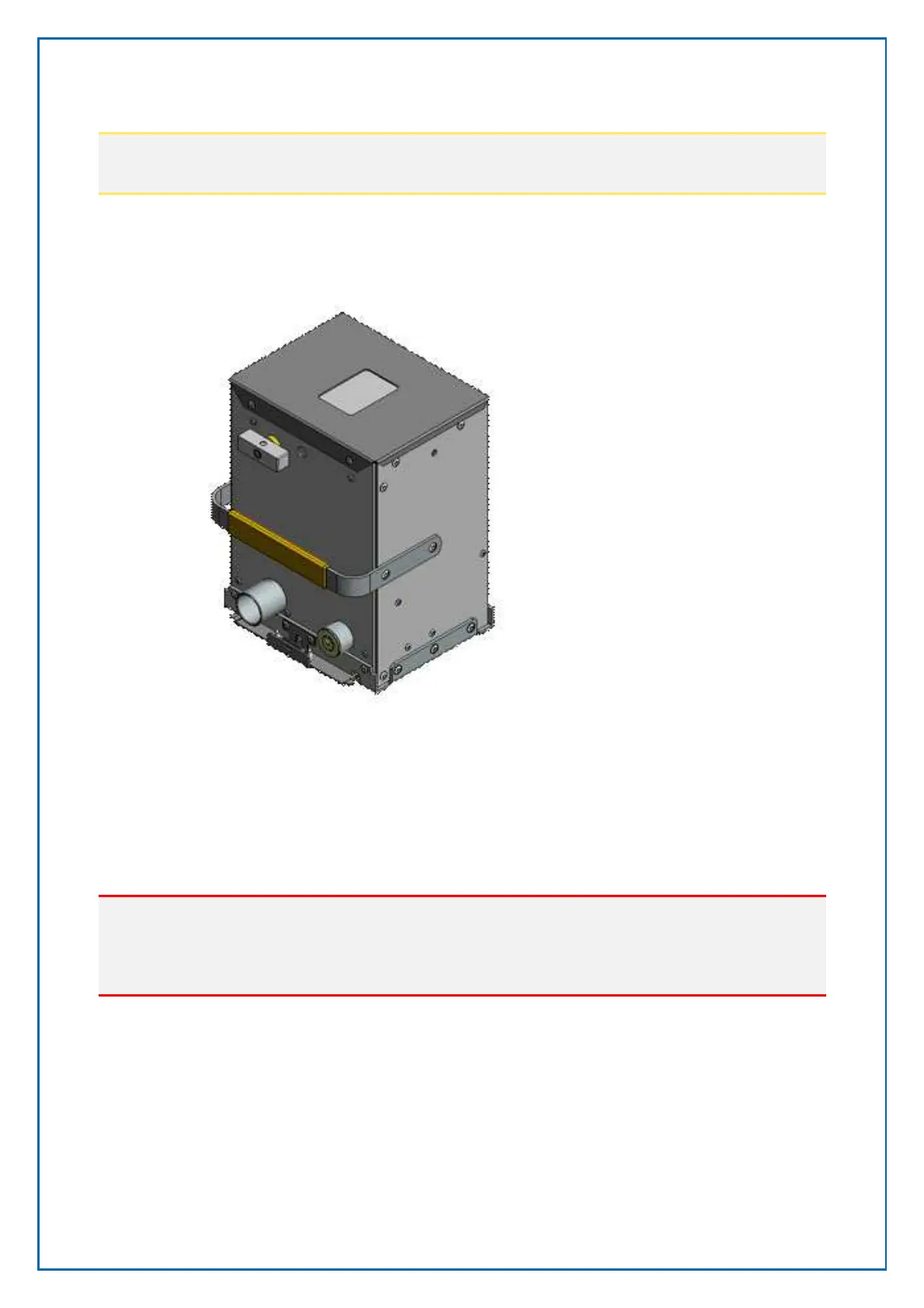
5.2.7 Installing the coin box
1. Open the vault door with the appropriate key.
2. Insert the coin box
3. Turn the opening knob a quarter turn counter clockwise into vertical position.
This will lock the box into position in the pedestal and open the collection
hatch on top of the box.
Important
if the knob is now returned to the horizontal position, the box must be emptied
before the knob can be returned to the correct position. The vault door cannot
be closed while the knob is in the horizontal position.
4. Close the vault door and lock it.
Figure 52, Coin box



 To Next Page