Page 92 CWT Compact Touch Installation and Maintenanace Manual Issue 13
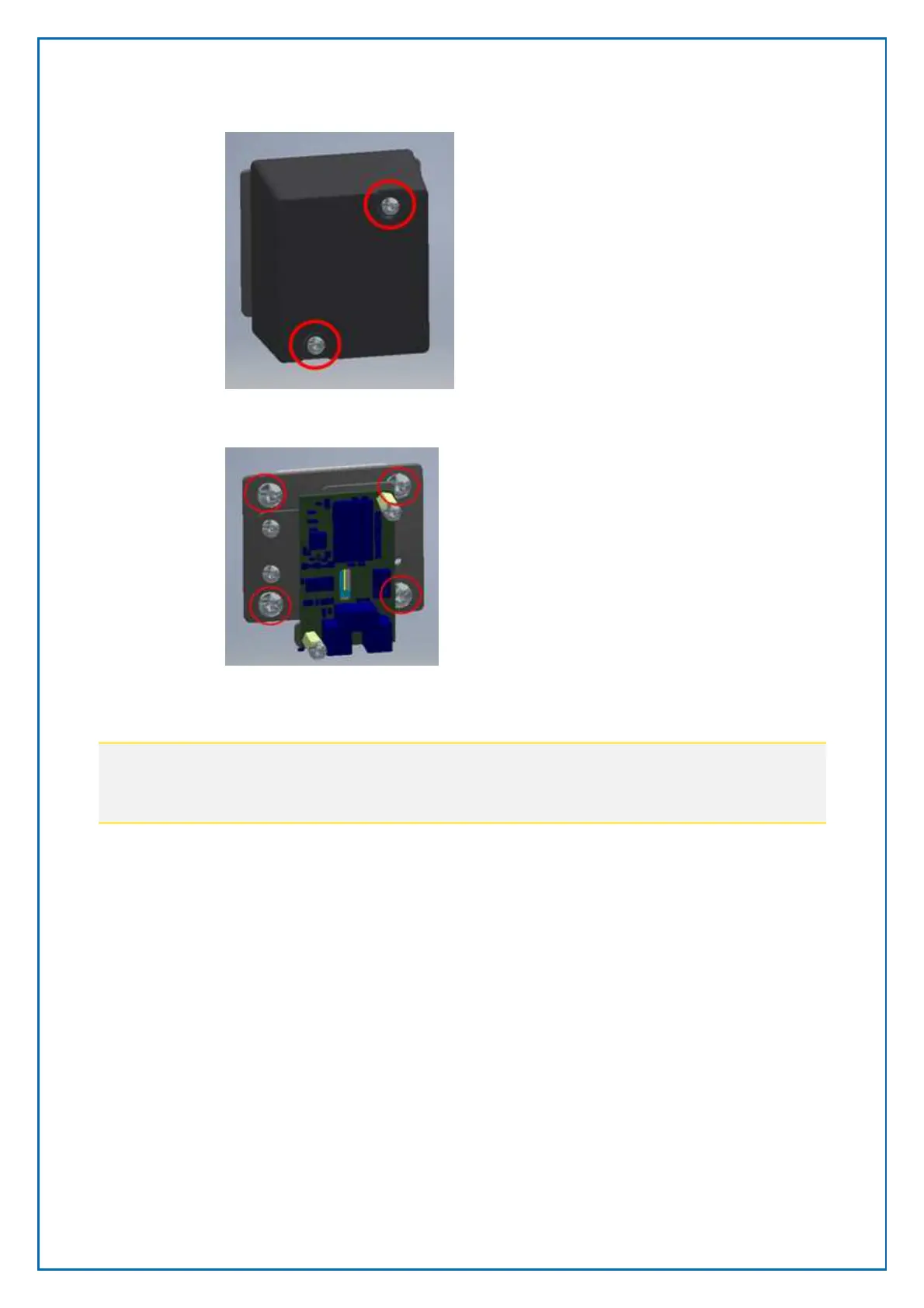
• Remove the scanner by unscrewing the four marked screws
• If needed remove the window.
Note:
The windows is fixed in the door with Very Heavy Tape and will be hard to
remove. Press the window from the outside inwards
• Clean the surface
• Add the new tape to the new window and place it in the door.
• Mount the new scanner in reverse order
• The cable is on the main board connected to connector J35
8.9 Cabinet & pedestal
8.9.1 Cabinet and pedestal lacquer, touching up
Cale Access AB provides kits including touch-up paint (3 x 0.3 litres), sandpaper
and instructions. When ordering, please state the article number and the colour
number (usually a RAL number) indicated on labels inside the cabinet and
pedestal.



 To Next Page