Page 88 CWT Compact Touch Installation and Maintenanace Manual Issue 13
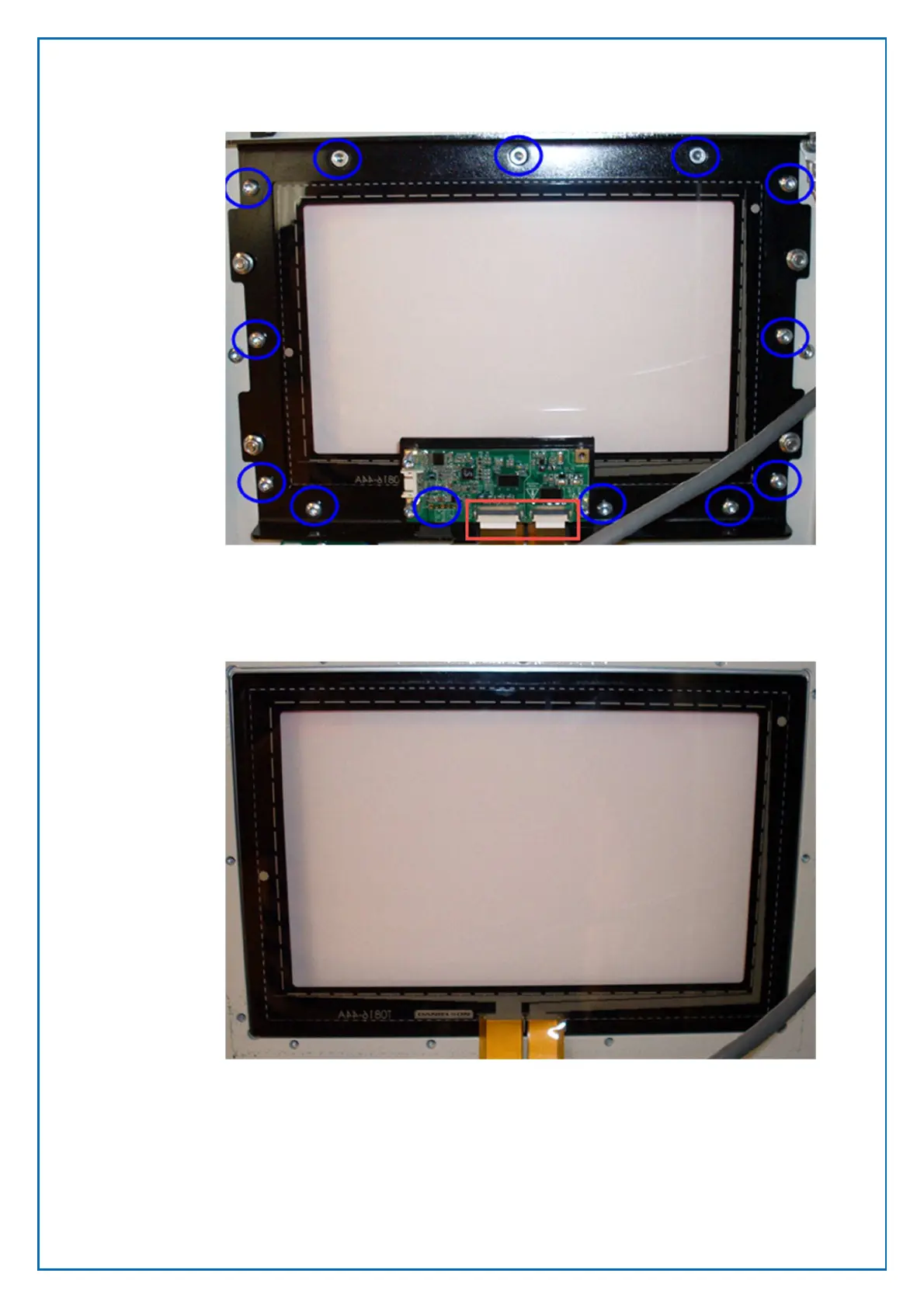
5. Remove the touch screen cables from the bottom of the board (red square)
by lifting the front clip of the socket upwards to loosen the cables
6. Remove all the screws in the blue circles. Note that the upper three are of a
different type (countersunk head cap screws) These must be replaced in the
same position to be able to replace the display module.
7. Lift out the touch screen.
8. Leave the O ring in place but verify if it needs replacement.
8.7.2 Assembly of the display unit



 To Next Page